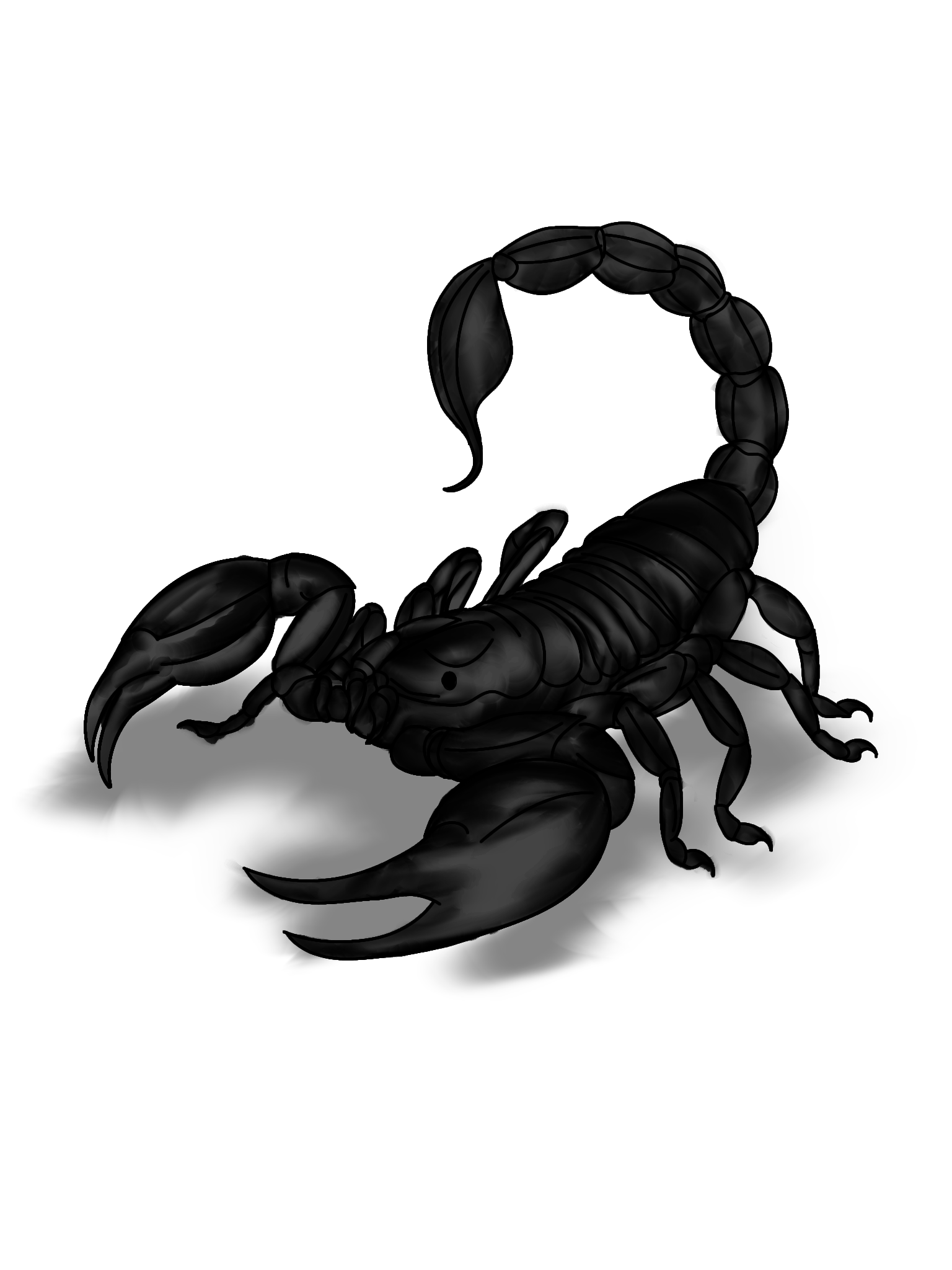
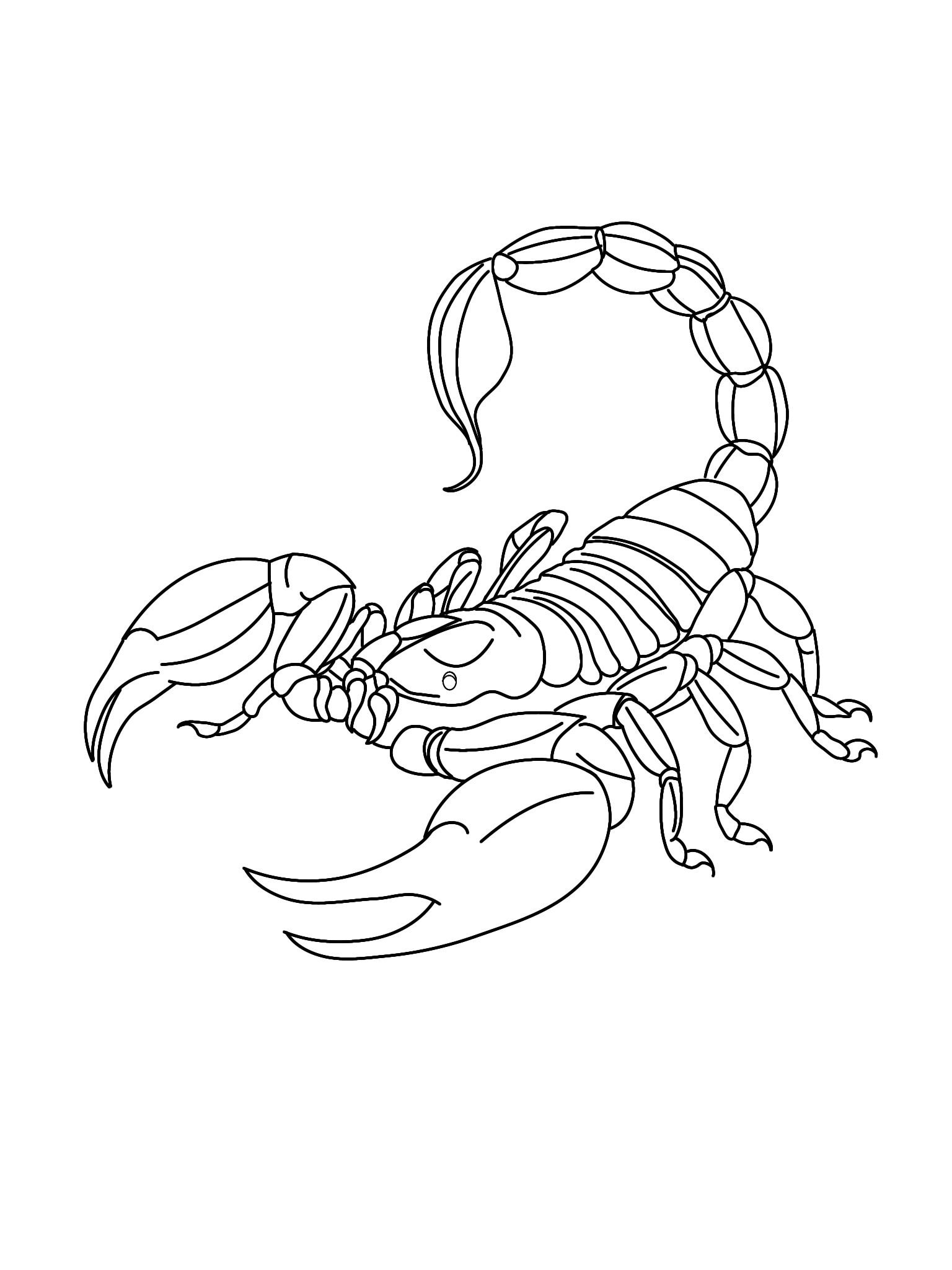
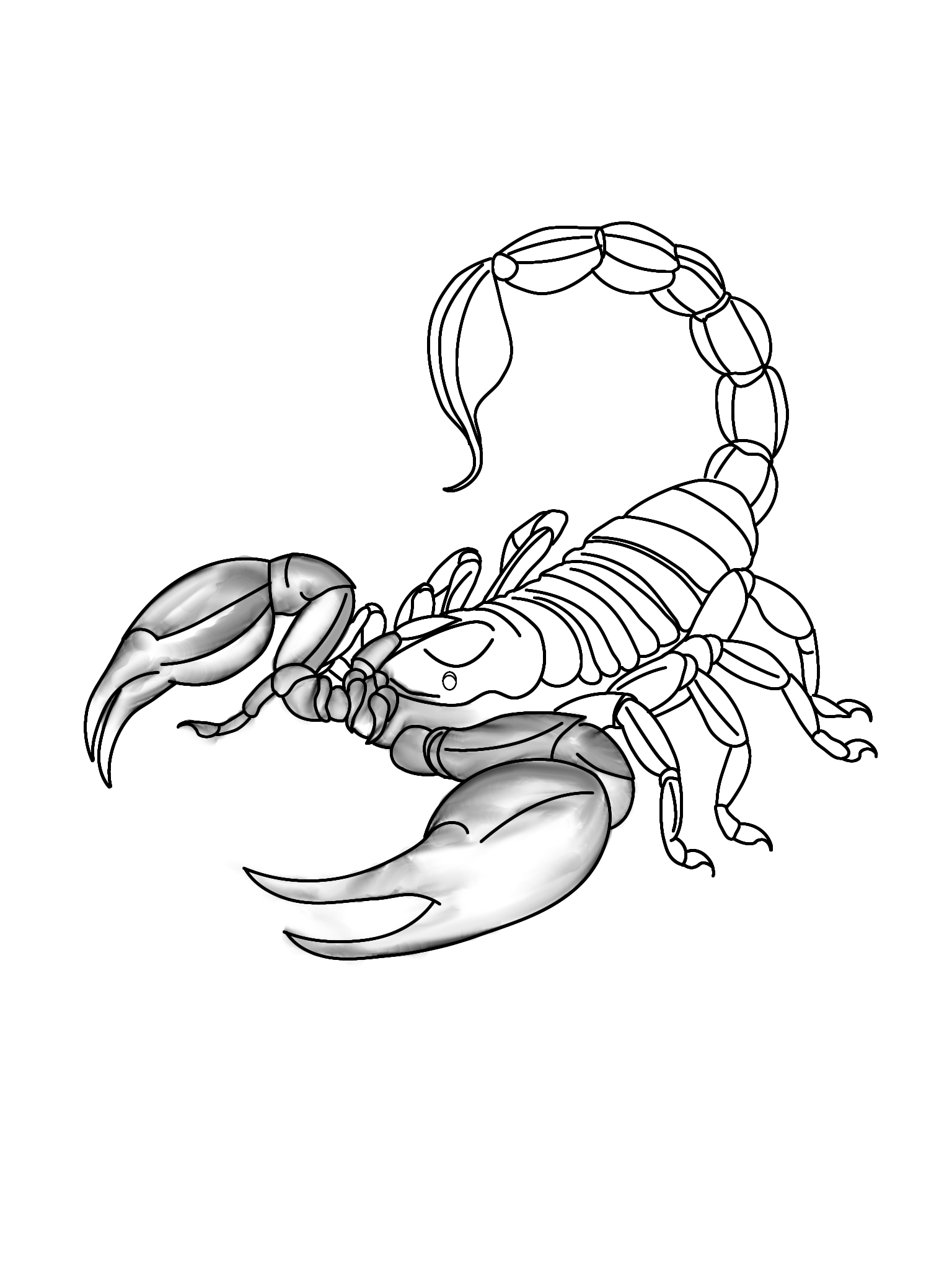
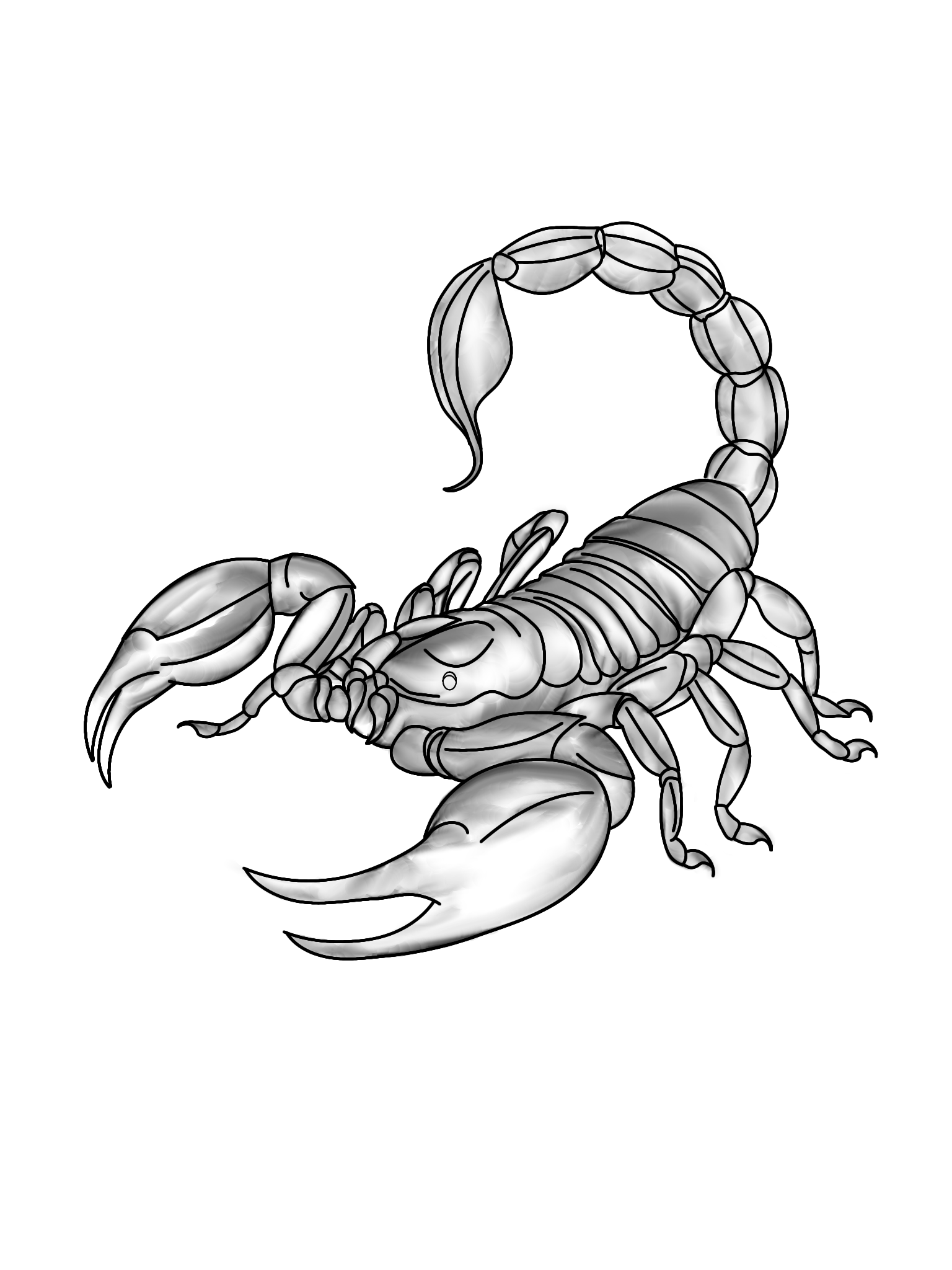
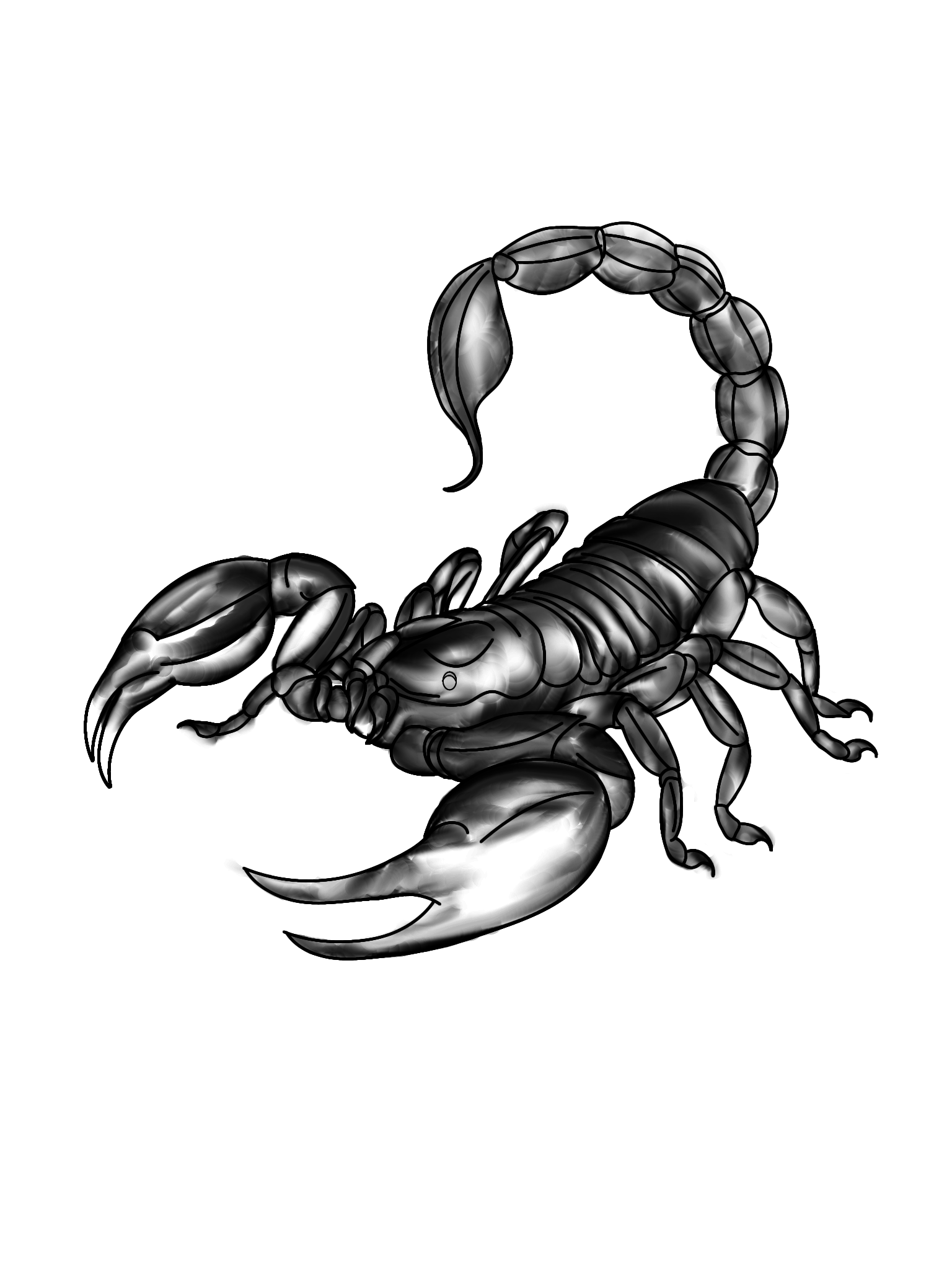
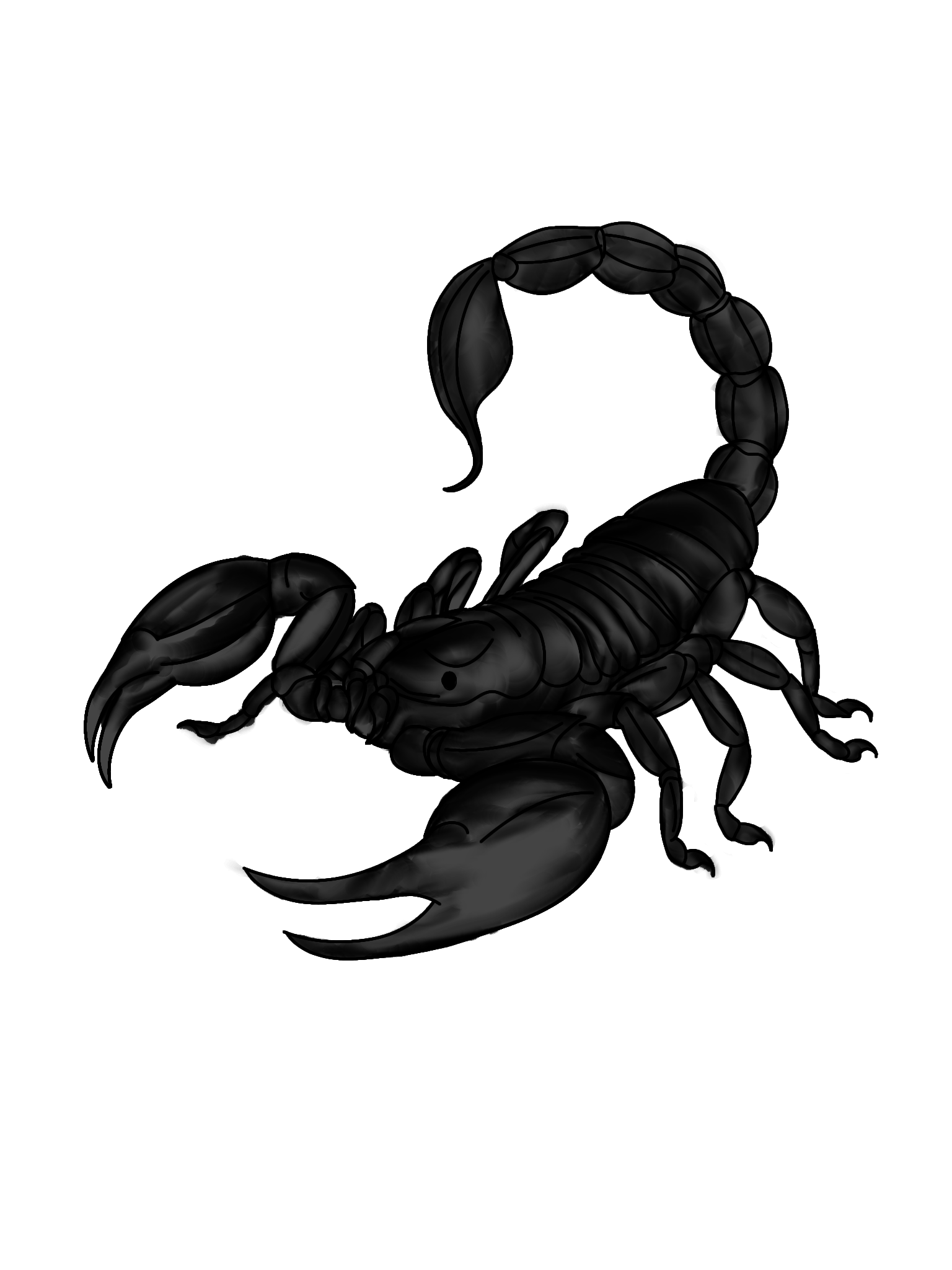
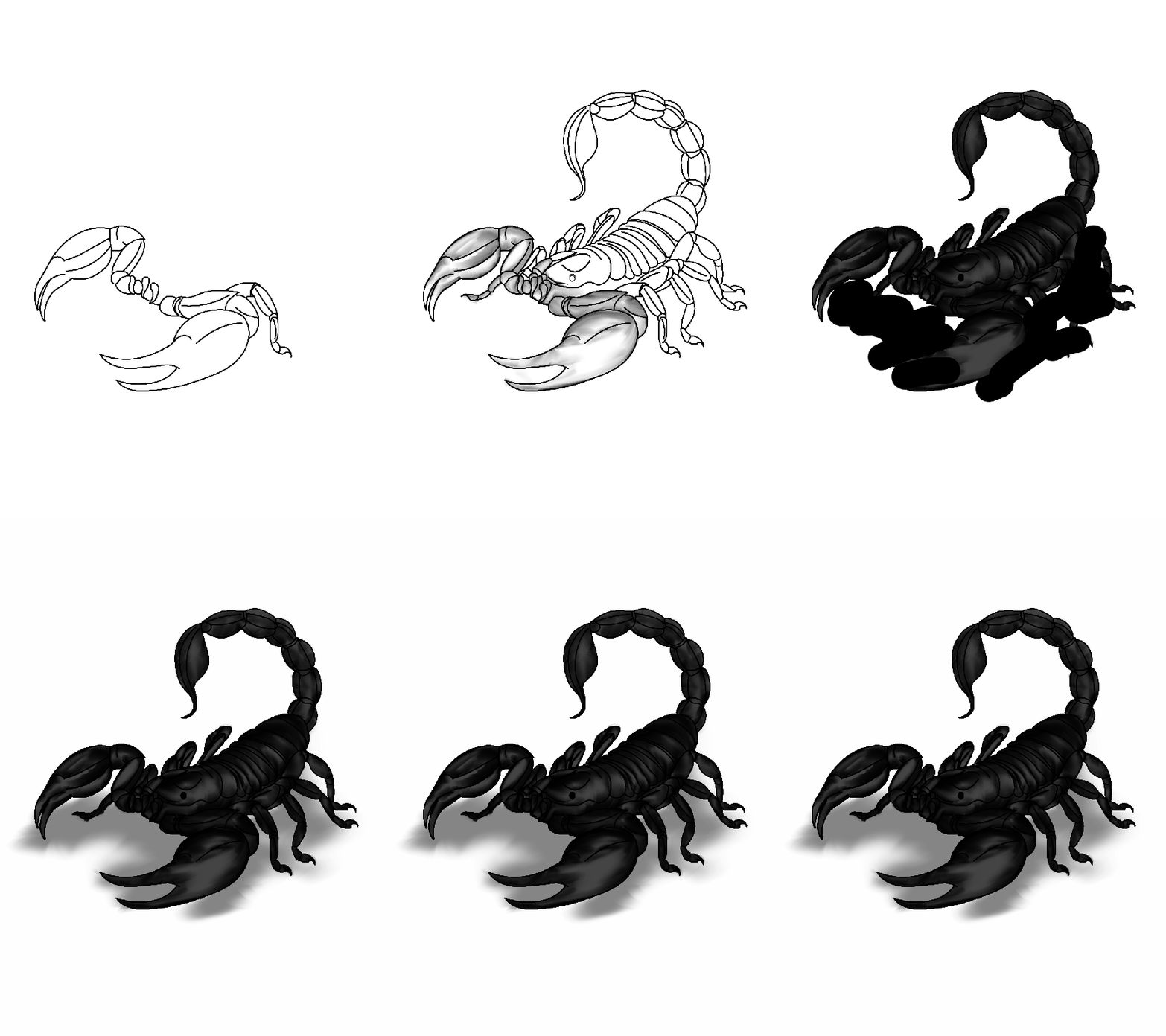
Hello, fellow digital art and INK enthusiasts! For this piece, titled "Sting," I’ve chosen to draw a scorpion delivering a sting with its tail.
Currently I am using the ibis paint drawing application. This application is very easy to use, especially for beginners.
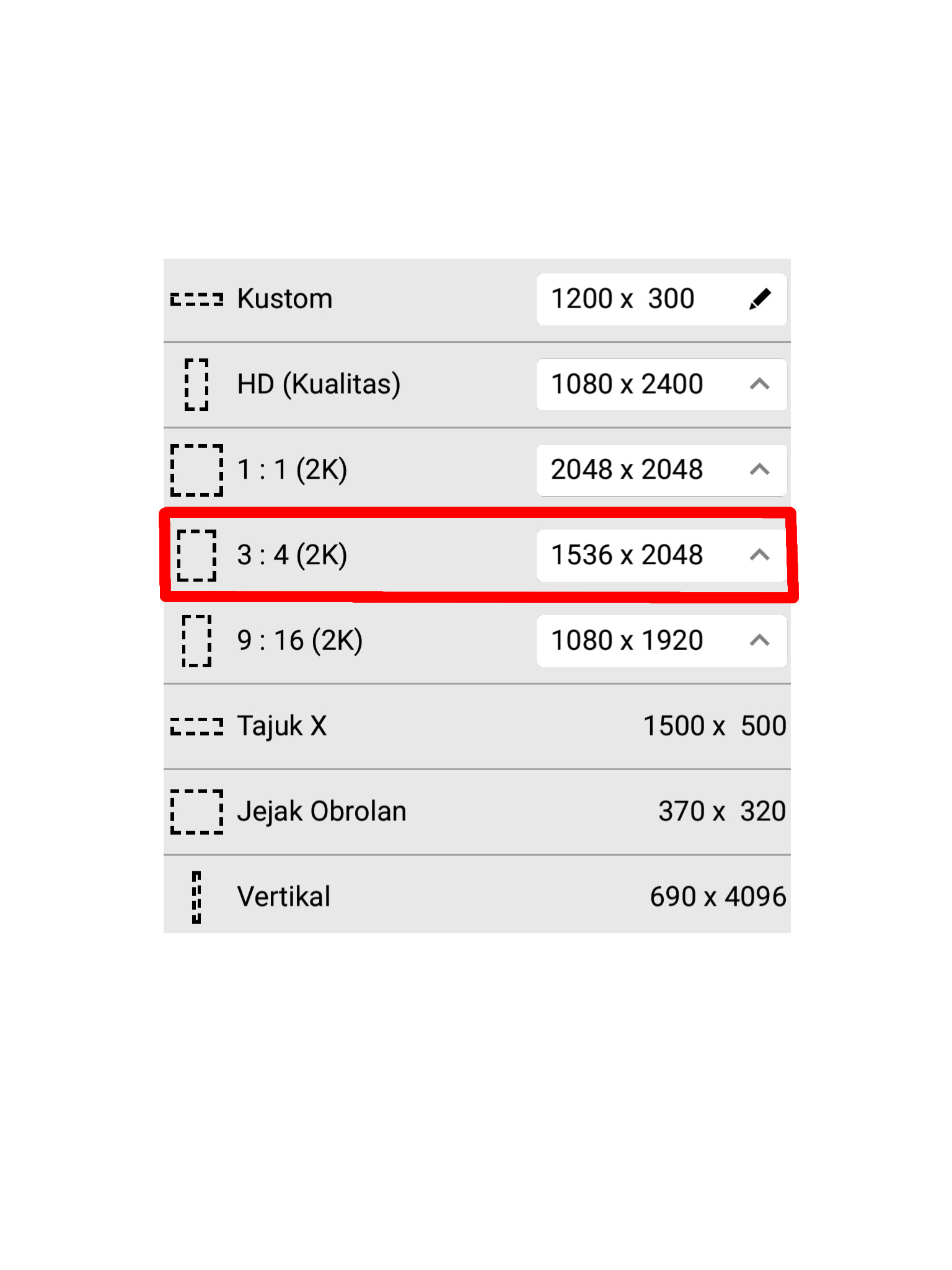
I am using a 3:4 aspect ratio (1536×2048).
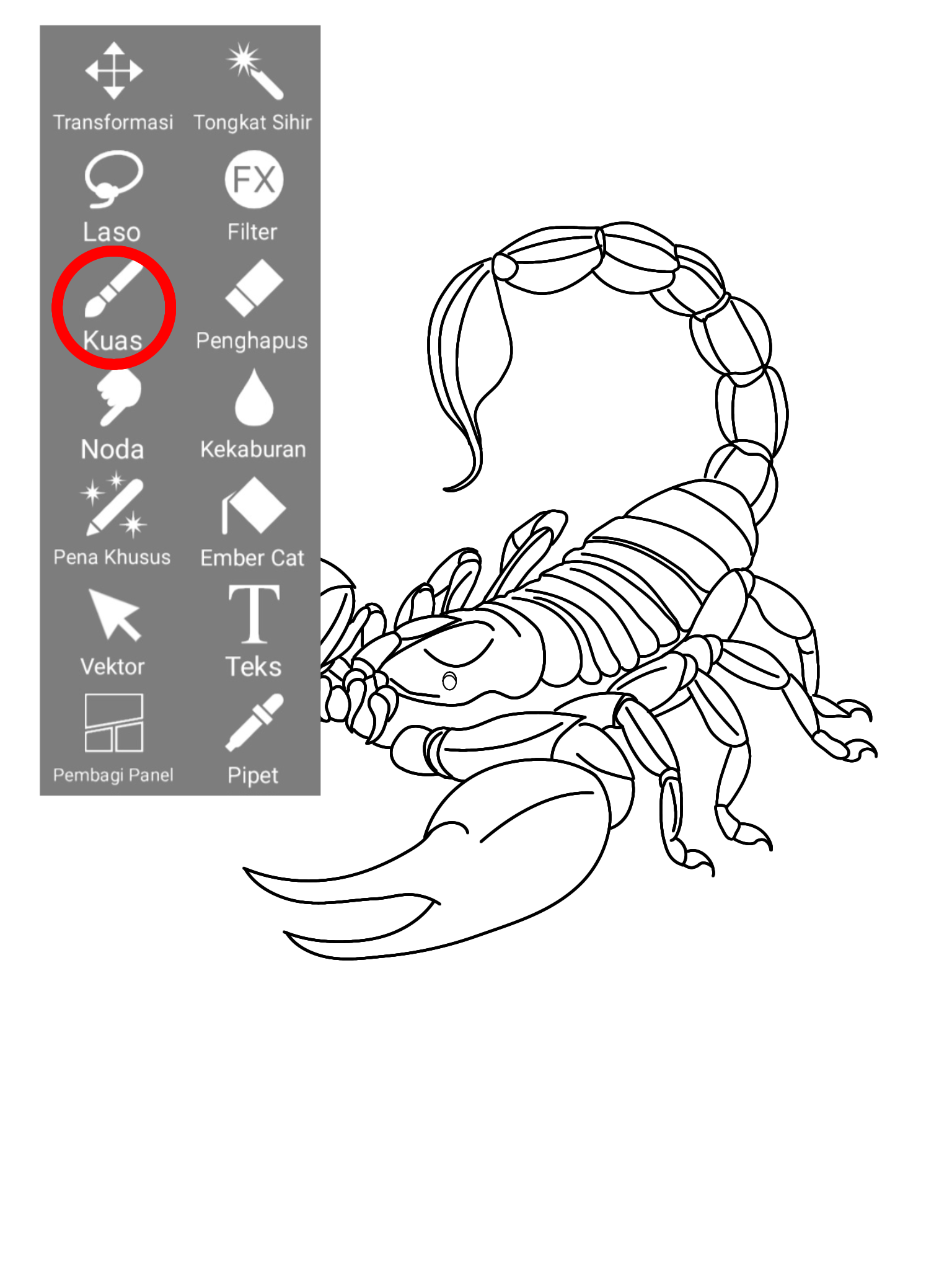
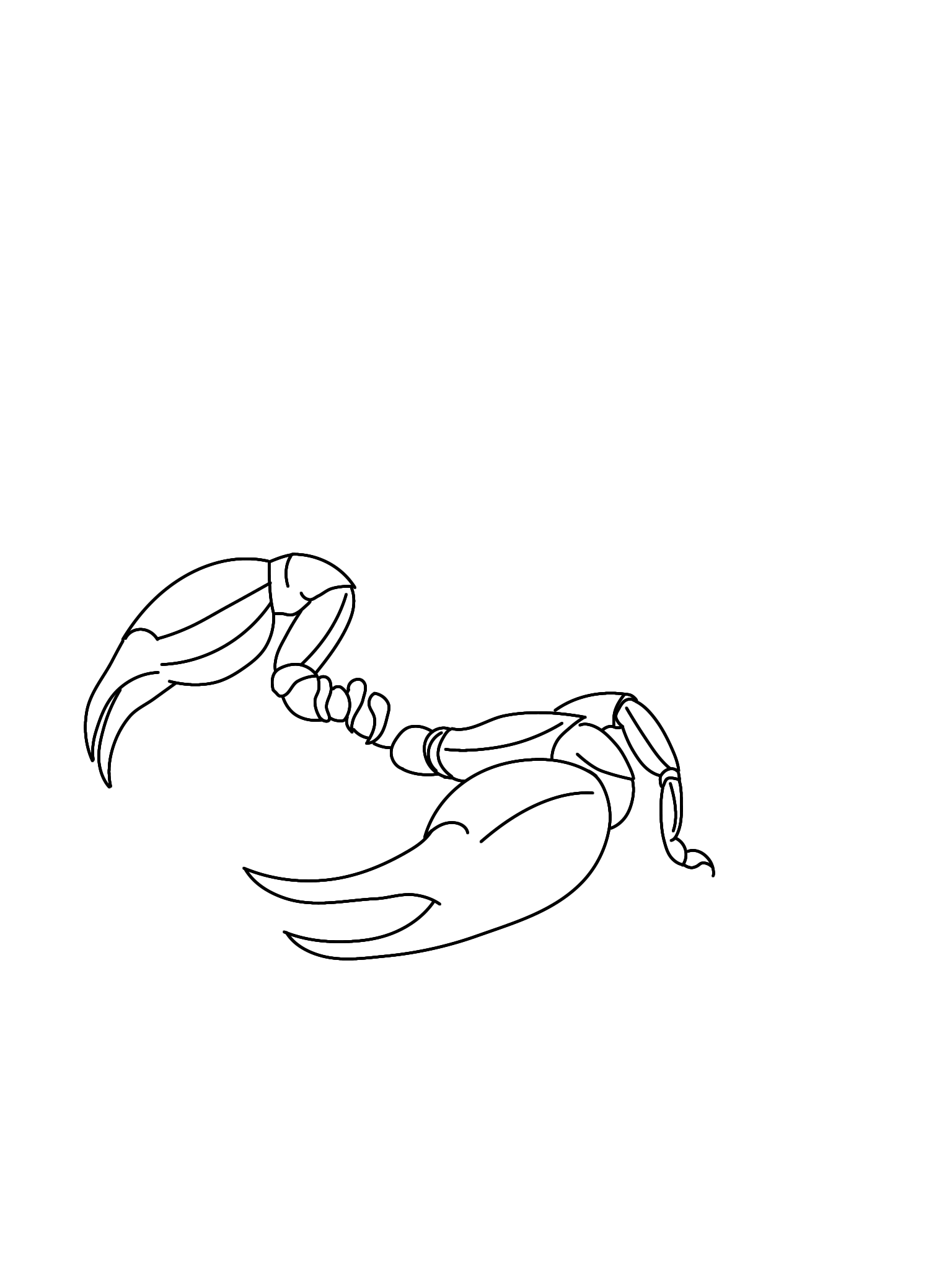
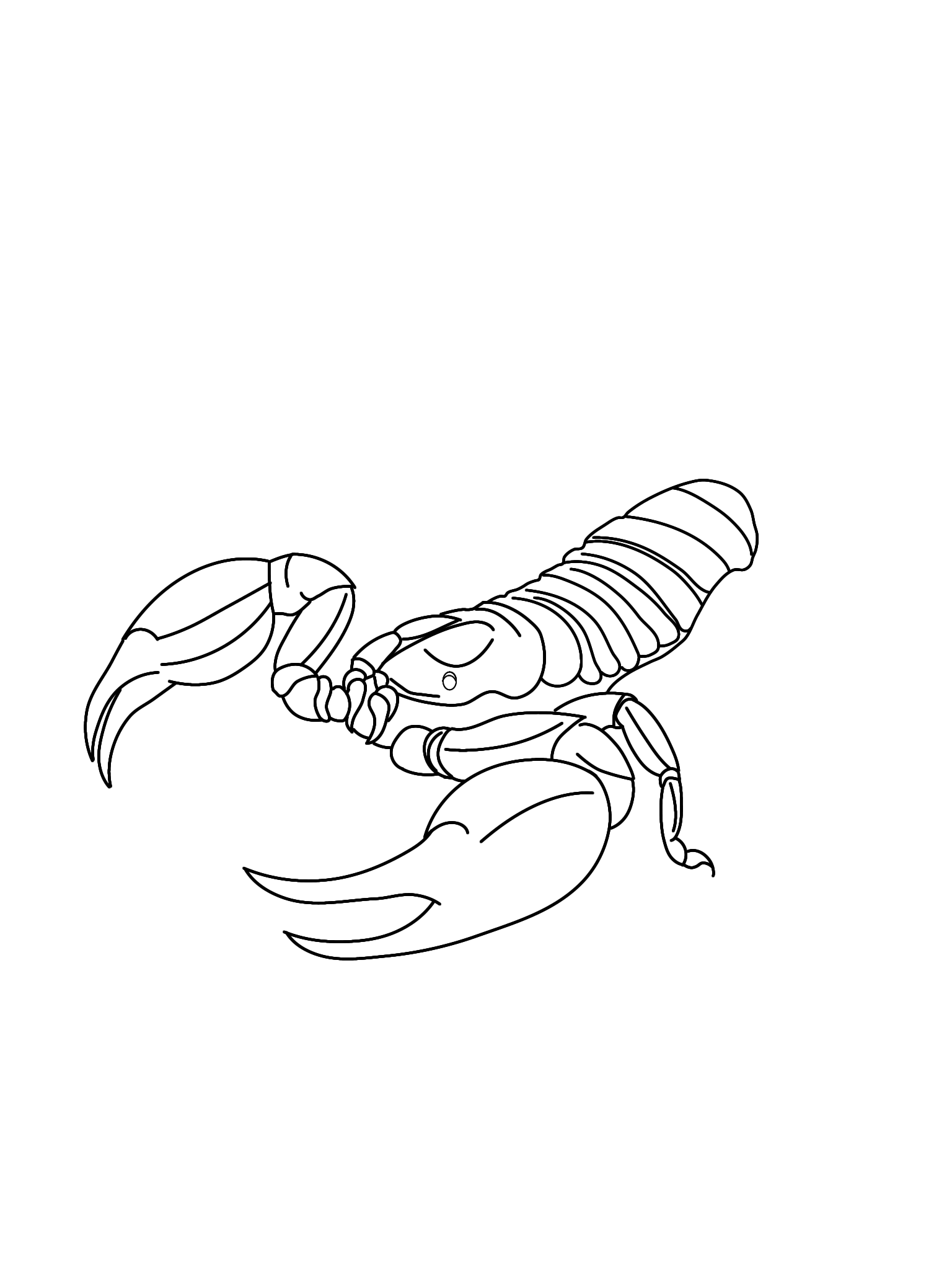
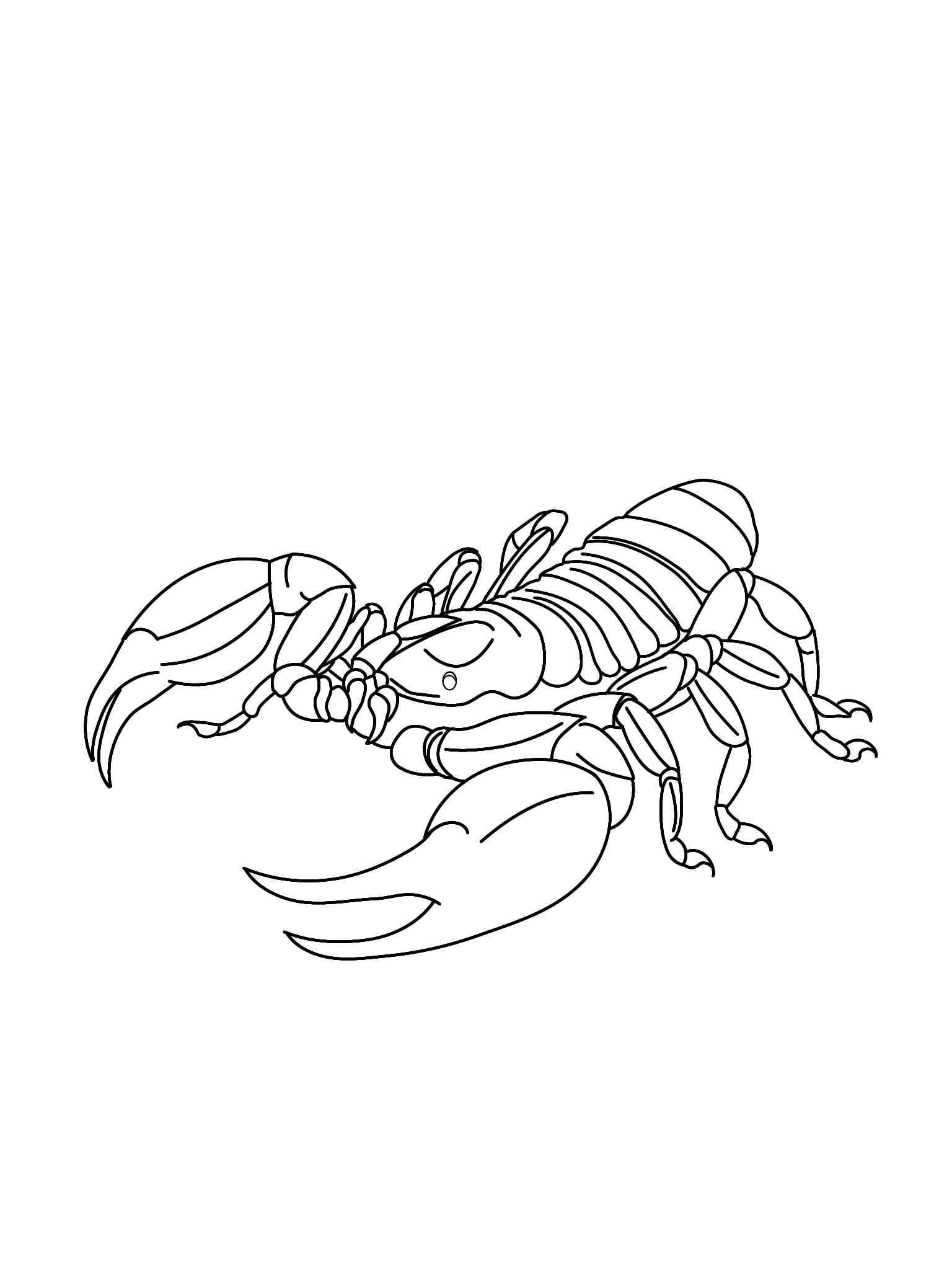
Next, I use a brush and black ink for the sketch.
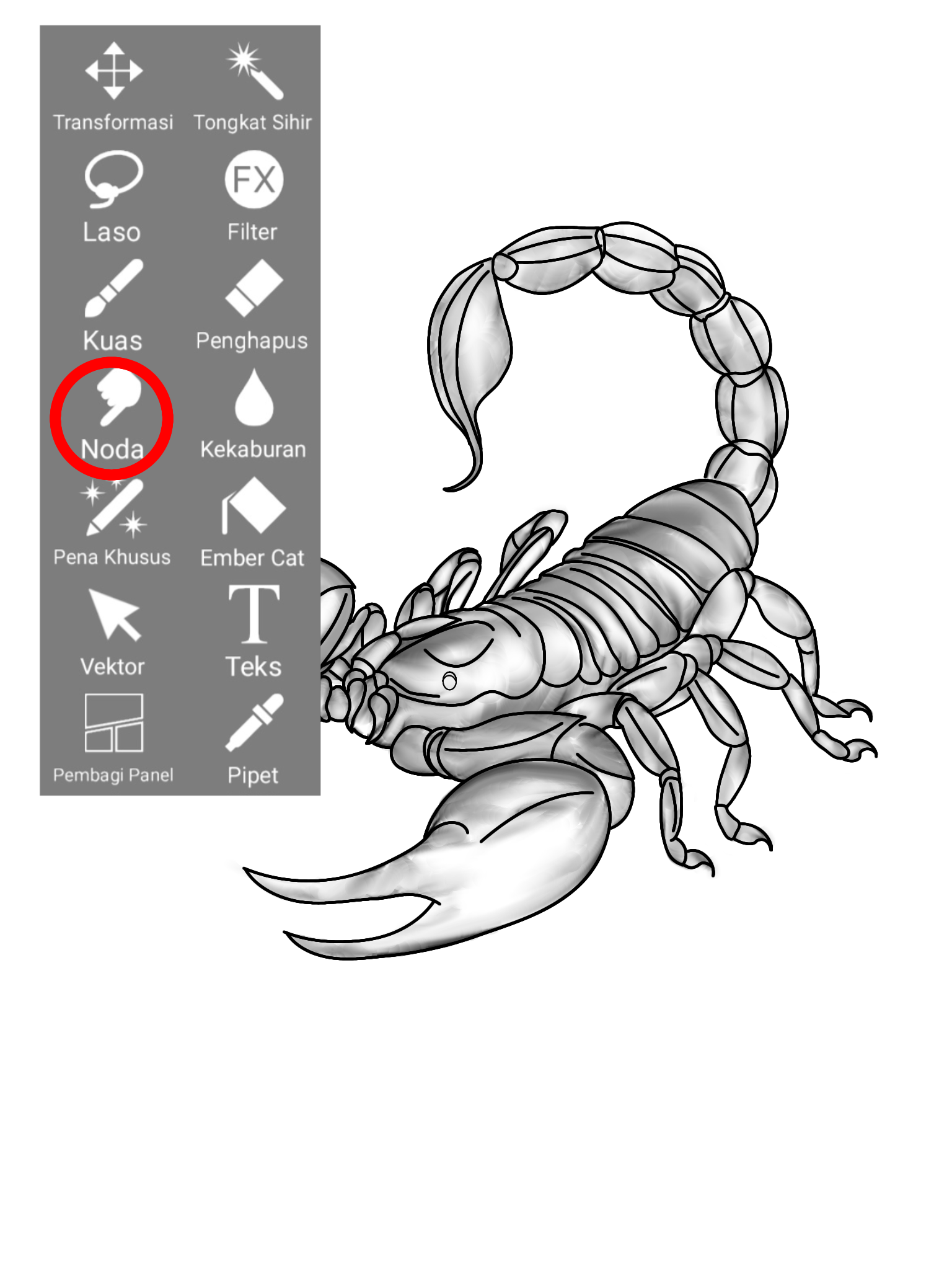
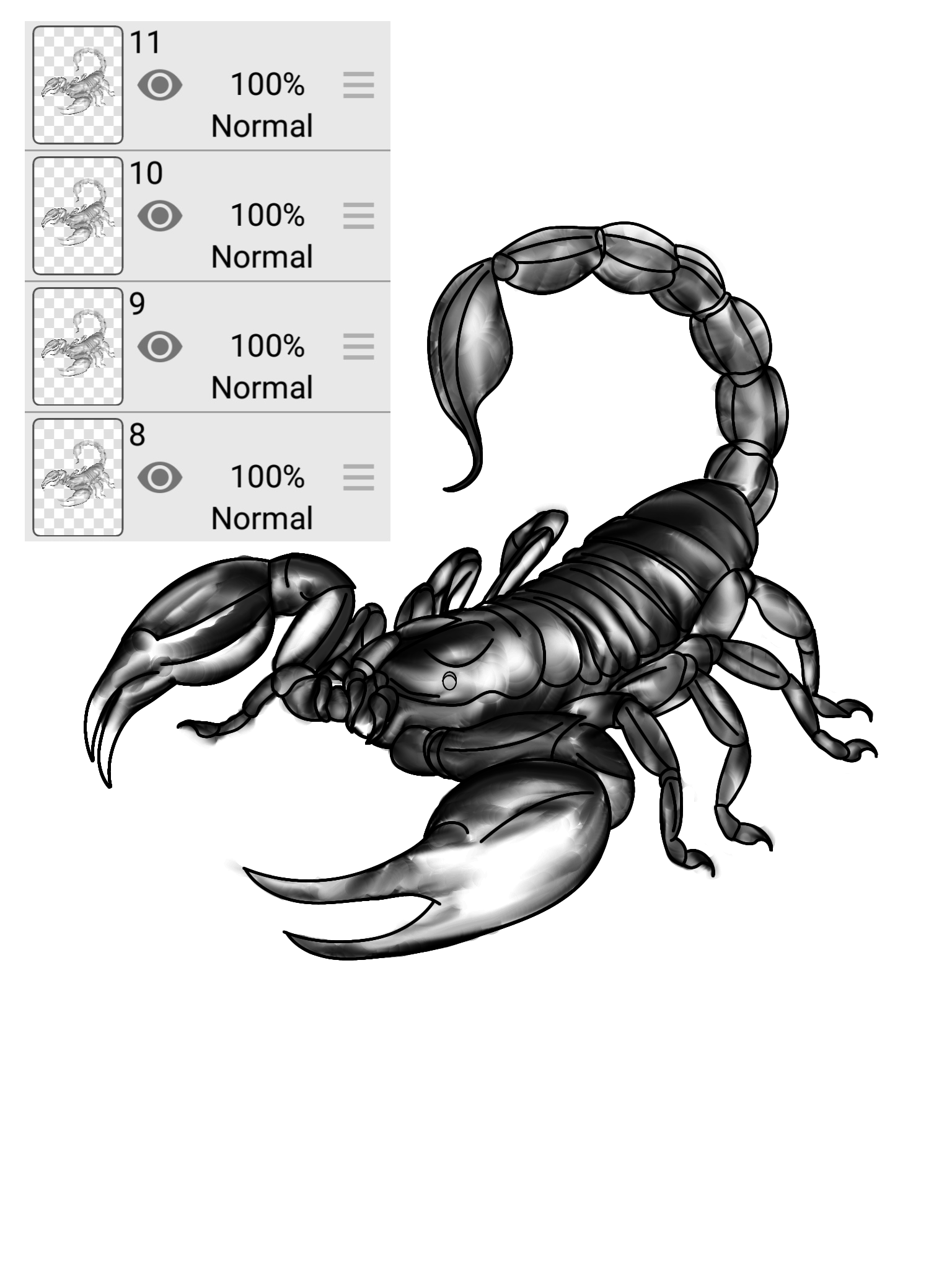
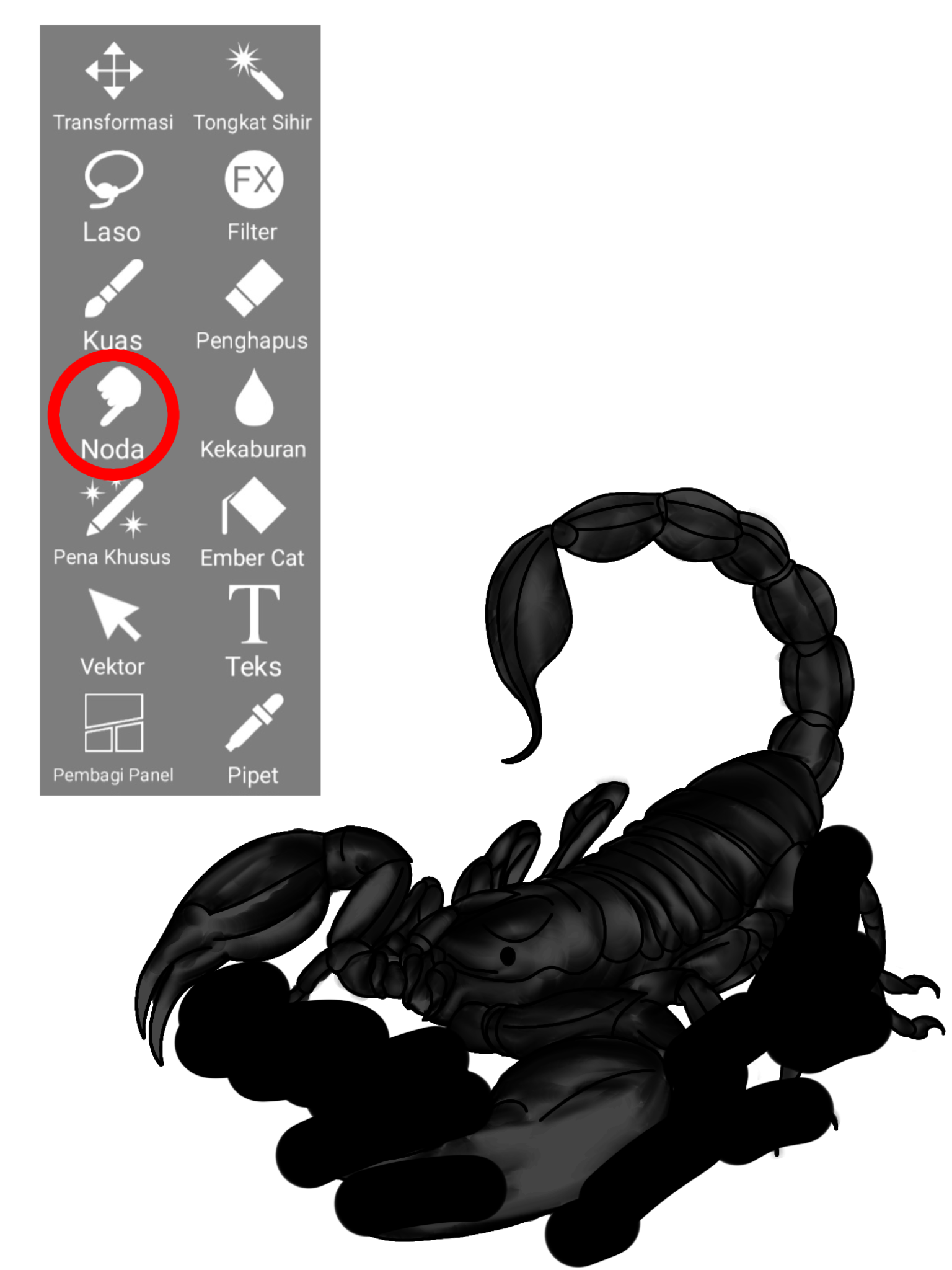
Next, I use a smudge brush to blend the initial sketch; however, before doing so, I duplicate the sketch—creating two copies—and then apply the smudge effect to one of them.
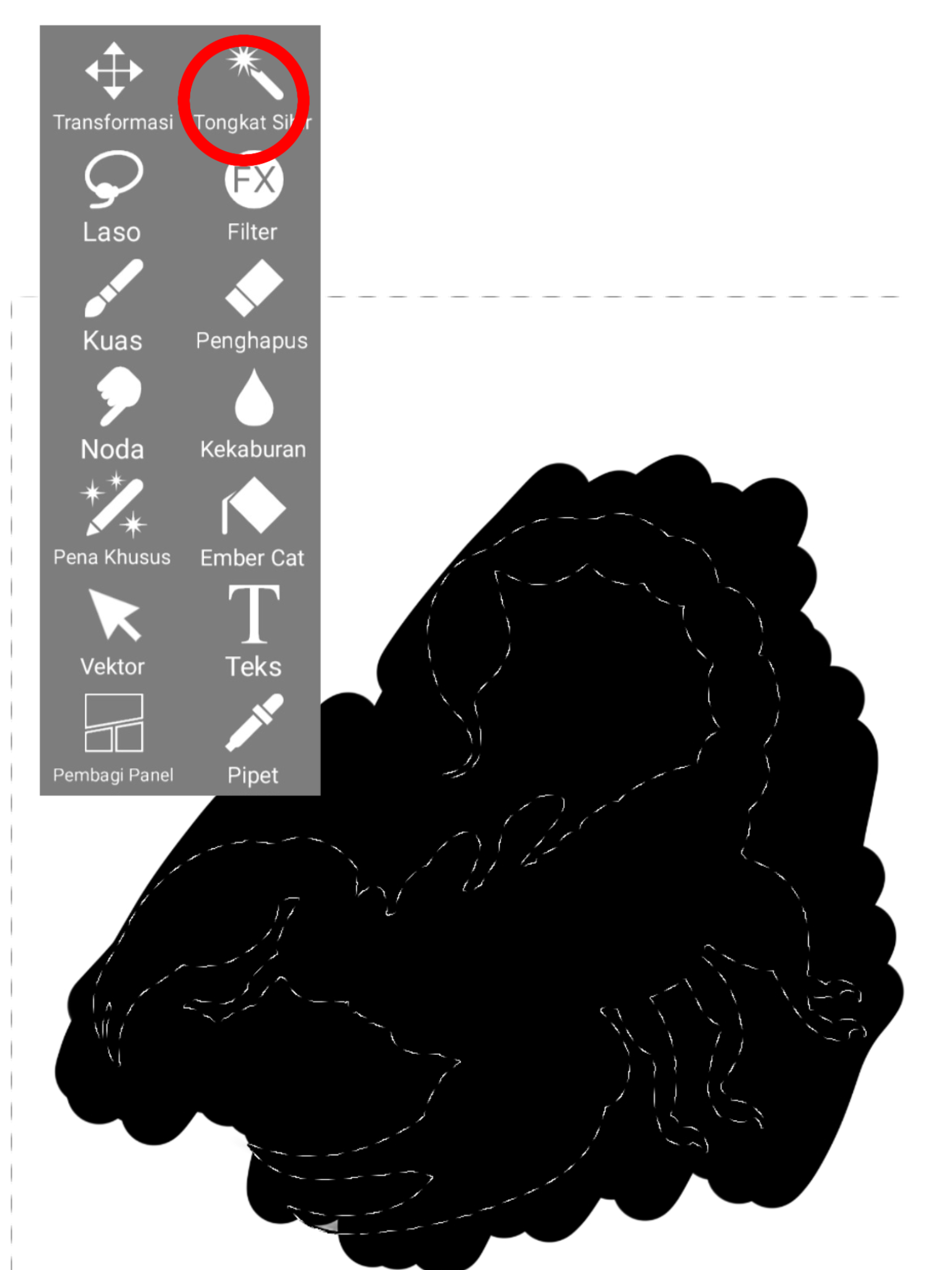
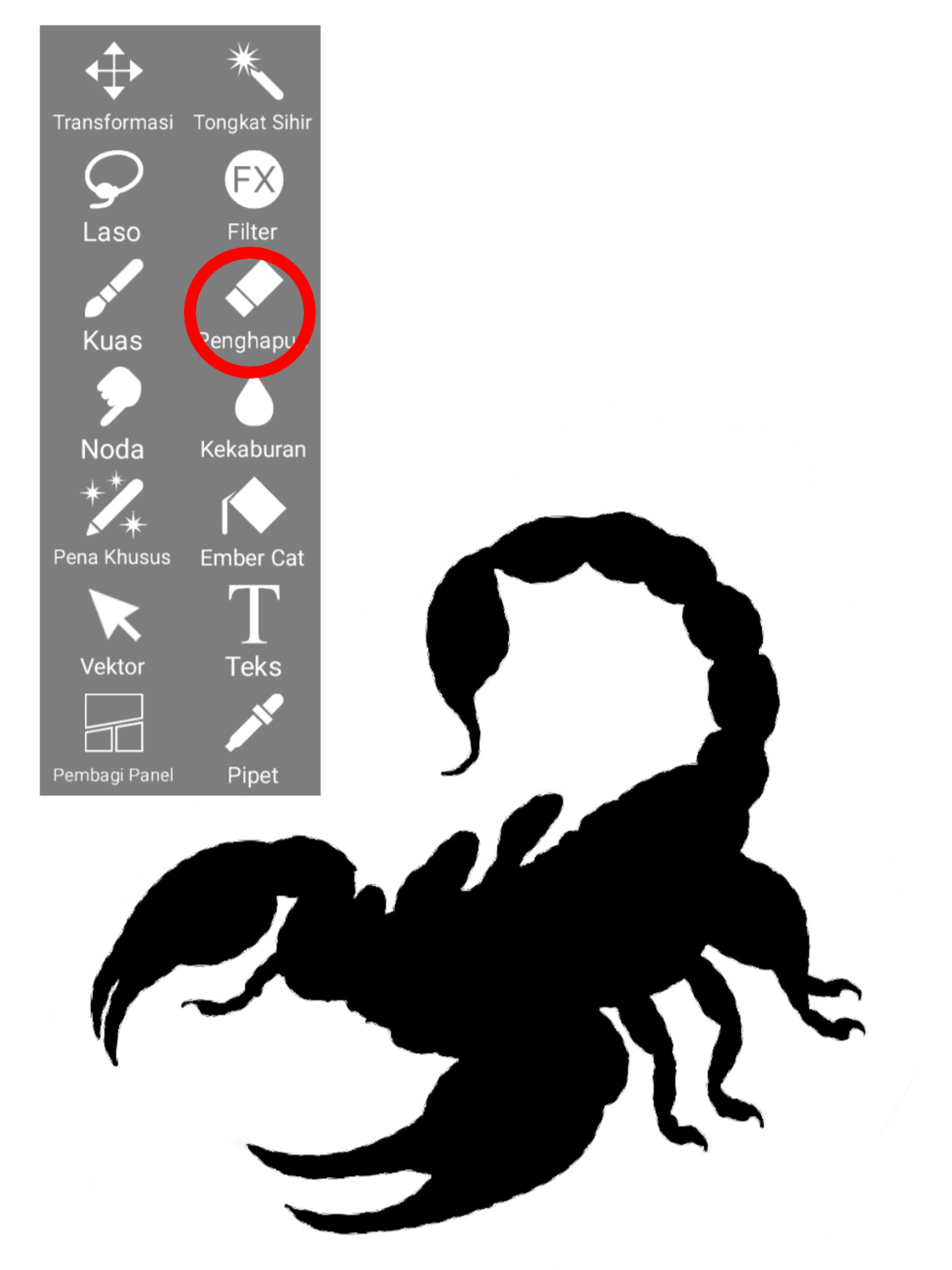
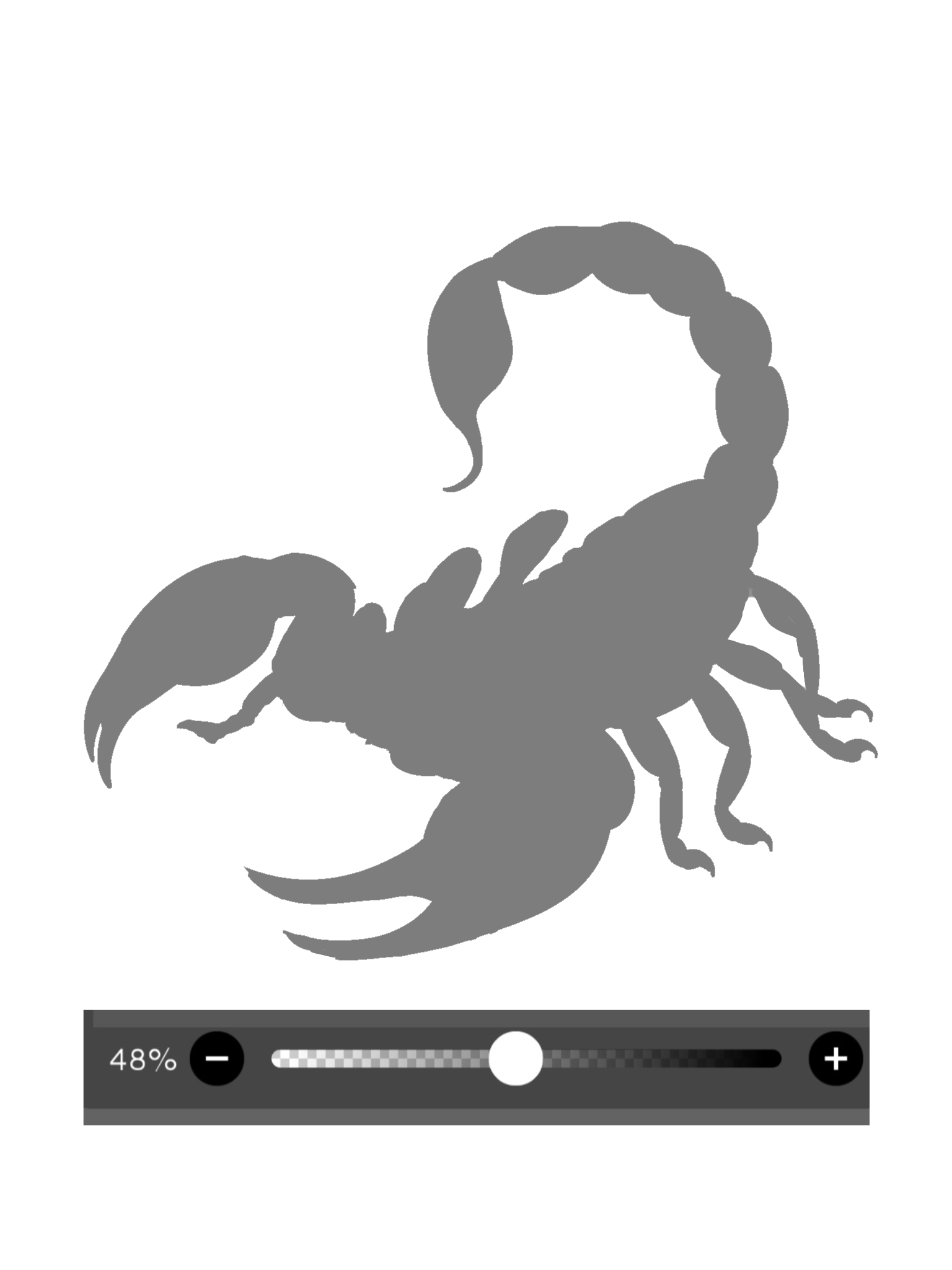
Next, I use the color black to quickly add color to the scorpion drawing.
and use a magic wand to erase the parts that are not needed.
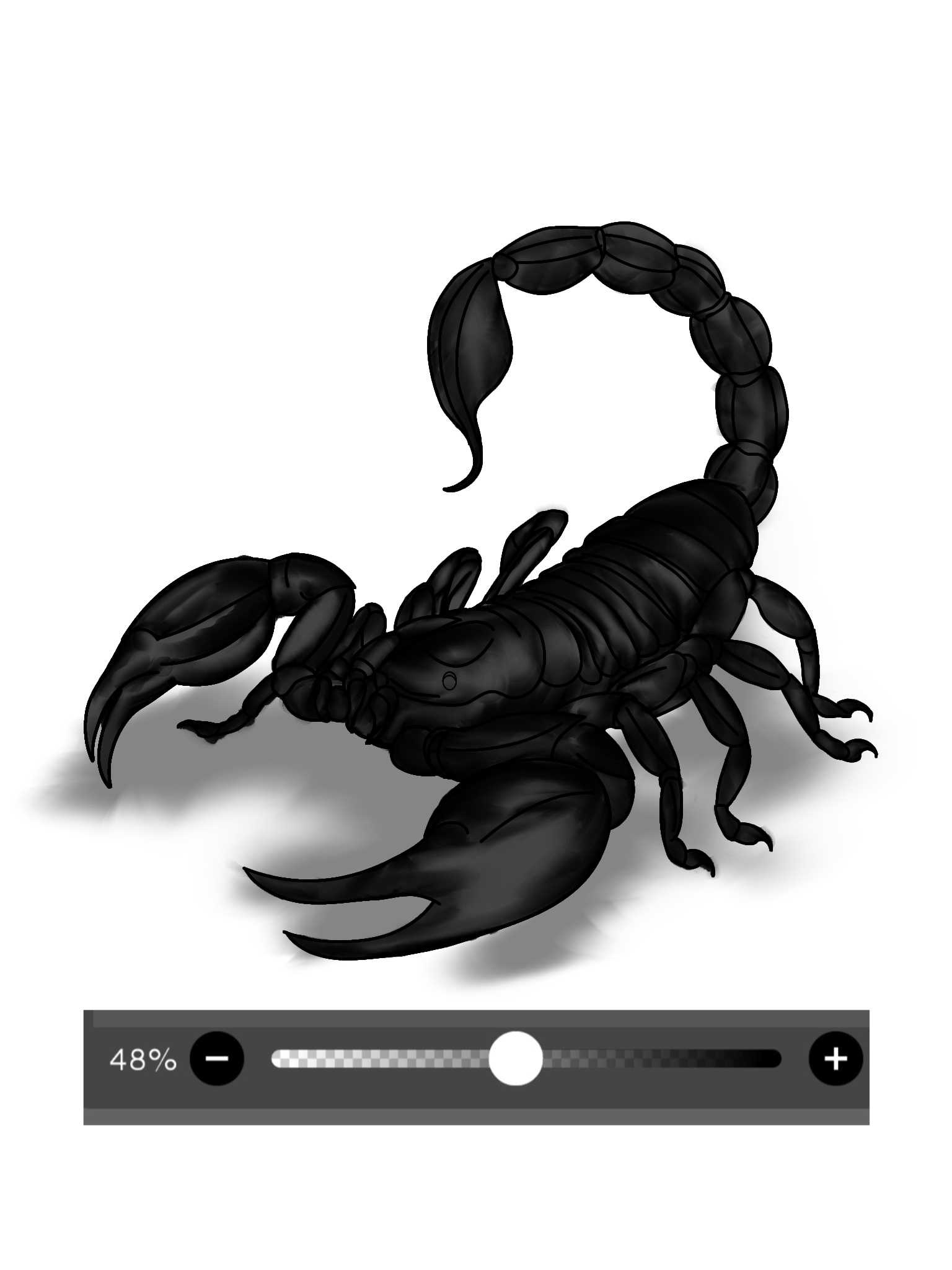
Next I reduced the color from 100% to 48%, so that when combined with the rubbed sketch the color becomes one
We duplicate the initial sketch—which has been brushed over with a staining effect—four times to intensify the color, then combine it with the previously dimmed image.
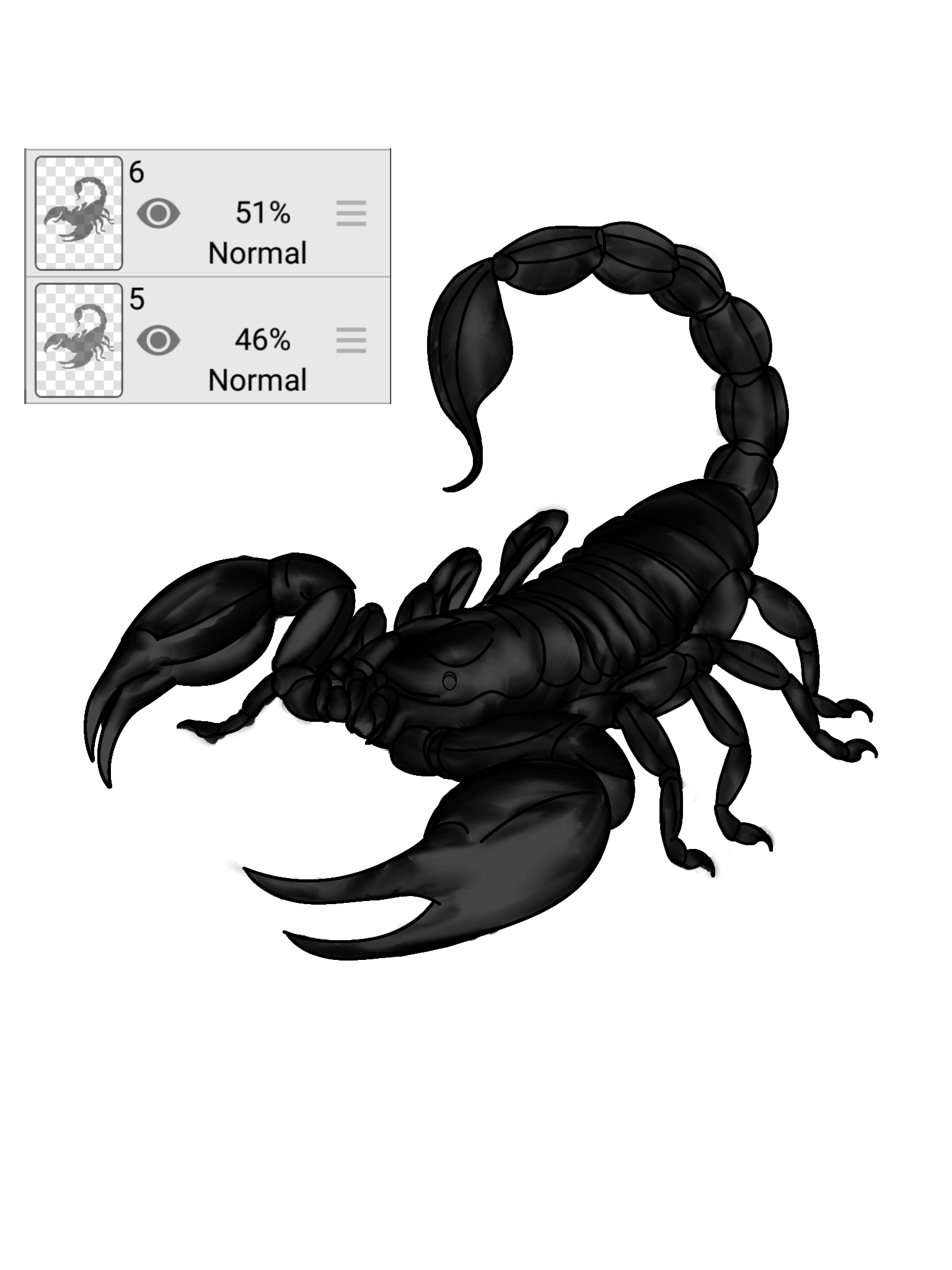
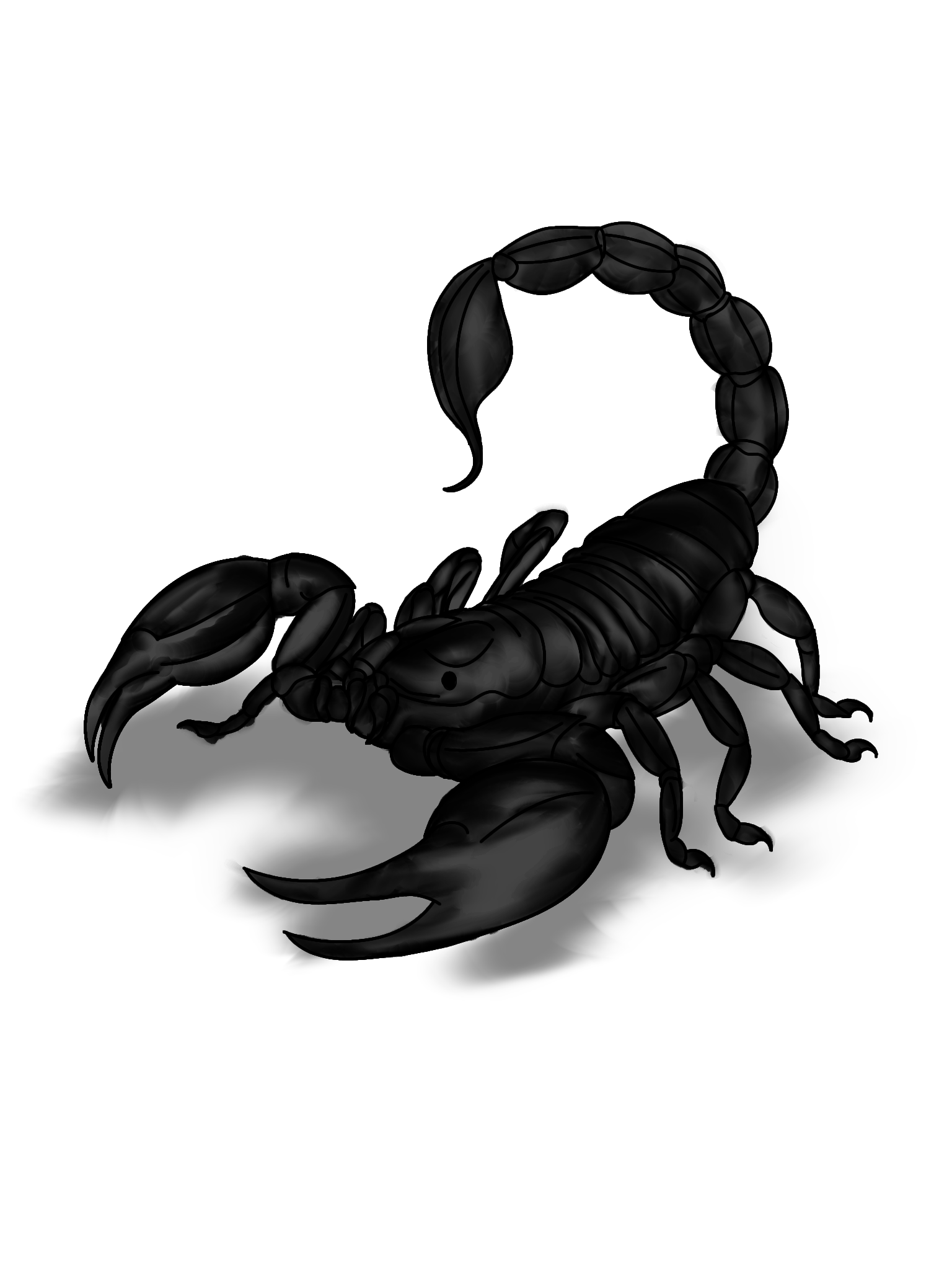
Next, create a shadow effect for the scorpion using the color black, blend it with a smudge brush, and then reduce the opacity from 100% to 48%.
SCORPION STING
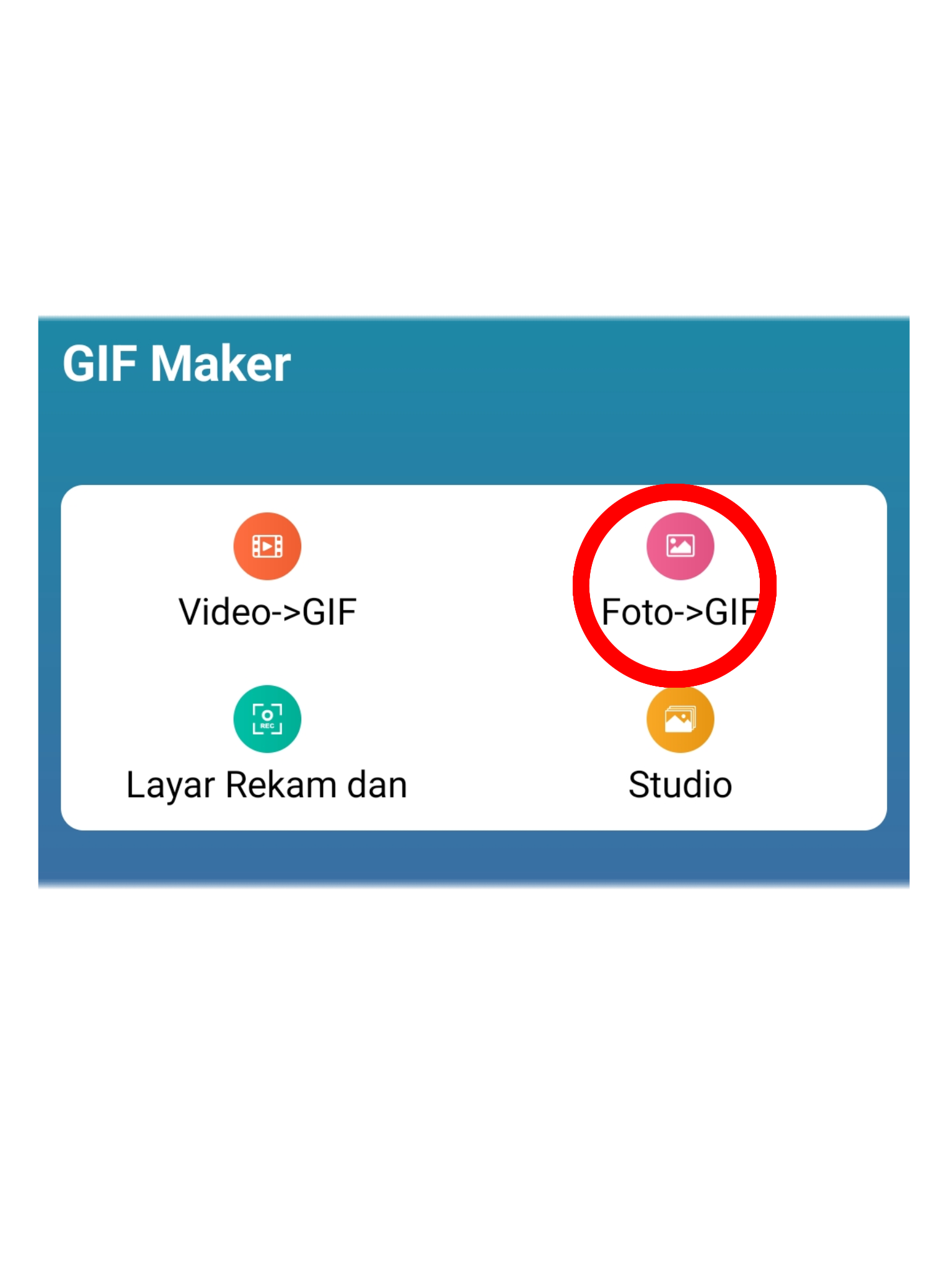
This GIF was created using the GIF MASTER app by selecting the images to be turned into a GIF.