I Built My Own DAW, Let Claude Opus Compose a Techno Live Set, and Made It Visualize Itself
I Built My Own DAW, Let Claude Opus Compose a Techno Live Set, and Made It Visualize Itself
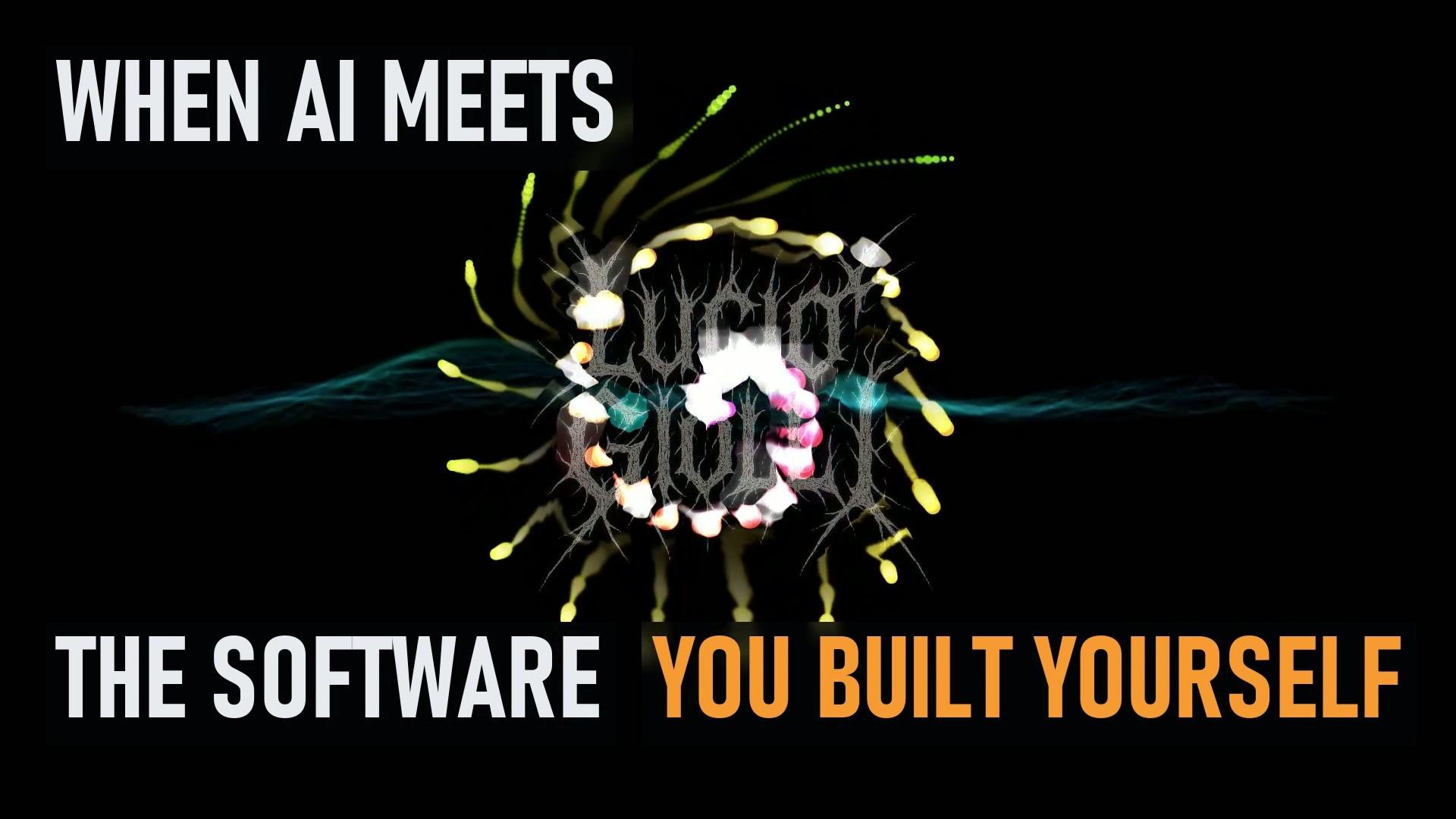
What happens when you give Claude Opus a DAW that you built together from scratch and ask it to create a ten-minute techno live set?
Well, apparently, it writes 376 bars of music, fills 10 tracks with 283 clips, adds 22 automation curves to the master, and never actually hears a single note.
Then StudioMio plays everything, Aurora Player listens to the computer's audio and turns it into constantly evolving visuals.
And yes, I built those tools too.
Watch the full video:
This video captures the whole process in one take, including the story behind the software, the collaboration with Opus and the final audiovisual result.
THE WORKFLOW
1. Claude Opus composes in StudioMio
I gave Opus the task of creating a complete ten-minute techno live set, with one condition: it had to use StudioMio.
It wrote the arrangement as code: 376 bars at 150 BPM, 283 clips across 10 tracks and 22 automation curves on the master channel.
There is something quite amusing about this: Opus can write an entire musical arrangement, calculate timing, organize clips and control parameters, but it doesn't actually hear what it has composed.
It reads meters. I handle the ears.
2. StudioMio plays the music
The arrangement runs through StudioMio's own instruments and effects.
Kick, hats, snare, percussion, bass, acid, stabs and sirens, distributed across 8 MIDI tracks.
Everything runs inside the DAW I developed.
3. Aurora Player listens and visualizes
Aurora Player captures System Audio, meaning it reacts to whatever the PC is playing in real time.
No need to load the audio file separately. It listens to the actual output and generates visuals synchronized with the music.
4. Record everything
The result is captured live, in one continuous recording. No pre-rendered visual sequence pretending to react to the music.
What you see is Aurora Player responding to the actual performance.
STUDIOMIO: THE DAW
https://github.com/davvoz/studiomio
StudioMio is a digital audio workstation developed from scratch.
It includes arrangement and session views, audio warping, MIDI clips, racks with macros and MIDI controller support.
The current version features 9 instruments and 20 effects, built with TypeScript and AudioWorklet.
A few numbers put the development into perspective:
- First commit: just 24 days before this recording.
- 176 commits.
- Approximately 53,000 lines of code.
It started as an idea for a personal music tool and quickly became a rather substantial piece of software.
AURORA PLAYER: THE VISUALIZER
https://github.com/davvoz/sound_player_music_visualizer
Aurora Player is a Windows music and video player with audio-reactive visualizations, inspired in part by the classic visualizers of Windows Media Player.
Under the hood, it performs a 2048-point FFT 60 times per second, reducing the spectrum to 64 logarithmically spaced frequency bands, covering 32 Hz to 16 kHz.
It tracks bass, mids and treble, detects beats and feeds this information into its visual engine.
The rendering is based on a WebGL feedback buffer: every frame starts from the previous one, which is warped, faded and recoloured before new shapes are drawn on top.
The result is a constantly evolving visual field.
The preset used in this video is Alchemy Random, which morphs into a new visual configuration every 10 to 20 seconds.
Even the logo is part of the effect: the visual flow bends around its outline, while its shape gets integrated into the feedback process.
THE ARTIFICIAL COLLABORATOR
This is probably my favourite part of the whole experiment.
I don't see this as a story about an AI magically creating software and music.
I decide what to build, why to build it and how it should feel. I define the architecture, guide the implementation, test things, reject solutions and frequently say: "No, again."
Opus does a lot of the implementation work, explores solutions and turns ideas into working code.
The interesting part is what happens when you combine a clear creative direction with an AI capable of helping you implement increasingly ambitious projects.
Projects like these used to require a team, a budget and a considerable amount of time.
Now the equation is changing.
And there's another funny detail: Opus also wrote the captions and edited this video.
It still hasn't heard the track.
THE RESULT
The track is called "Dentro di lei".
A ten-minute techno live set, arranged by Claude Opus, played through StudioMio and visualized in real time by Aurora Player.
All these pieces are part of the same little ecosystem I have been building.
I started by wanting better tools for making music. Somehow, I ended up building an entire production and visualization environment with an AI collaborator.
I suppose buying software would have been too easy.
LINKS
🎛️ StudioMio – DAW
https://github.com/davvoz/studiomio
🌌 Aurora Player – Audio Visualizer
https://github.com/davvoz/sound_player_music_visualizer
🎵 Track: Dentro di lei
Composed by Claude Opus in StudioMio. Visuals by Aurora Player, recorded live.
CHAPTERS
0:00 Cold open
0:15 01 The music
1:19 02 Building the tools: StudioMio
2:39 02b Aurora Player
4:18 03 The artificial collaborator
5:22 04 The result
9:38 Finale
#music #technology #opensource #programming #AI #ClaudeOpus #StudioMio #MusicProduction #MusicVisualizer #creative
Building a custom DAW in TypeScript with AudioWorklet is a massive undertaking. Processing a 2048-point FFT for real-time WebGL feedback visuals via Aurora Player is an impressive technical stack.
I'm glad you noticed. Thanks!