Save Transfer Recipients in Your SteemX Wallet: No More Copy and Paste
Hello Steemians,
We have added a small but useful update to the SteemX wallet.
If you often send STEEM or SBD to an exchange, you know the problem: every time you have to find the exchange username and the long memo, copy them and paste them again. One small mistake in the memo can cause trouble with your deposit.
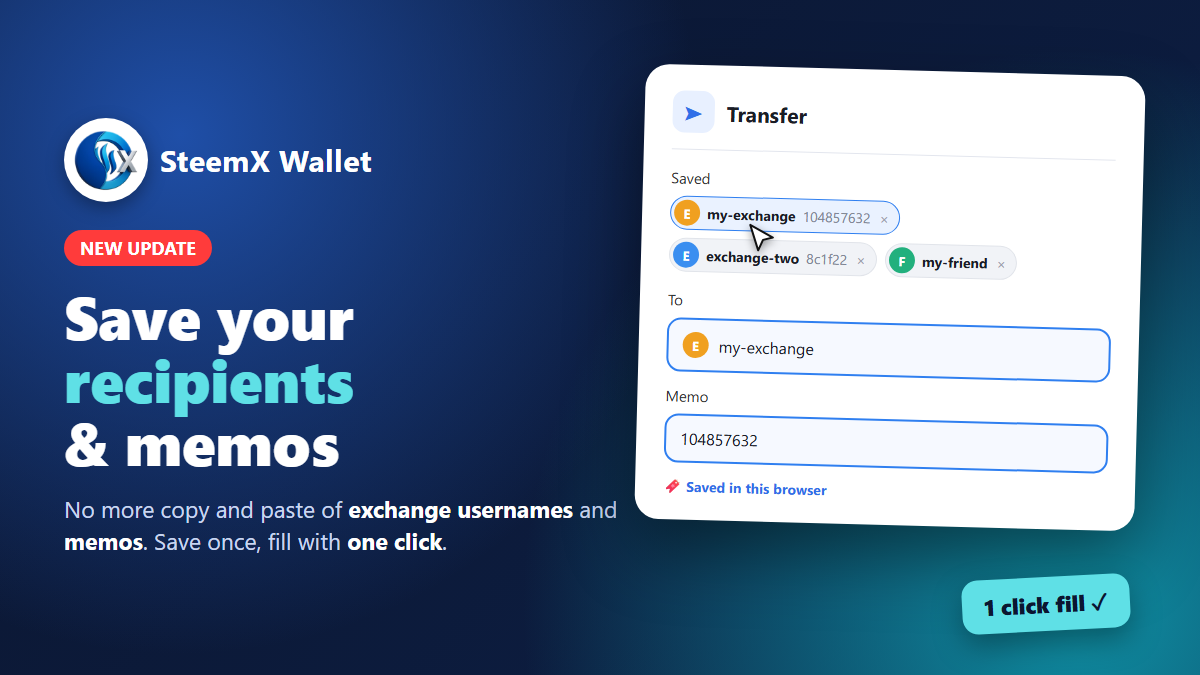
Now you don’t need to do that anymore.
What is new?
In the Transfer window you can now save a recipient together with its memo. Next time you just click it, and the username and memo are filled in for you.
How to use it
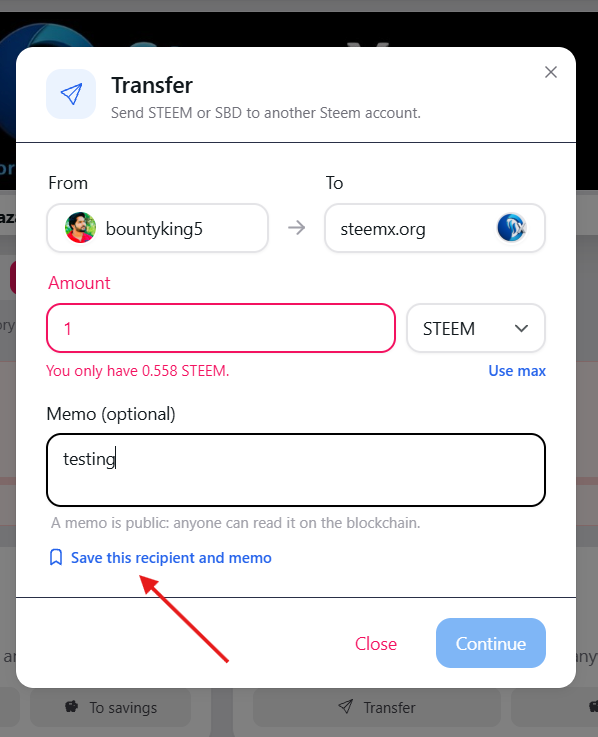
Open your wallet on SteemX and click Transfer. Type the username in the To field and add your memo (for example, your exchange deposit memo). Click “Save this recipient and memo” under the memo box.
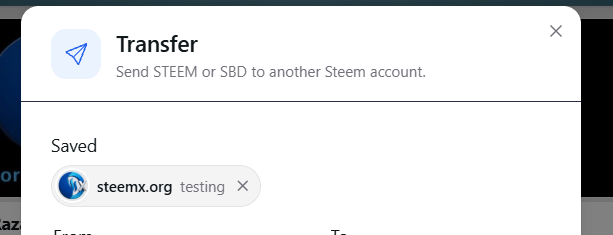
Next time, your saved recipients show at the top of the Transfer window under Saved.
Click a saved one and the To and Memo fields fill in automatically. To remove one, click the small (X) next to it.
It save only in your browser. Your saved list stays on your own device. It is not stored on our server or on the blockchain. Each account has its own list. If you use more than one Steem account in the same browser, the lists stay separate. Same username, different memos. You can save one exchange more than once with different memos. The amount is not saved. You type the amount yourself every time, so nothing gets sent by mistake.
You can keep up to 20 saved recipients.
Why this helps
- Saves time on every transfer
- Fewer mistakes in exchange memos
- Faster deposits to the exchanges and friends you use most
Please try it and tell us what you think in the comments. Your feedback helps us make SteemX better.
Thank you for using SteemX!