40,000 STEEM POWER Achieved! || 8× Dolphin Milestone
Hi everyone. I hope everybody is well. I am also by the grace of Almighty Allah.

Today I have come to you with a very wonderful moment. Today I will share with you about one of my achievements and I have been working here for a long time. I am constantly trying to increase the steem power I have here and today I have reached 40,000 steem power by increasing my power here.
Actually, I have been working here for a long time and I am constantly trying to reach a very good position by turning off the power here and I am moving forward with the goal of always increasing my power here and today I have been able to fulfill one step of my goal.
At the same time, I will work to complete my target of 50,000 Steem Power within this year and I will take my account power to 100k lakh in the next one or two years and if you have my prayers and love, I will increase this number constantly. I try every day. Along with me, my friends who are here are also always inspiring me by powering up.
The importance of powering up is immense and through it we can increase the capacity of our account a lot and at the same time we can always achieve some very good achievements in which we can increase the SP of our account a lot.
In keeping with that, I have come to power up here today. Now here I will power off 100 Steem today and here I will share the steps of this power off one by one with you. I hope that when you see it, you will be able to see it very well.
Today I'm going to share some of my moments of power up . Here I have tried to share it very well how I did these things. I always post my power up. I love to power up. Besides, it is very useful for me.
I will show you step by step before and after power up. So, let's get started.
Step-1
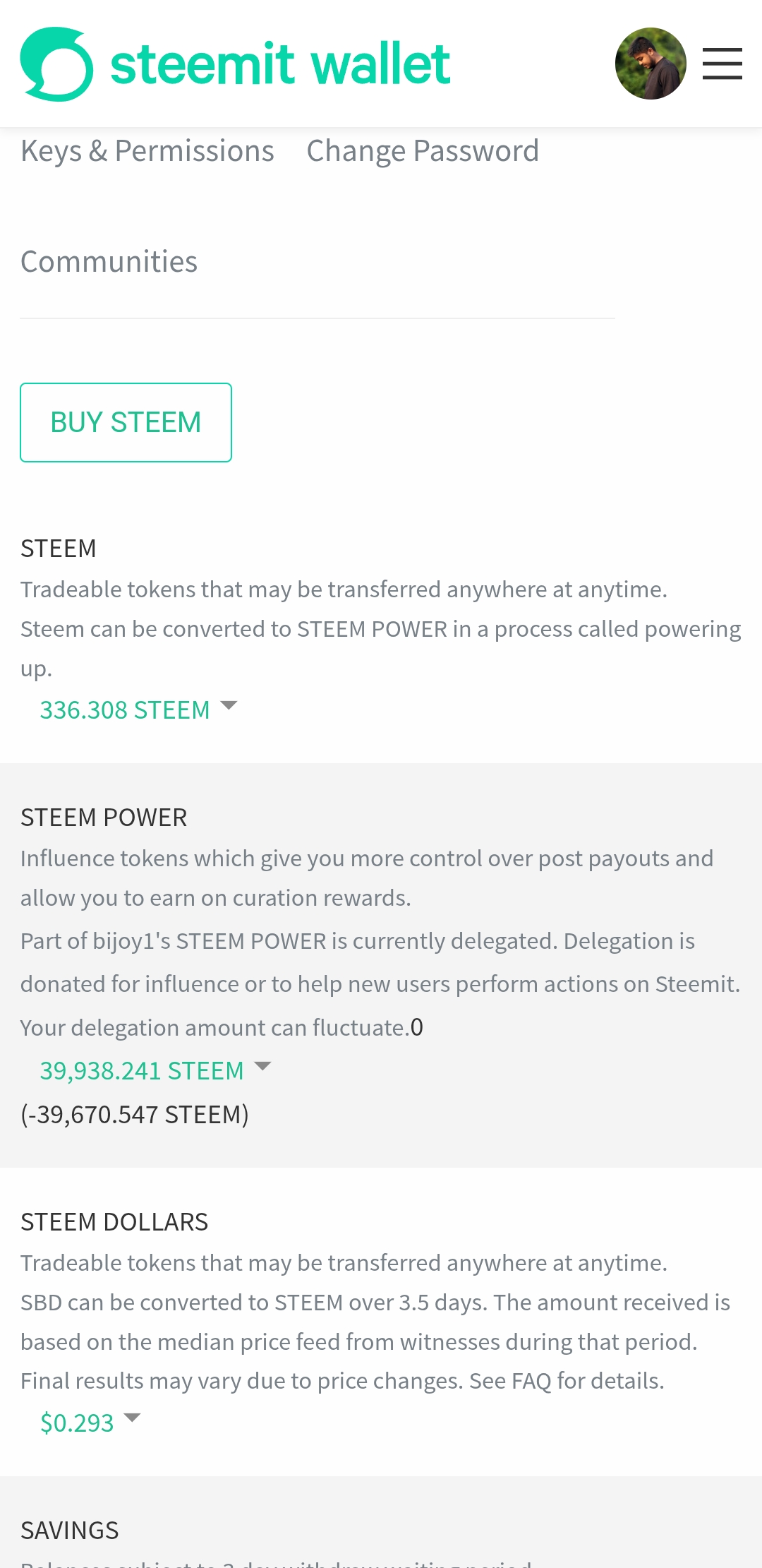
To power up, I first entered my wallet. Then after logging in to the wallet with the active key, I clicked on the power up option.
Step-2
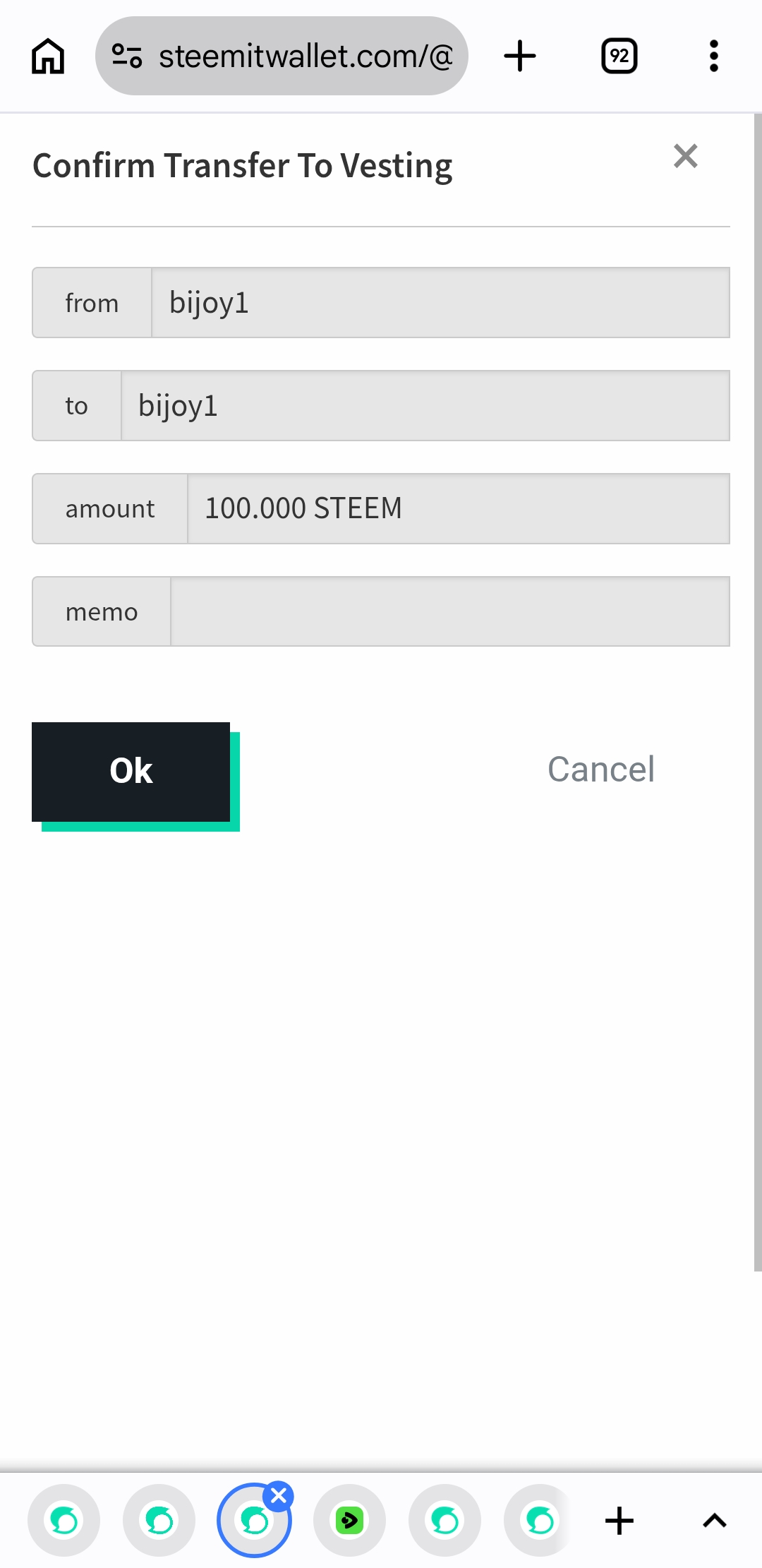
Then I entered 100 Steam amounts in the amount field. Then I gave confirmation.
Step-3
Now I clicked on OK to confirm and power up completely.
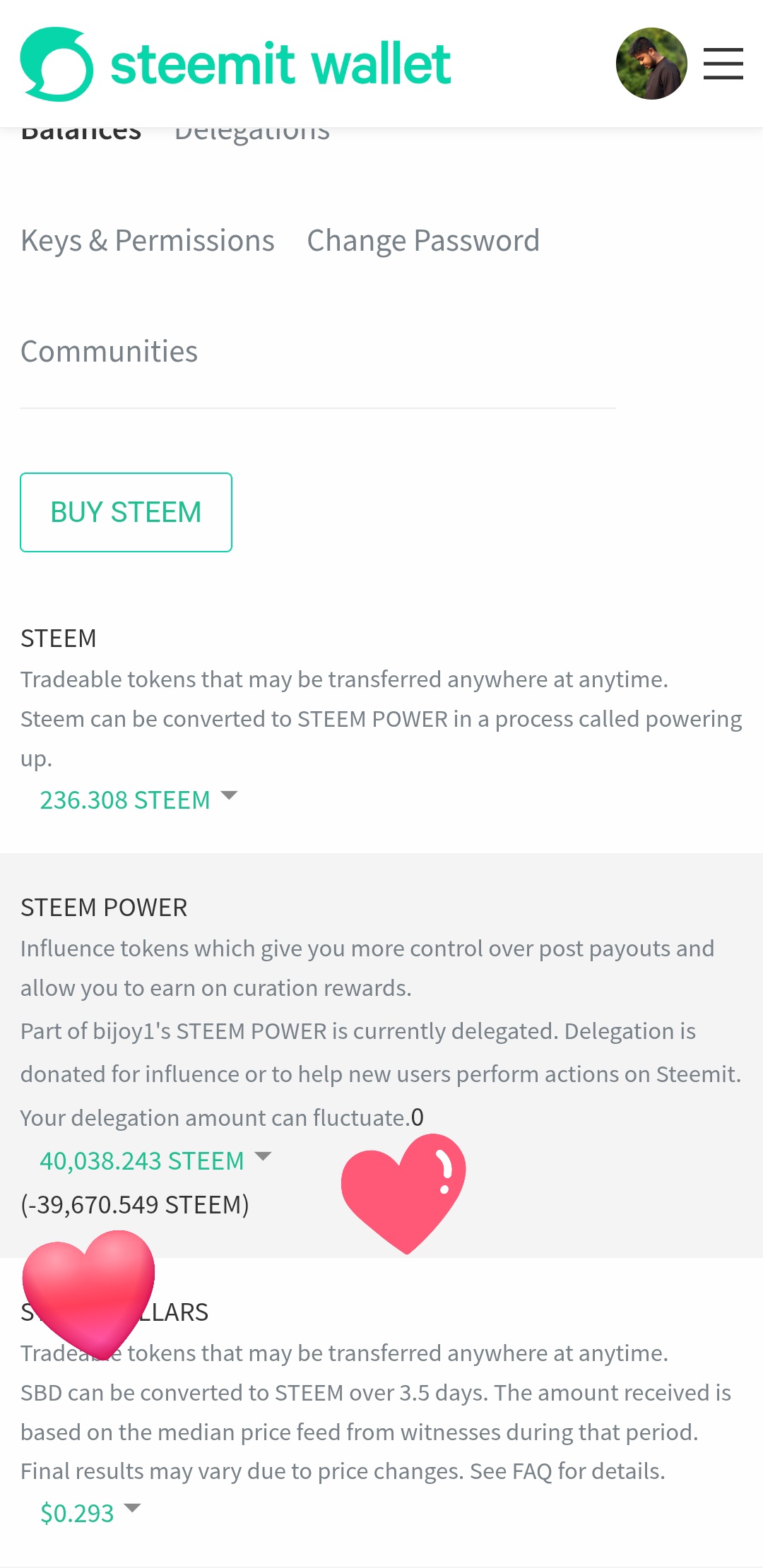
So friends , today I shared my power up post and every steps. I hope everyone will likes this post. I wish everyone will share their complement. This complement will inspire me to power up more and more.
Thank you so much for seeing and reading this post. I hope all of you love this post very much.
THE END