Apps Crashing or Not Opening? Here's How to Fix It!
Are your Android apps suddenly crashing, freezing, or refusing to open? Don't worry! Here are some simple solutions to get them working again. 🚀
🔧 Try These 7 Fixes:
- 🔄 Restart your phone.
- 📲 Update the app from the Play Store.
- 🧹 Clear the app cache.
- 💾 Free up storage space.
- 🌐 Check your internet connection.
- ⚙️ Update Android System WebView and Google Chrome.
- 🔁 Uninstall and reinstall the problematic app.
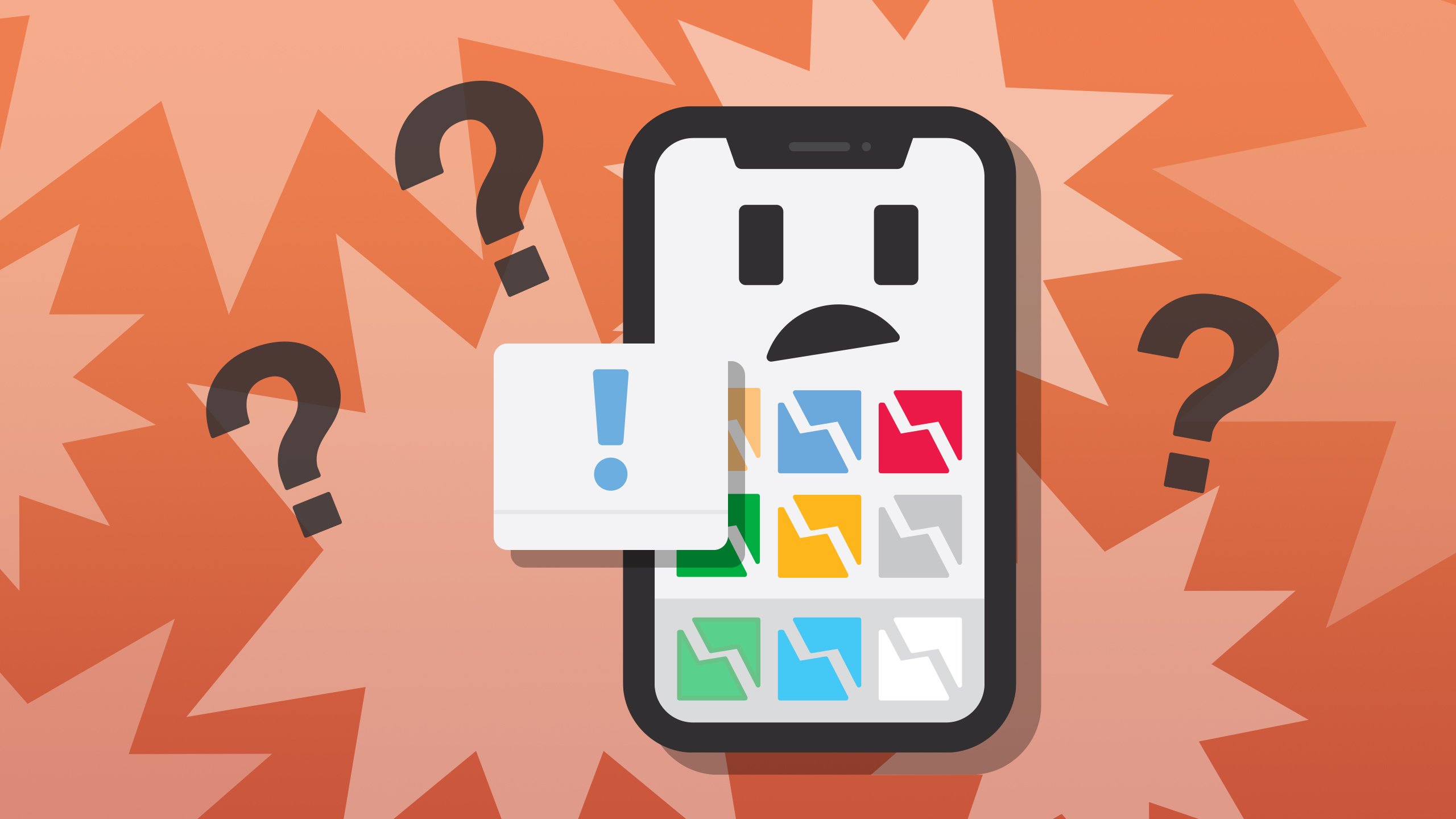
Keep your apps and Android system updated to prevent unexpected crashes.
Have you experienced apps crashing on your phone? Which solution worked for you?
Share your experience in the comments!