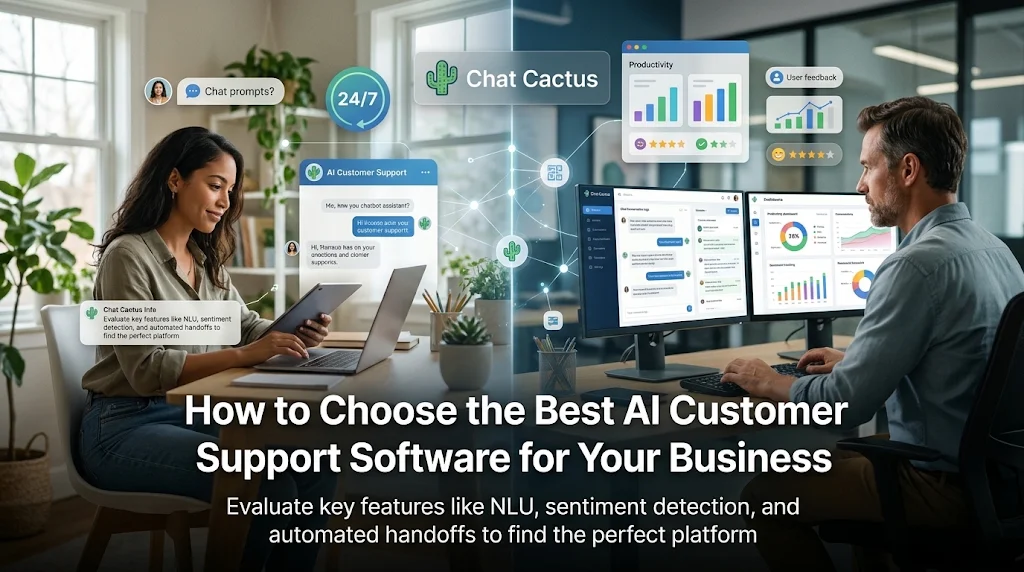
How to Choose the Best AI Customer Support Software for Your Business
Managing customer service manually gets harder as a business grows. Handling an influx of simple questions like "where is my order?" or "how do I reset my password?" often leaves support teams with little time for complex issues. Chat Cactus offers automated conversation management to help growing brands solve this. Adopting AI customer support software lets companies provide instant, 24/7 assistance without a massive budget.
This guide explains how AI customer support software works, essential features to look for, and how your team can choose a solution that meets your needs.
What Is AI Customer Support Software?
AI customer support software uses artificial intelligence—specifically Natural Language Processing (NLP) and Large Language Models (LLMs)—to understand, route, and resolve customer queries automatically. Modern tools interpret the intention behind customer messages, rather than relying on exact word matches.
This software acts as your front-line defense, capable of:
- Providing instant answers to common questions
- Resolving multi-step issues (like returns or bookings)
- Gathering contact details before an agent takes over
- Categorizing incoming tickets to improve routing speed
When used effectively, the software helps handle repetitive tasks so human agents can focus on complex issues.
Why Businesses Need AI Customer Support
Continuing to rely on manual, human-only workflows often leads to major service issues as volume scales.
1. Slow Reply Times
Customers now expect fast answers. Keeping buyers waiting hours for a basic email reply can hurt your sales and overall brand loyalty.
2. High Support Costs
Hiring and training agents to cover night, weekend, and holiday shifts gets expensive. AI-powered software provides 24/7 coverage at a fraction of the cost.
3. Agent Burnout
Answering the same easy questions every day is tiring. AI tools take care of the boring stuff, leaving human agents with more engaging work.
4. Lost Opportunities
When users have pre-sale questions on your website and nobody is there to answer, they often leave. AI support ensures you never miss a lead.
Must-Have Features to Evaluate
Modern AI software needs to do more than simply reply with preset text. Look for these essential features during your search:
1. Natural Language Understanding (NLU)
Your software needs to understand casual, varying human messages. Instead of search-and-match logic, it should interpret intent so users get natural replies.
2. Omnichannel Integration
Modern support must be accessible everywhere. The software should link with your website, mobile app, and social channels, showing all conversations in one central view.
3. Graceful Human Handoff
AI cannot handle every issue. When a sensitive or complex problem arises, the software should pass the chat to a live agent, providing the full transcript so the user doesn't have to repeat themselves.
4. Interactive Adaptive Follow-Ups
Look for systems that ask smart follow-up questions depending on what the user says. This helps gather exact details for return, shipping, or technical requests.
5. Sentiment Analysis
Understanding how a user is feeling—whether they are happy, neutral, or angry—is vital. Advanced software detects customer frustration and escalates the conversation to human staff automatically.
6. Useful Data & Analytics
To improve, you need to know how the tool is performing. Make sure the software has dashboards to track answer rates, resolution times, and customer happiness.
For an in-depth, year-specific roadmap on optimizing these tools, read this comprehensive guide on how to choose the best AI customer support software for your business in 2026 to compare features.
Steps to Find the Best Fit for Your Team
Follow these simple steps to choose a tool that fits your business:
Step 1: List Your Biggest Support Issues
Identify your most time-consuming tasks. Is your team buried under basic, repetitive questions, or are you struggling to respond quickly at night? Focusing on these main issues will help you evaluate different features.
Step 2: Check Ease of Use and Customization
Your team should be able to update and train the AI easily. Look for no-code tools with visual editors, easy database upload, and customizable templates.
Step 3: Assess Your Integration Needs
A support tool is only as good as the systems it connects to. Make sure the software works seamlessly with your existing CRM, ecommerce platform, and email tools.
Step 4: Focus on Trust and Privacy
Handling customer data safely is critical. Make sure the platform has strong security, clear data privacy compliance, and proper access controls.
Step 5: Test and Improve Gradually
Start small by launching the AI on your highest-traffic pages to handle common FAQs. Use chat histories and customer feedback to improve the assistant over time.
Practical Case Studies
Case Study 1: A Busy eCommerce Store
An online store faced huge support backlogs during the holiday season. The team spent most of their time answering simple shipping and returns questions, causing delayed replies to sales inquiries.
They launched AI-powered customer support software to address common tracking, return, and inventory questions.
How the tool helps:
- The AI resolved 55% of incoming messages without human help.
- Average customer wait times dropped from five hours to under thirty seconds.
- Human agents had more time to focus on complex order issues.
Outcome: Human agents had more time to focus on complex order issues and personalized sales support.
Case Study 2: A Growing SaaS Platform
A software startup struggled to offer 24/7 help to international users. Due to different time zones, customers often had to wait until the morning for help with basic login and password issues.
The startup deployed an AI assistant to handle common troubleshoot requests and capture user details at any hour.
How the tool helps:
- The team offered instant 24/7 help on the web and in-app.
- AI automated 60% of common troubleshooting, freeing up technical support staff.
- International user satisfaction scores improved within thirty days.
Outcome: International user satisfaction scores improved within thirty days without expanding the staff.
Best Practices for Successful Implementation
Building trust with AI requires transparency and a focus on helpfulness:
- Tell users they are chatting with AI: Do not try to trick people. Honesty builds trust.
- Provide a clear path to human help: Make sure people can easily ask for a real person if they get stuck.
- Continuously train your assistant: AI gets smarter with use. Review failed chats weekly to update the training docs.
- Maintain your brand voice: Make sure the AI uses conversational, natural language that fits your brand.
Frequently Asked Questions (FAQs)
1. Can AI customer support software connect with my CRM?
Yes. Most modern AI platforms connect easily with CRM, helpdesk, and ecommerce tools to show customer info and history.
2. Is this software difficult to set up without coding?
No. Many top platforms have no-code, visual builders, and easy document uploading so anyone can build an assistant.
3. How does the AI handle complex technical questions?
AI uses natural language processing to suggest troubleshooting. If the issue is too complex, it passes the chat to a live agent.
4. What is the difference between older chatbots and modern AI support?
Older bots followed rigid scripts and got confused by unusual phrasing. Modern AI uses machine learning to understand intent, casual speech, and even emotion.
5. Will AI completely replace my customer support team?
No. AI is meant to support, not replace. It handles easy, repetitive tasks, so human agents have more time for complex, relationship-building issues.
Conclusion
Upgrading your customer service does not require a giant support team. High-quality AI customer support software can help your business offer fast 24/7 help, cut down on manual work, and improve the customer experience.
Focus on your biggest support challenges, look for natural language tools, and keep human handoffs front of mind. Implementing the right AI tool will help your team work smarter, answer customers faster, and build long-term business growth.