how to create a technical 3D animation: An Accuracy-First Production Guide
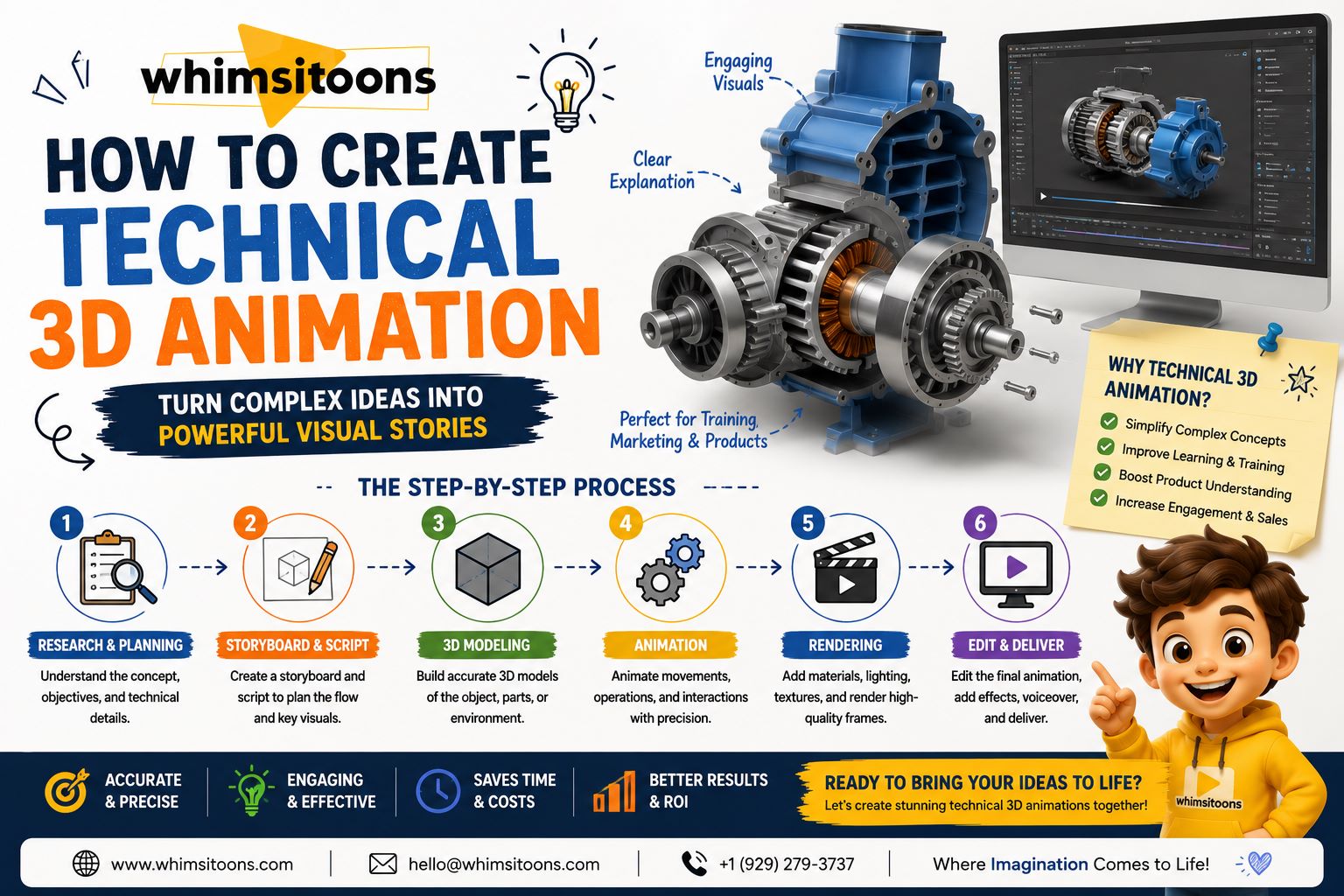
Technical animation has a different job from purely entertainment-focused animation. It must not only look polished; it must also communicate how a product, machine, process, or system actually works. Understanding how to create a technical 3D animation therefore begins with accuracy, planning, and clear communication rather than visual effects.
Whether the subject is an industrial machine, medical device, mechanical component, or engineering process, a structured workflow helps reduce mistakes later in production. Whimsitoons can approach technical animation by defining what the viewer needs to understand before deciding how the final scenes should look.
how to create a technical 3D animation With an Accuracy-First Workflow
A strong technical animation usually moves through several connected stages: research, reference collection, script development, modeling, validation, animation, lighting, rendering, and final review.
Skipping one stage can create problems later. For example, animating a mechanical component before confirming its real movement may require the entire sequence to be rebuilt.
Start With the Learning or Communication Goal
Before creating any 3D asset, identify the purpose of the animation.
Are you showing how a machine operates? Demonstrating assembly instructions? Explaining an internal mechanism? Training employees on equipment? Presenting a product feature?
A clear objective prevents unnecessary visual complexity.
For example, if the goal is to explain how a valve controls liquid flow, the animation does not need to reproduce an entire factory. The important elements are the valve, surrounding components, fluid direction, and the changes that occur when the mechanism opens or closes.
Collect Reliable Technical References
Technical accuracy depends heavily on source material.
Useful references may include:
CAD models
Engineering drawings
Product photographs
Dimensions and specifications
Exploded diagrams
Instruction manuals
Technical videos
Subject-matter expert notes
These materials help artists understand proportions, connections, movement, and internal structures.
If characters are also needed—for example, a technician operating machinery—professional 3d character services can be incorporated while keeping the character's movements aligned with the actual procedure being demonstrated.
Simplify the Model Without Losing Important Details
A technical 3D model does not always need every screw, wire, surface texture, or manufacturing detail.
The key is deciding which details contribute to understanding.
Imagine an animation explaining the internal operation of an engine. Exterior cosmetic details may be simplified, while pistons, valves, cylinders, and moving internal components need greater accuracy.
Removing unnecessary detail can also reduce production and rendering demands.
A practical way to think about how to create a technical 3D animation is to ask whether every modeled element helps the viewer understand the system. If it does not, it may not need equal visual emphasis.
Validate the Model Before Animating
One of the most useful production habits is reviewing the 3D model before detailed animation begins.
Check dimensions, component placement, proportions, and moving parts with the available technical documentation. If subject-matter experts are involved, this is a good stage for them to review the model.
Correcting a component at this point is much easier than changing it after animation, lighting, labels, and rendering have already been completed.
Whimsitoons can use staged reviews to keep technical decisions separate from later visual refinement.
Plan Motion Around Real Function
Technical movement should reflect how the actual system behaves.
A gear should rotate in the correct direction. A mechanical arm should follow realistic joints. An assembly sequence should place components in the correct order.
Timing also matters. Real-world movement may sometimes be too fast or too slow for educational purposes. Animation can adjust playback speed while preserving the correct sequence.
Slow motion, pauses, or repeated movement can help audiences understand important operations without changing the technical meaning.
Use Camera Angles to Explain, Not Distract
Technical animation does not need constant cinematic camera movement.
A well-positioned camera can often communicate more than an elaborate sequence.
Use close-ups when viewers need to examine a small mechanism. Use cross-sections when internal components are hidden. Exploded views can show how parts connect, while transparent surfaces can reveal movement inside an enclosure.
Camera changes should answer a practical question: What does the audience need to see next?
This principle is especially useful when professional 3d character services are combined with machinery or product demonstrations because the camera must clearly show both the character's action and the equipment response.
Add Visual Guidance Strategically
Labels, arrows, highlights, color coding, and callouts can make technical scenes easier to understand.
However, avoid showing too much information simultaneously.
If a machine contains ten important components, introduce them progressively instead of labeling all ten at once. Highlight one component while it is discussed, then guide attention toward the next.
Color can also communicate function. Different colors might represent airflow, electrical current, temperature changes, or separate stages of a process.
The goal is clarity, not decoration.
Review Before Final Rendering
Before producing high-quality final renders, create a preview or animatic.
Review:
Mechanical accuracy
Animation timing
Camera placement
Labels and terminology
Component visibility
Scene order
Narration synchronization
Technical corrections are significantly easier at this stage than after final rendering.
Rendering should come after the structure has been approved. Materials, lighting, shadows, reflections, and visual polish can then improve presentation without changing the technical explanation.
Conclusion: Accuracy Comes Before Visual Polish
Learning how to create a technical 3D animation means understanding that successful production begins long before rendering. Reliable references, accurate models, validated movement, purposeful cameras, clear visual guidance, and staged reviews all contribute to a final animation that communicates effectively.
Technical animation should make complicated systems easier to understand without sacrificing essential accuracy. For businesses and organizations developing product demonstrations, technical training, or process visualizations, Whimsitoons can be considered when planning a structured 3D animation workflow around both technical requirements and audience needs.