How to Verify Your Own Swap Instead of Trusting the Status Bar
Why this is worth the two minutes
A status page tells you what a platform thinks is happening. A block explorer tells you what the network actually recorded. They agree almost all the time — and when they don't, the chain wins.
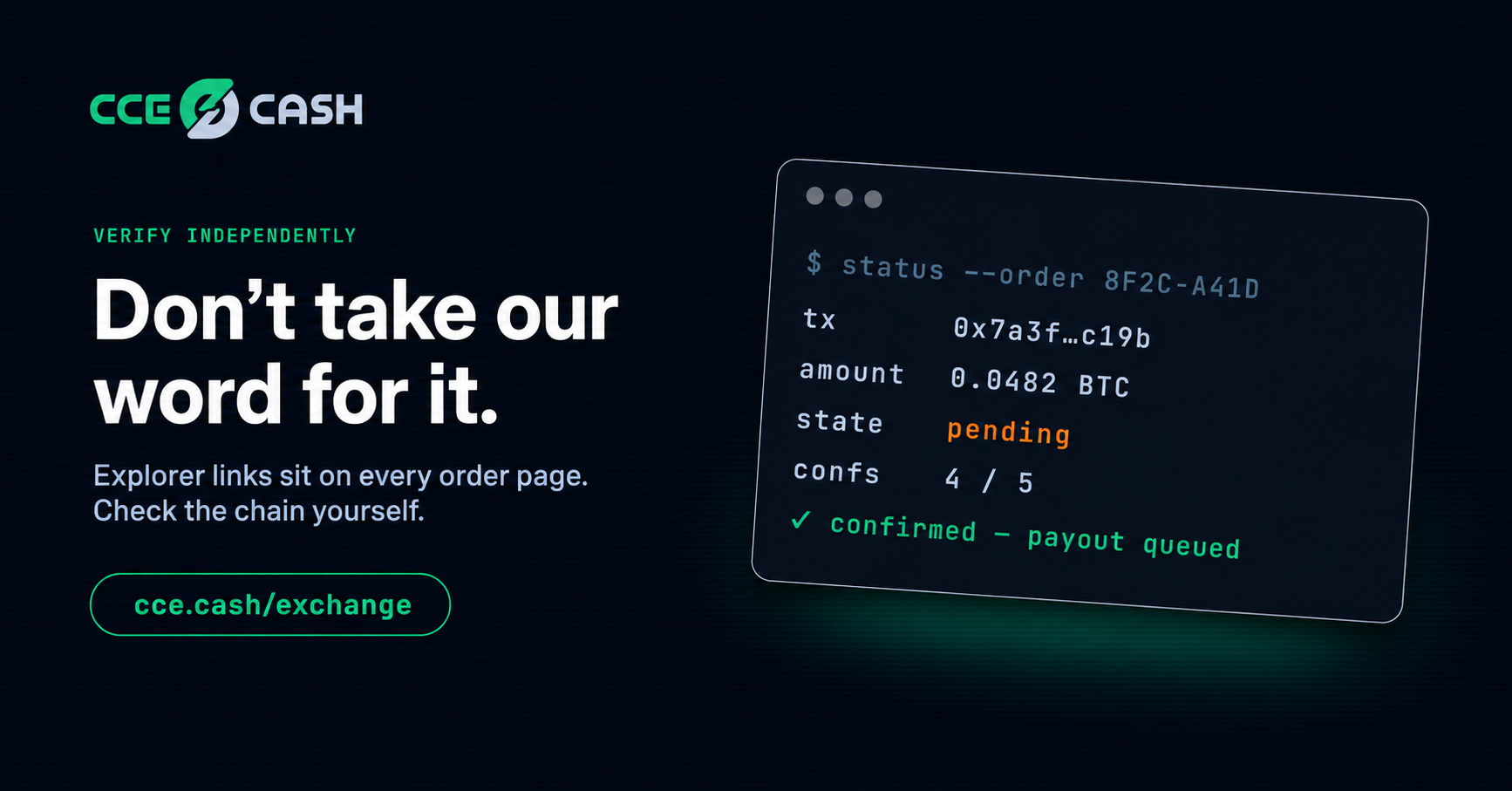
Explorer links appear on the order page as your transaction moves. They're there to be used.
The three things to check
Confirmations. This is the number that gates everything else. Zero means your transaction was broadcast but isn't in a block yet. The count climbs as blocks stack on top, and nothing happens on the exchange side until it hits the required number for that asset.
Status. Pending, confirmed, or failed. Failed is a completely different situation from pending — it means the network rejected it and nothing moved.
Amount and destination. Compare both against your order. This is the check that catches a paste error while you can still do something about it.
If it's stuck pending
Look at the fee attached to your transaction and compare it to what the network is currently paying for prompt inclusion. Most explorers show current levels somewhere.
Priced well below that, it sits. RBF can bump it, but only if you enabled RBF when you originally sent — you can't add it after the fact.
What the explorer won't do
It won't show your payout before the payout happens. That's a separate transaction on the receiving chain, created after the conversion executes.
It also won't catch an amount mismatch on a fixed-rate order. The network doesn't know what your order required. It'll confirm a deposit that's five percent short without complaint.
The habit
One check when your deposit broadcasts. One when your payout sends. That's it.
La volatilidad está brava pero posts como este ayudan a mantener la cabeza fría. @bountyportals