What Happens When You Sign a Transaction on a DEX?
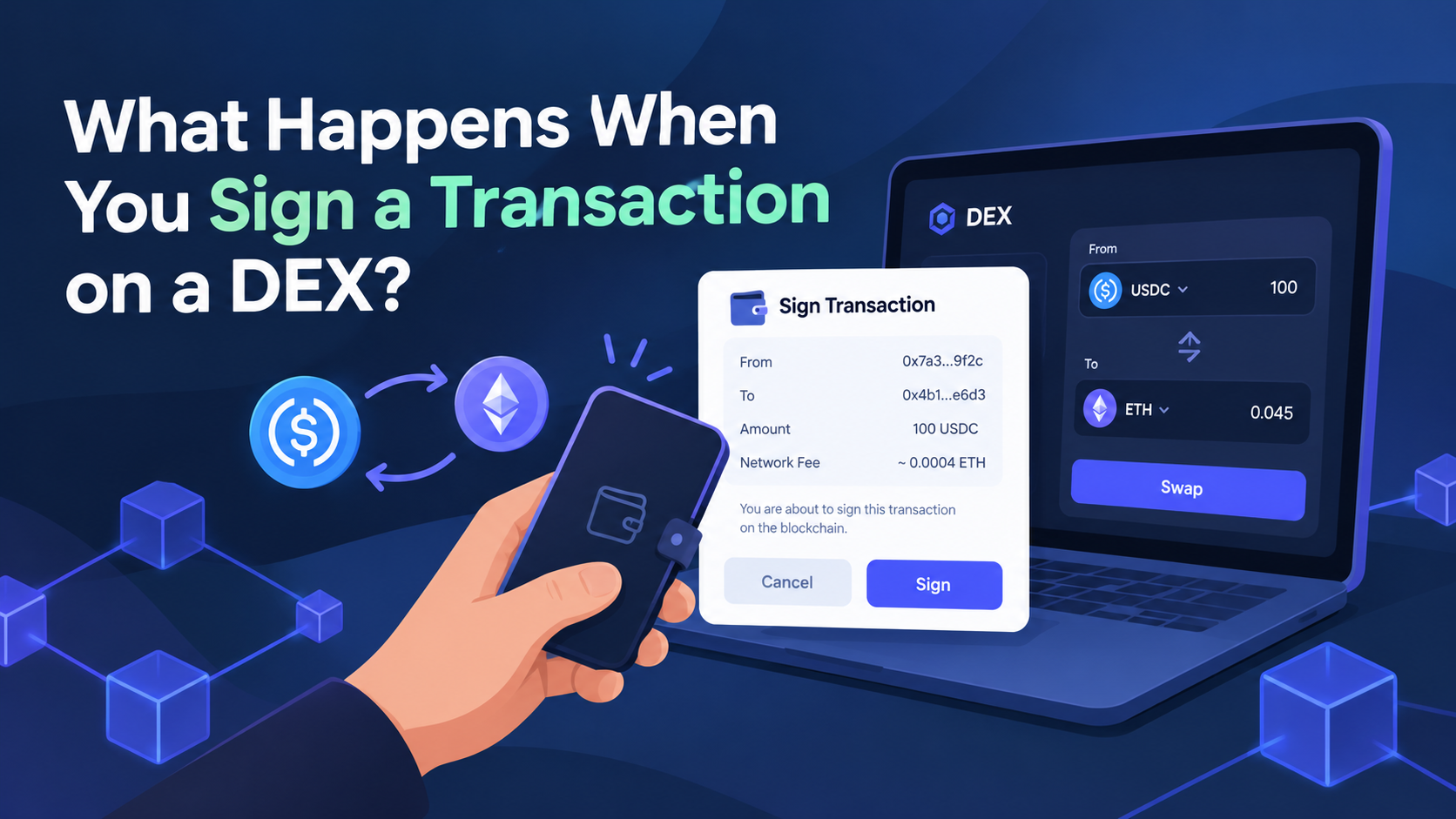
You link your wallet to a decentralized exchange, select a token, enter an amount, and click Swap. A window pops up in your wallet asking you to confirm the transaction. You click Confirm, wait a couple of seconds, and your tokens are there!
It sounds simple. However, there are a few things that occur between clicking Swap and seeing the new balance in your wallet.
These steps help you understand why a DEX sometimes requires multiple signatures, why a transaction can remain pending, and why connecting a wallet does not mean a website has permission to transfer your funds.
Connecting a Wallet Does Not Move Your Tokens
When your wallet is connected to a decentralized exchange, the app can typically communicate with your public wallet address and request actions from you. Access depends on the wallet and the permissions you grant.
Your private key remains within your wallet. When you approve a request, your wallet uses it to sign a transaction or message. A DEX does not need your private key to execute a swap.
Think of the connection as a link between your wallet and the app. It allows the two to communicate, but it does not automatically give the app permission to spend all the tokens in your account.
This distinction matters because many people assume that disconnecting a wallet removes every permission they have granted. It does not. A website connection and a token approval are two separate things.
What Does a Wallet Signature Actually Mean?
A digital signature helps establish that a transaction or message was authorized by a particular wallet.
Whenever you sign an on-chain transaction, your wallet signs the transaction details using your private key. The signed transaction can then be submitted to the network for verification and execution. You do not need to share your private key with the exchange.
But not all signature requests are the same.
A website may request that you sign a message to confirm that you control an address or to authorize an off-chain action. Another prompt might ask you to approve a transaction that changes something on the blockchain.
Some wallets display readable information, while others show technical details that can be difficult to interpret. Ethereum's transaction documentation explains how smart contract calls contain data identifying the function being called.
Therefore, when you see the word Sign, you cannot automatically know what action you are authorizing. Read the request carefully before accepting it.
Why Does a DEX Ask for Token Approval?
Imagine you want to exchange 100 USDC for another token. In some cases, the exchange's smart contract needs permission to spend your USDC before it can complete the swap.
This is known as a token approval.
During your first trade with a particular token, you may encounter two separate wallet requests. The first grants spending permission to a smart contract. The second authorizes the actual swap.
Not all token standards or applications require this exact two-step process, as some use alternative approval mechanisms.
Pay close attention to the spending limit shown in the approval window. Some requests specify an exact amount, while others ask for a much larger allowance.
With an unlimited allowance, the approved contract may be able to spend more of that token in the future, depending on the contract's rules and the permission granted. MetaMask provides guidance on understanding token approvals.
An approval does not mean you are sending tokens directly to the exchange. Instead, it gives a smart contract permission to use tokens within the approved allowance. Only approve contracts you intend to interact with.
What Happens After You Confirm a Swap?
Once you approve a transaction, your wallet signs it and broadcasts it to the network. The app might show a transaction hash that you can use to track its status.
The network then processes the transaction. On Ethereum , for example, a validator includes the transaction in a block before it can be considered executed. The network follows its own rules for transaction confirmation and finality.
A pending transaction does not necessarily mean something is wrong. The network may be congested, the transaction fee may be insufficient under current conditions, or the transaction may not yet have been confirmed.
If a transaction fails, check its status and any available error messages before attempting it again. Submitting the same trade repeatedly without checking the original transaction can lead to unnecessary fees or unintended duplicate transactions.
Please note that a swap may not deliver the exact amount initially displayed in your wallet preview. Price movements, slippage settings, and changes in available liquidity can affect the final amount received.
Can You Remove Permissions Later?
Yes, in many cases. Supported wallet tools and blockchain explorers allow you to view and revoke token approvals on the relevant network.
Revoking an approval removes the spending permission previously granted to a contract under that approval. The revocation generally requires an on-chain transaction and may involve a network fee.
Simply disconnecting from a website does not revoke existing token approvals. MetaMask also provides guidance on reviewing and revoking permissions.
From time to time, check old approvals, particularly for applications you have not used in a while. Before changing a permission, make sure you select the appropriate network and token.
A Few Things to Check Before Signing
Before confirming any DEX request, verify that you have arrived at the correct website, connected your wallet to the intended network, and selected the correct token and contract for the action you want to perform.
Check the transaction amount, spending limit, and estimated network fee. If a request seems unrelated to your trade or asks you to sign something you cannot identify, pause and investigate before proceeding.
The same precautions apply to decentralized exchanges (DEXs) such as Dexlyn. The wallet you use and the blockchain you interact with will determine how the wallet screens and approval process appear.
Final Thoughts
Wallet prompts are an important part of decentralized trading. They allow you to authorize specific actions without handing your private key to an exchange.
What matters most is understanding what you are approving. Connecting a wallet, signing a message, granting token permission, and submitting a swap are separate actions, even when they appear one after another.
Once you understand these differences, wallet pop-ups become easier to interpret, and you are less likely to approve a request simply because it is the next step on the screen.