Action Cameras vs Handheld Gimbals: Which Do You Need for Smooth Video?
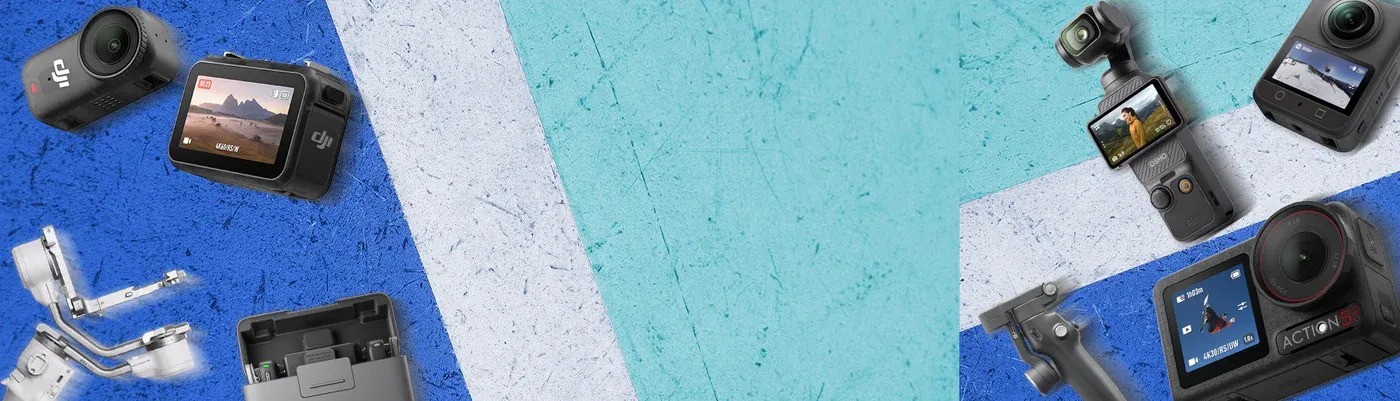
Both action cameras and handheld stabilizers promise smooth footage, but they solve different problems. This guide compares them, so you can choose the right tool for your next shoot.
How Action Cameras Work
Many creators start with the main DJI lineup, then add tools as their needs grow. An action camera is a small, rugged camera that records wide, stabilized video. A DJI Osmo Action camera is made to attach to gear and capture motion in tough conditions. The lens is wide, which makes movement feel fast and immersive.
Best Uses
- Cycling, skiing and running.
- Water and beach activities.
- Car and motorcycle mounts.
- Travel and hiking clips.
Things to Check
- Rated waterproof depth.
- Battery life in cold weather.
- Mounting options.
- Low-light performance.
How Handheld Stabilizers Work
A handheld stabilizer holds your camera or phone on a motorized gimbal that cancels out hand shake. A DJI Osmo Mobile is built for smartphones, and it helps you walk, pan and tilt smoothly. It also offers tracking features that follow a subject.
Best Uses
- Vlogs and talking-head videos.
- Family events and travel clips.
- Walk-and-talk interviews.
- Social media content.
Other Handheld Options
Some creators prefer a dedicated camera in a handheld body. The DJI Handheld range includes compact stabilized cameras that fit in a pocket and shoot without a phone. They suit people who want quality video with minimal setup.
Comparison at a Glance
| Feature | Action camera | Phone gimbal | Handheld camera |
|---|---|---|---|
| Size | Very small | Folding, compact | Pocket size |
| Best for | Sport and mounts | Vlogs and phone video | Everyday filming |
| Durability | High | Moderate | Moderate |
| Setup | Fast | Quick | Fast |
How to Decide
- If your subject moves fast, choose an action camera.
- If you film yourself or people with a phone, choose a gimbal.
- If you want a dedicated camera without a rig, choose a handheld camera.
- If you want all three, start with the one you will use most.
Shooting Tips
- Keep your elbows close to your body.
- Walk with bent knees for smoother steps.
- Film in good light.
- Record a few seconds before and after each shot.
Storage and Care
Format memory cards in the camera. Keep spare batteries charged. Wipe the lens and rinse the camera with fresh water after salt exposure if your model is rated for it.
Final Thoughts
There is no single best tool, only the best fit for your footage. Think about where you shoot, how you move and what you want your clips to look like. The right choice makes filming more fun and the results easier to share. If you are unsure, borrow or rent a tool for a weekend, shoot a few test clips and compare them on a larger screen before you buy. Real footage tells you more than a spec sheet.