The Diary Game || Date: August 13, 2026 || Finally, my computer is back in action! 💻❤️
Dear Steemian Friends,
I’m @azit1980
From #bangladesh
I hope everyone is doing very well by the grace of the Almighty. With your prayers, love, and support, I am also doing well. Today, I have written a blog about the first experience of my life, and I am happy to share it with all of you. I hope you will enjoy reading my experience and continue to support me with your love and encouragement.
Thumbnail Photo
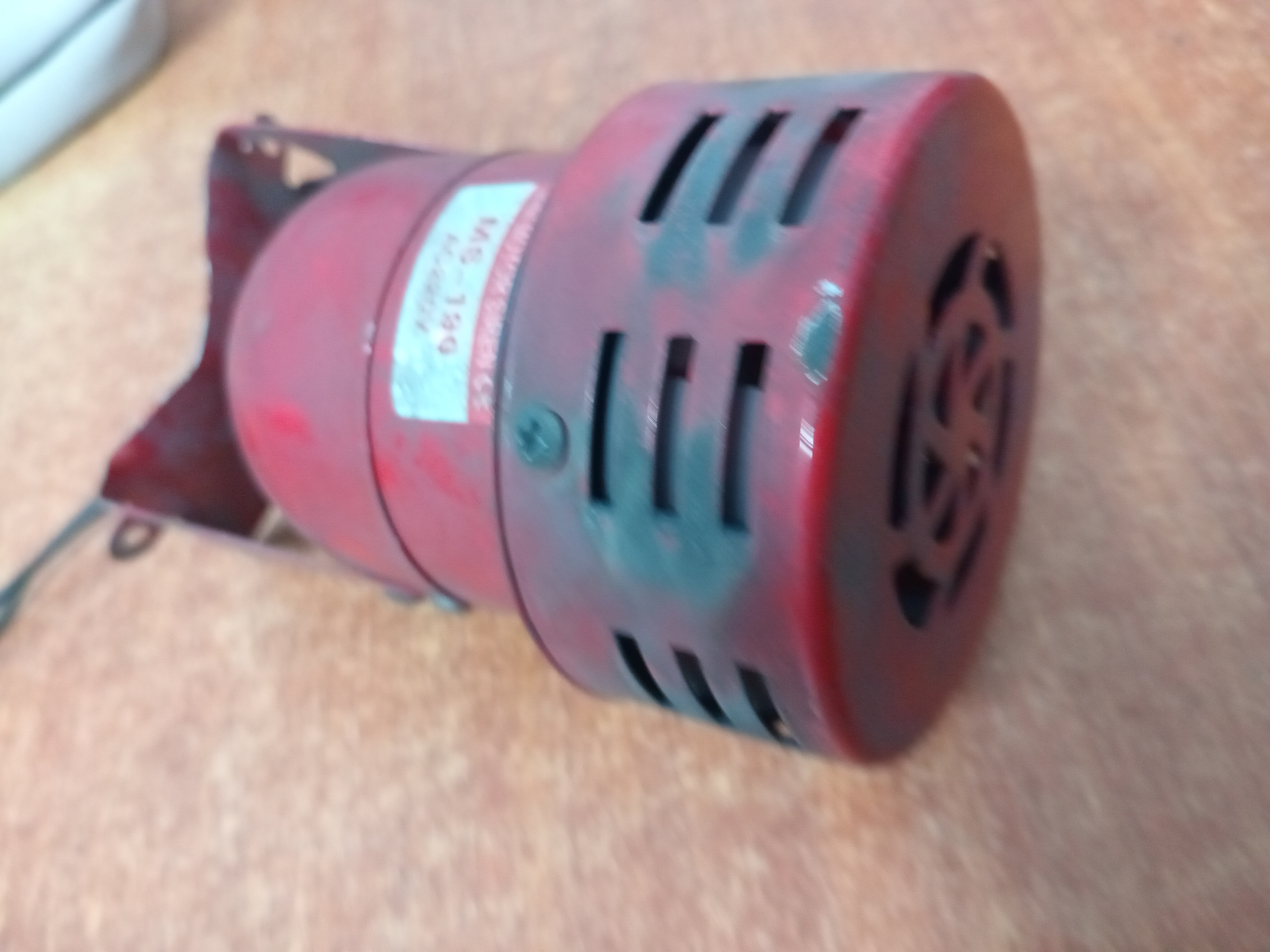
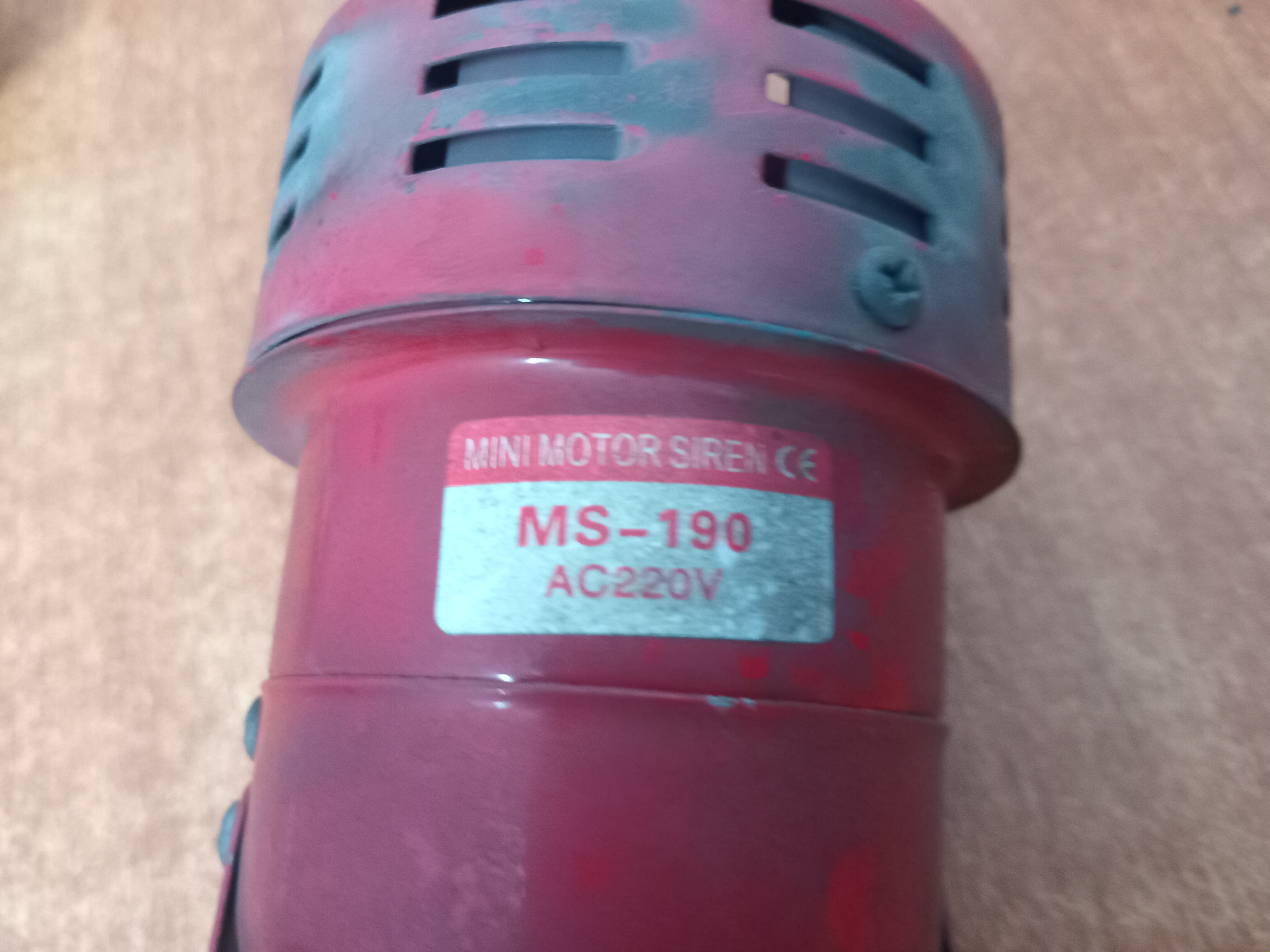
A motor horn is an important safety and communication device widely used in factories, workshops, warehouses, steel mills, and other industrial environments. The motor horn shown in the picture is a compact and robust electrical warning device designed to produce a loud sound to alert workers and nearby personnel. In an industrial workplace, machinery and equipment often operate with high levels of noise. Because of this, verbal communication may not always be effective. A motor horn provides a clear and powerful warning signal, helping workers remain aware of moving machinery, cranes, vehicles, and other potential hazards. Motor horns are commonly used with cranes, lifting equipment, industrial machines, vehicles, and emergency warning systems. When activated, the internal motor and mechanical components generate a strong audible signal that can be heard even in noisy working environments. Regular inspection and proper maintenance are essential to ensure reliable performance. The horn should be checked for loose connections, damaged wiring, dust accumulation, and unusual sounds. Keeping the device clean and properly connected can help extend its service life. Overall, a motor horn may look like a small component, but it plays a very important role in maintaining safety and effective communication in industrial operations. A simple warning sound can prevent accidents, protect workers, and contribute to a safer working environment.

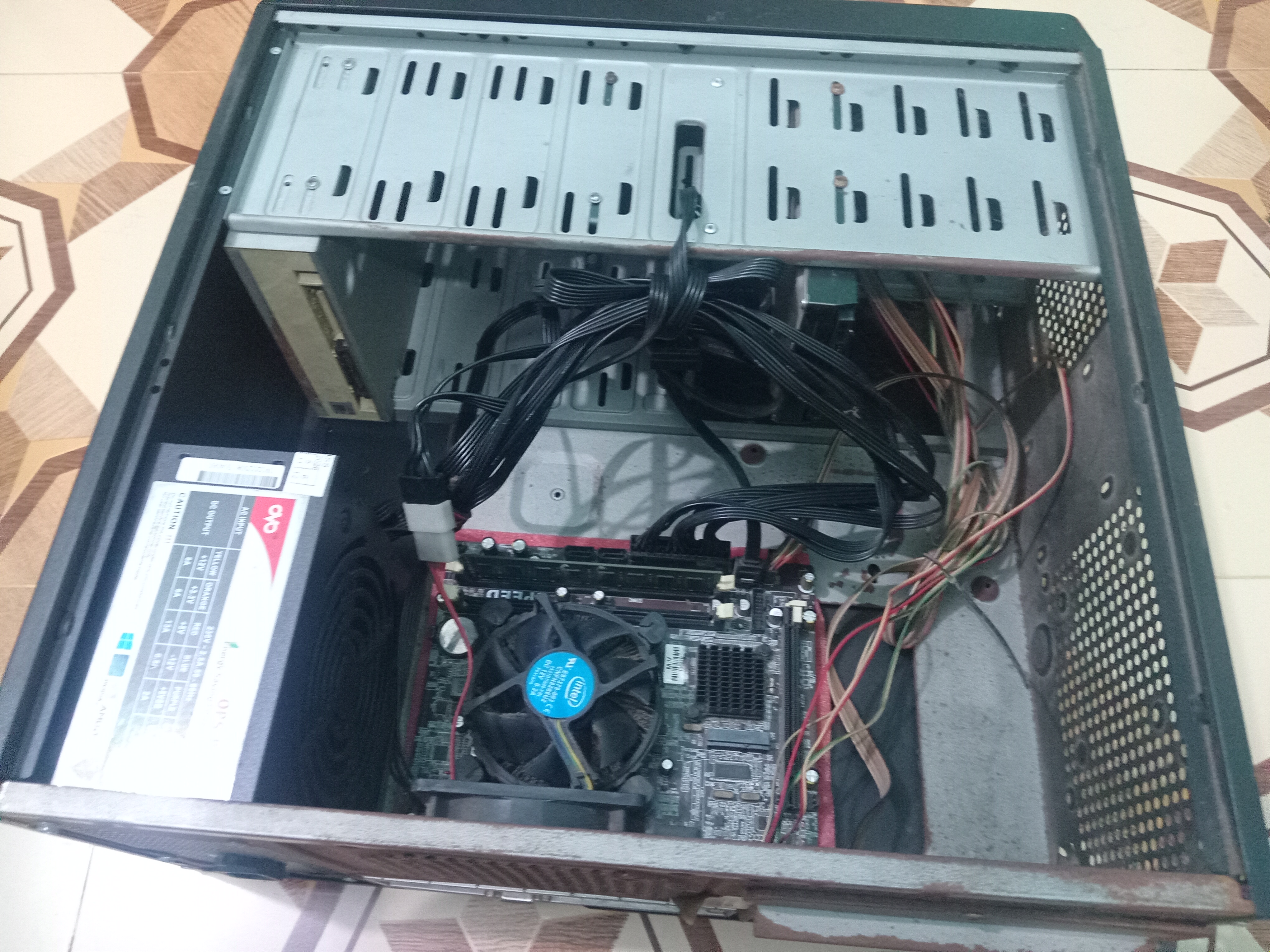
Sometimes a computer can stop working unexpectedly, leaving us wondering what went wrong. Recently, my home PC suddenly stopped working, so I opened the computer case to inspect the internal components. The picture shows the inside of my desktop computer, including the motherboard, processor with its cooling fan, power supply, cables, and other important components. Opening the case is often the first step in finding a hardware-related problem. A computer may fail to start for several reasons, such as a faulty power supply, loose RAM, damaged cables, overheating, motherboard problems, or issues with the processor or storage device. Therefore, it is important to check each component carefully and systematically rather than immediately replacing parts. Before troubleshooting, the power connection should be disconnected for safety. The RAM, power cables, storage connections, and other components should be checked to make sure everything is properly connected. Dust should also be cleaned carefully because excessive dust can sometimes cause overheating and performance problems. This experience reminds us that regular computer maintenance is very important. Keeping the internal components clean, ensuring proper ventilation, and checking connections from time to time can help prevent unexpected problems and extend the life of a PC.
After my home PC suddenly stopped working, I decided to open the computer case and inspect all the internal components carefully. I removed the different parts one by one so that I could identify the problem and also check their overall condition. While inspecting the PC, I noticed a significant amount of dust and dirt had accumulated inside, especially around the CPU cooling fan and heatsink. Over time, dust can restrict airflow, reduce cooling efficiency, and cause components to become unnecessarily hot. I carefully cleaned the internal components and removed the accumulated dust. The CPU fan and heatsink received special attention because they play an important role in keeping the processor temperature under control. I also cleaned the surrounding areas of the motherboard and checked the cables and connections. Regular cleaning is an important part of computer maintenance. A clean PC can maintain better airflow, improve cooling performance, reduce the risk of overheating, and potentially extend the lifespan of its components. This experience reminded me that even when a computer looks clean from the outside, a considerable amount of dust can accumulate inside. Therefore, periodic inspection and cleaning are essential for keeping a desktop computer healthy and reliable. After completing the cleaning process, I will carefully reassemble all the components and test the PC to find out whether the problem has been resolved. Hopefully, with proper maintenance and care, my computer will return to normal operation soon.
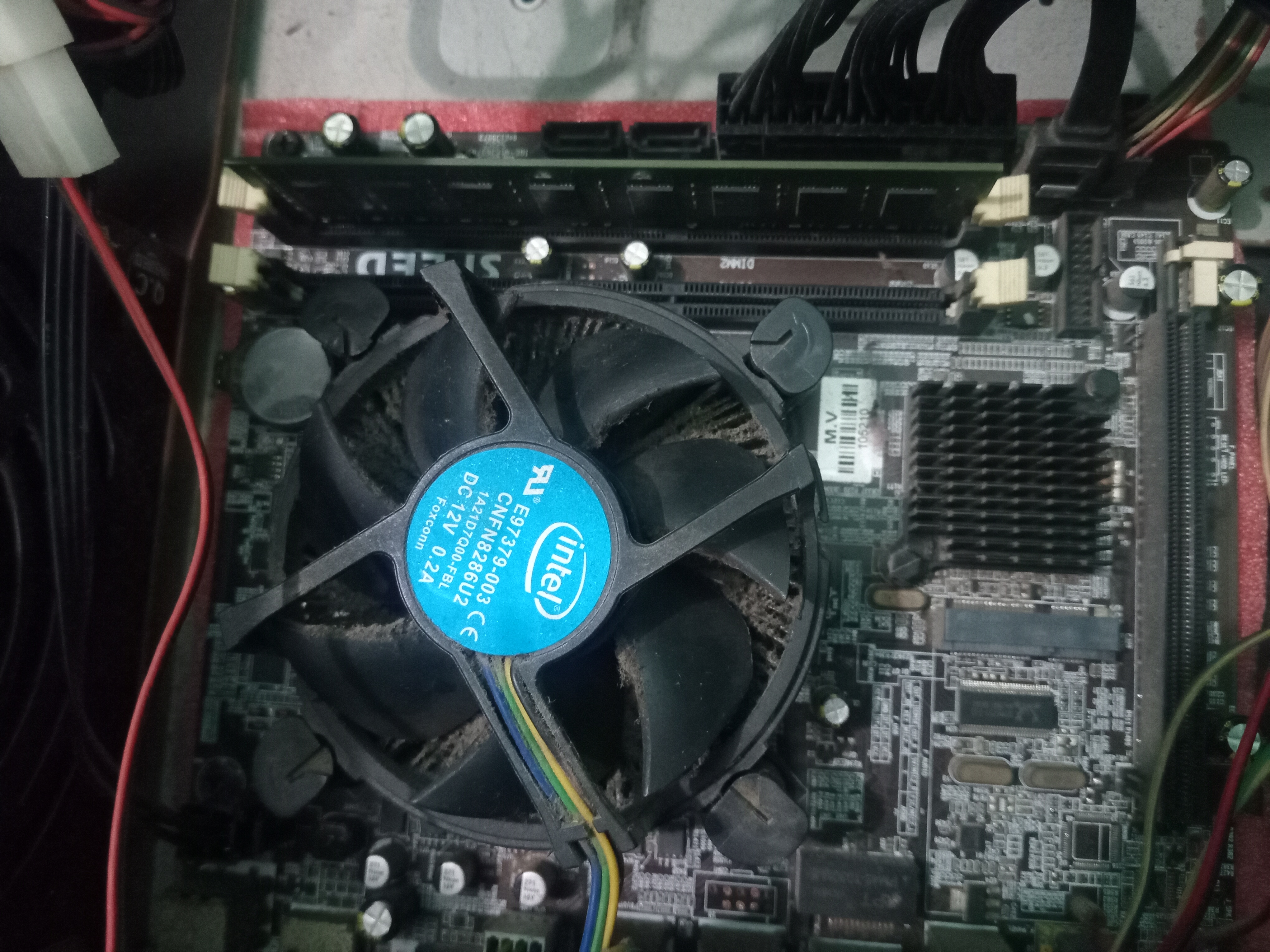
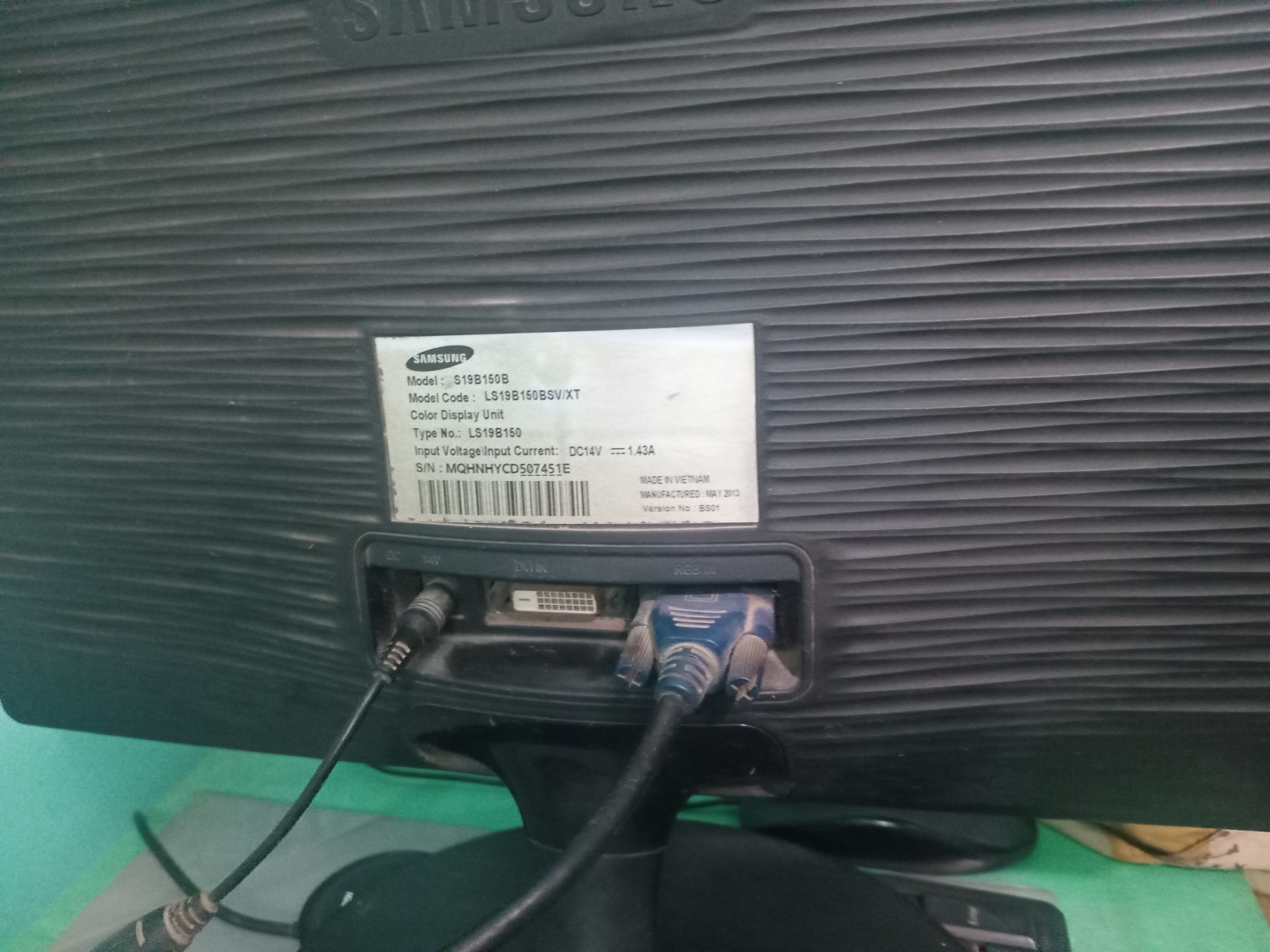
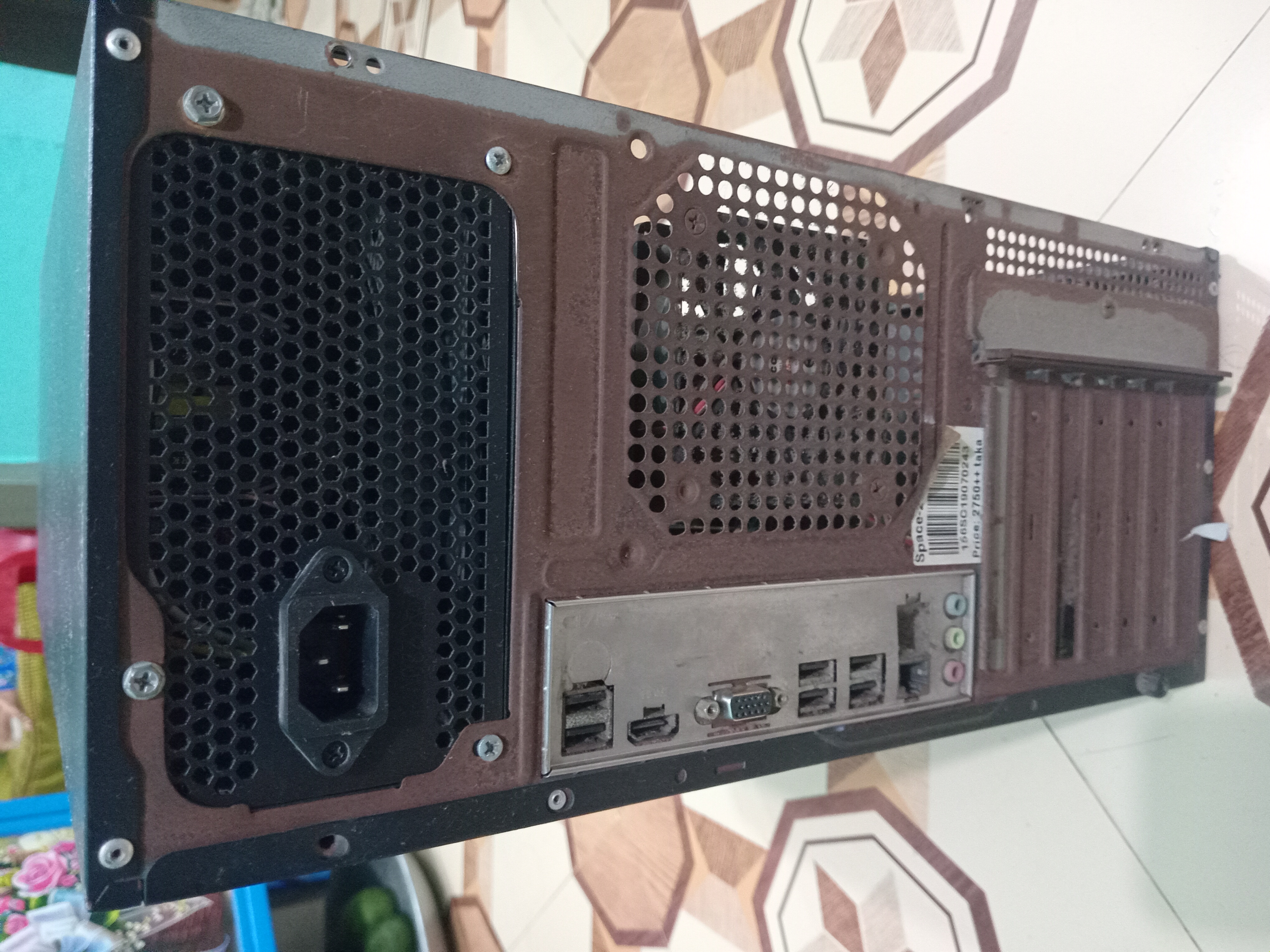
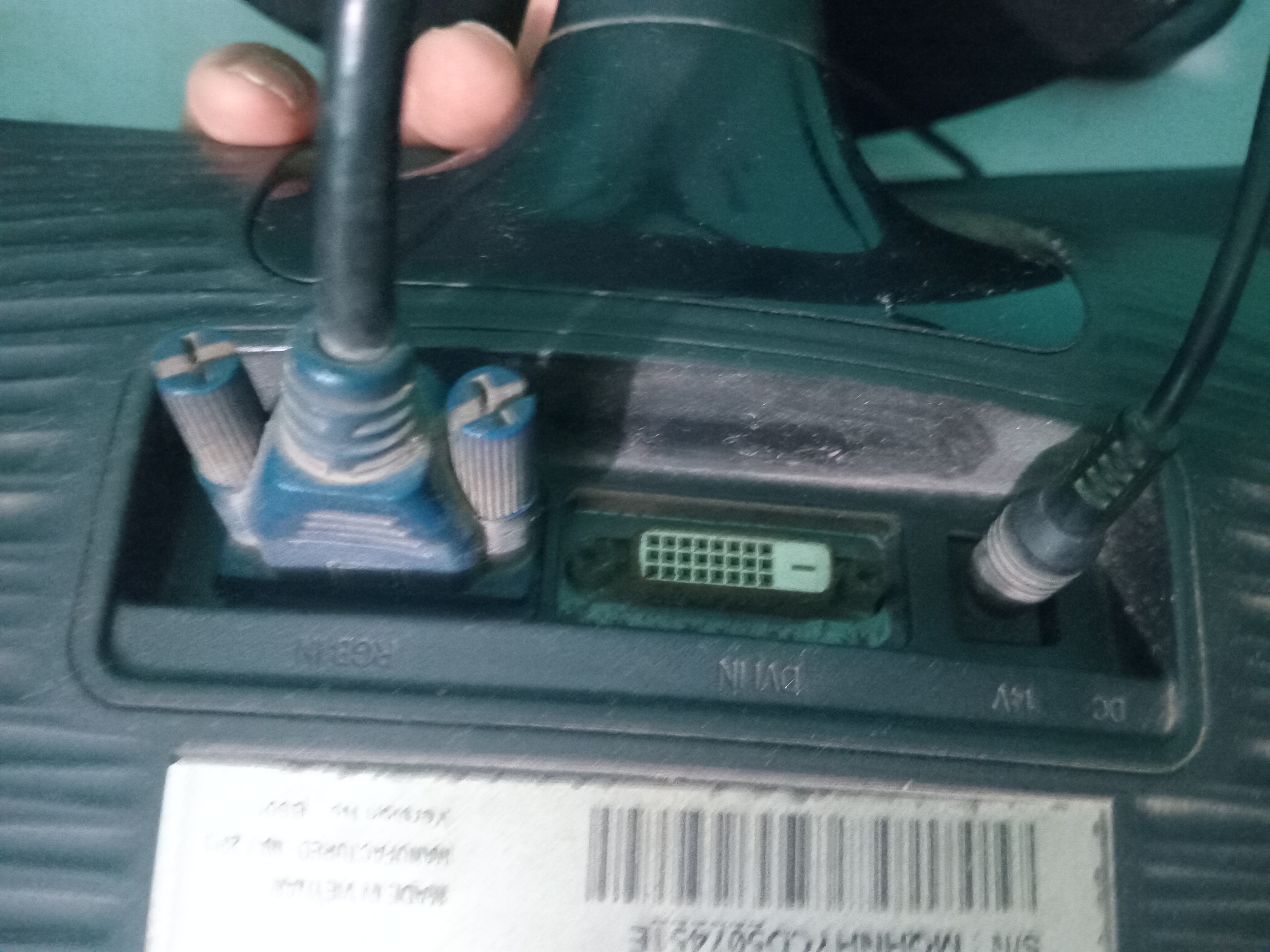
After discovering a large amount of dust inside my home PC, I decided to completely disassemble the computer and clean all the components carefully. Once the cleaning process was finished, it was time to put everything back together. I carefully reinstalled the motherboard, processor and CPU cooler, RAM, storage devices, power connections, and all necessary cables. Each component was checked to make sure it was properly fitted and securely connected. The back of the PC case now shows the power supply, motherboard I/O ports, USB ports, audio connections, and other interfaces. Before turning the computer on, I double-checked the important connections because even a slightly loose cable or incorrectly installed component can prevent a PC from starting. Now comes the most exciting moment—testing the computer. After all the effort of cleaning, checking, and reassembling, I am hoping that the PC will power on and work normally again. Sometimes troubleshooting a computer requires patience, careful observation, and a little hands-on effort. Whether the PC starts successfully or needs further diagnosis, this experience is a good reminder of the importance of regular maintenance and proper care of computer hardware.
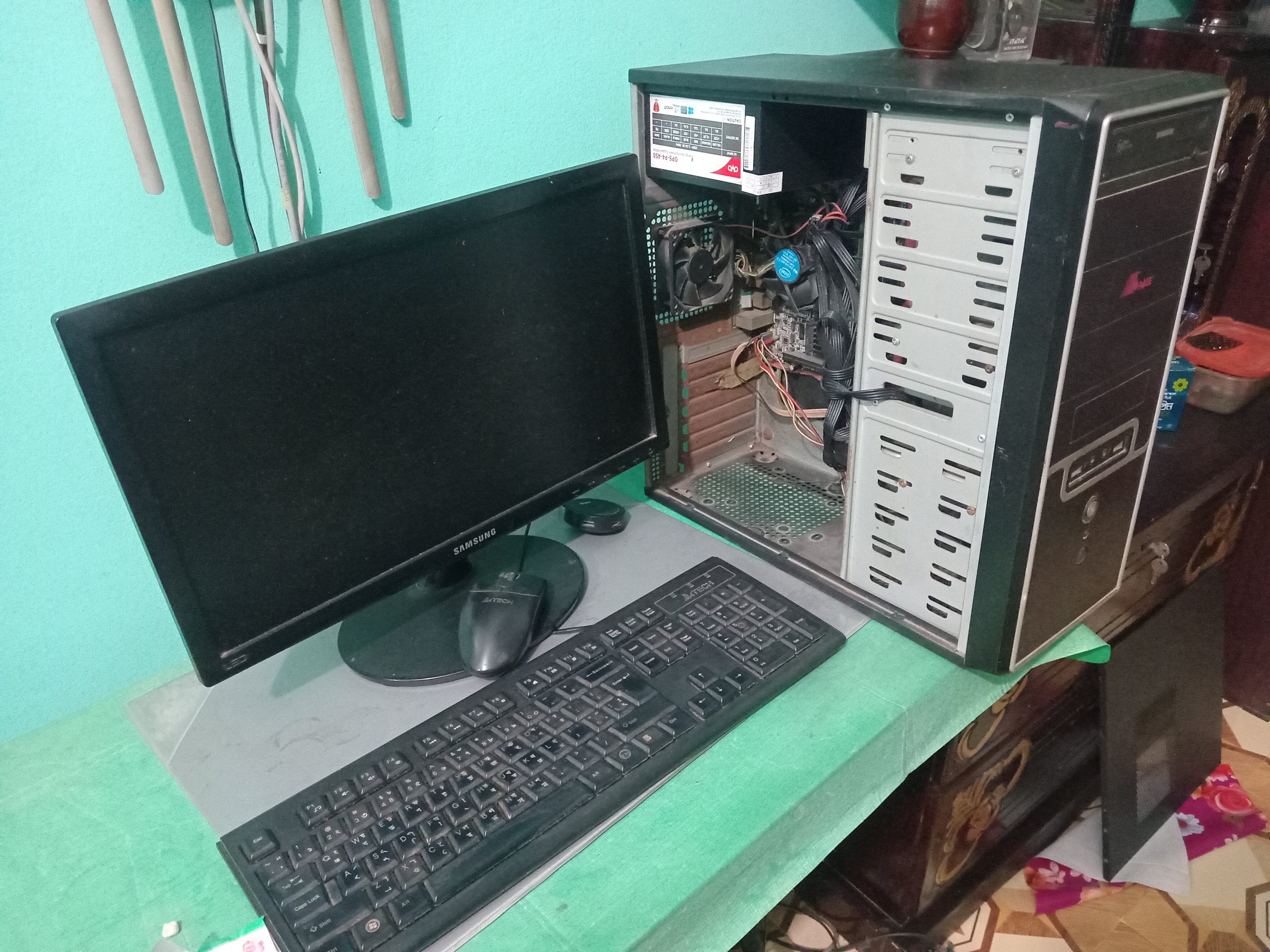
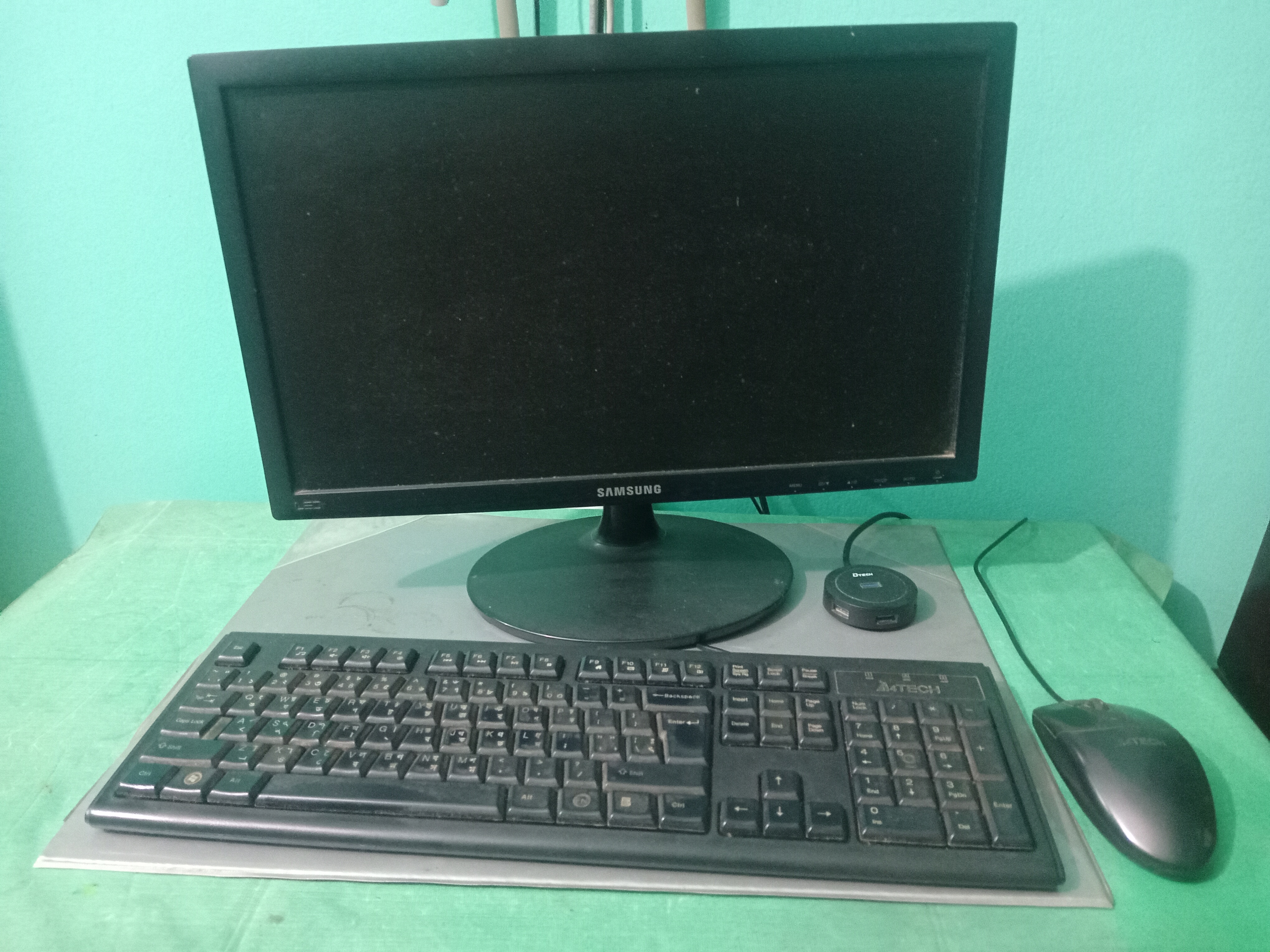
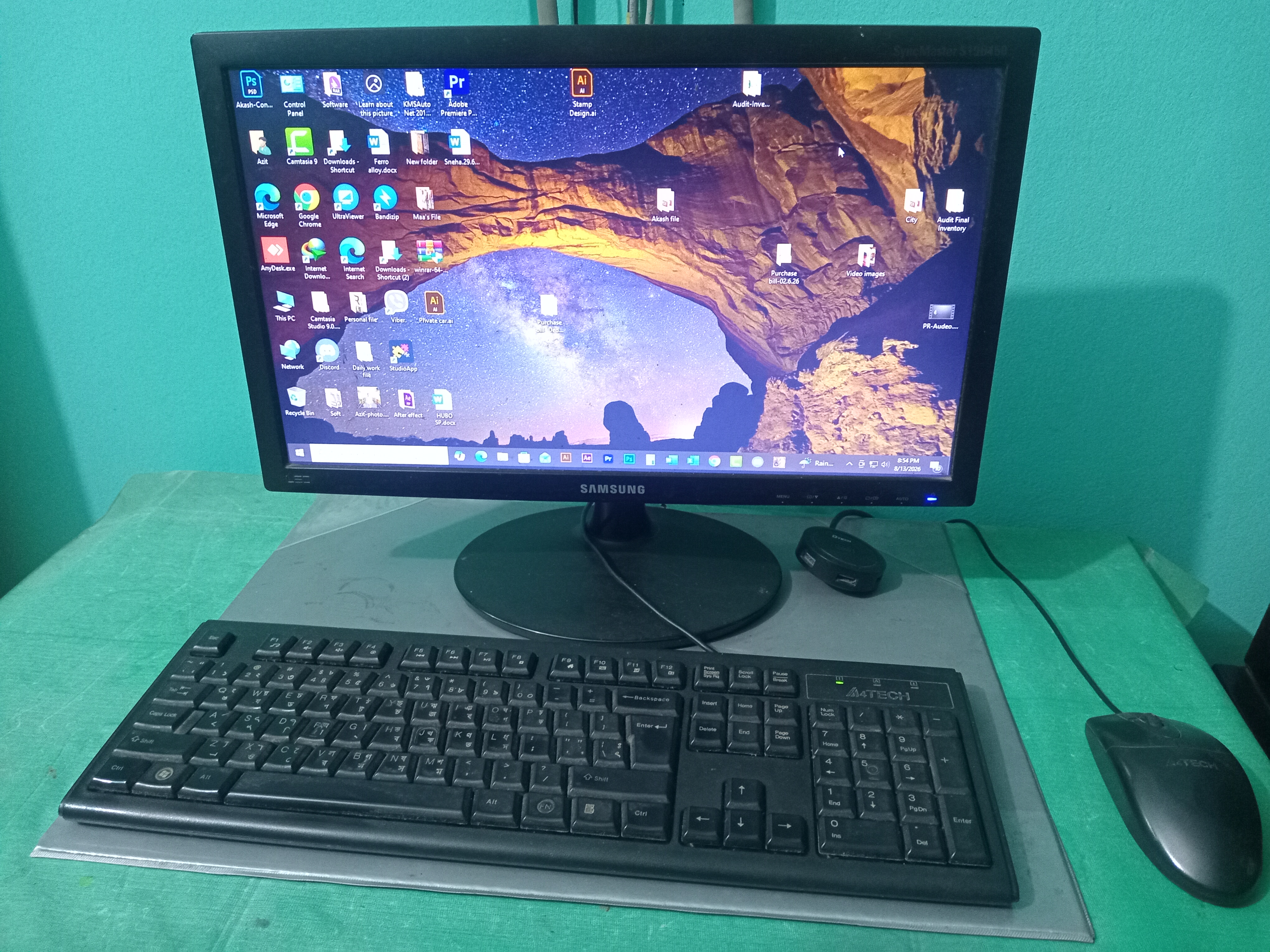
After my home computer suddenly stopped working, I was really worried about what had happened. I opened the PC, removed the components, and carefully cleaned the dust and dirt that had accumulated inside. Then I reinstalled and connected everything properly. The most stressful moment came when I was ready to turn the computer on again. Honestly, I was a little afraid that it might not start after I had taken everything apart. I kept wondering whether I had connected every component correctly. Finally, I pressed the power button—and thankfully, the computer started successfully! Seeing the Windows desktop appear on the monitor brought a huge sense of relief and happiness. All the effort of cleaning, checking, reconnecting, and troubleshooting had paid off. This experience taught me an important lesson: sometimes a computer problem may look serious, but with patience, careful inspection, and proper maintenance, it can be solved. Regular cleaning is also very important to keep a PC running smoothly. Today, I am very happy to see my computer working again. It was a small hardware troubleshooting experience, but the feeling of seeing the PC come back to life was truly satisfying.

This is my Twitter promotion share link:
https://x.com/azit1980/status/2088587414826787161?s=20
Best wishes to all, take my best wishes to @LIRVIC & special thanks for reviewing my post and for your support to me.