Full tutorial : How we can play Steemsnake games | Powered by Friends.Witness

Hello Steemian, welcome to Steem 🐍 Snake !
I hope you are all well, we are well and greetings and congratulations to everyone from friends.witness. You all know that we recently published a snake game which is based on your playing and experience sharing posts, we can say that you liked it very much. For this, friends.witness and the witness team thank you very much for being by our side.
How we can play Steemsnake games
 |  |
|---|
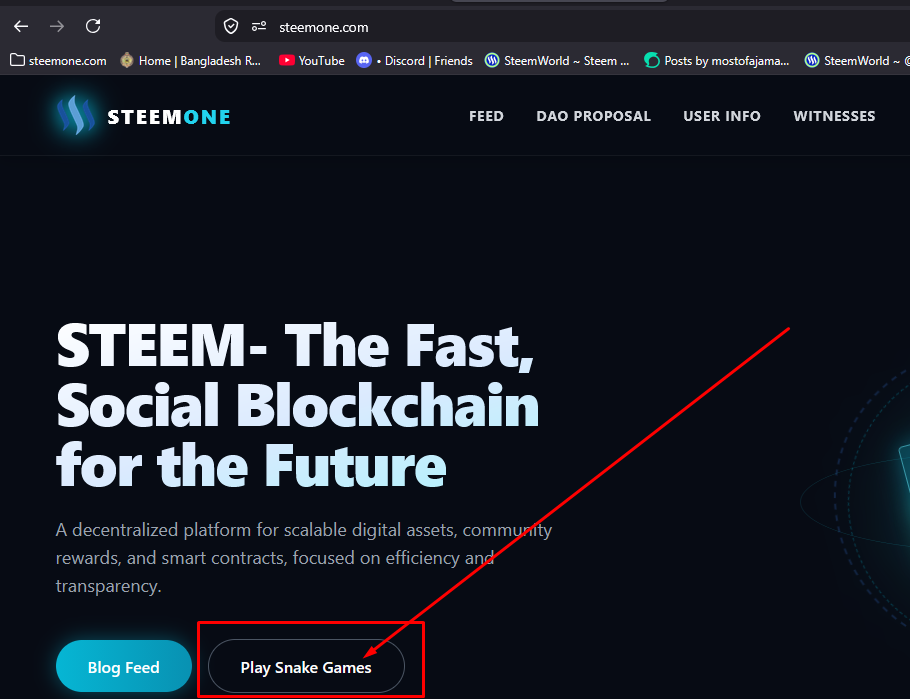
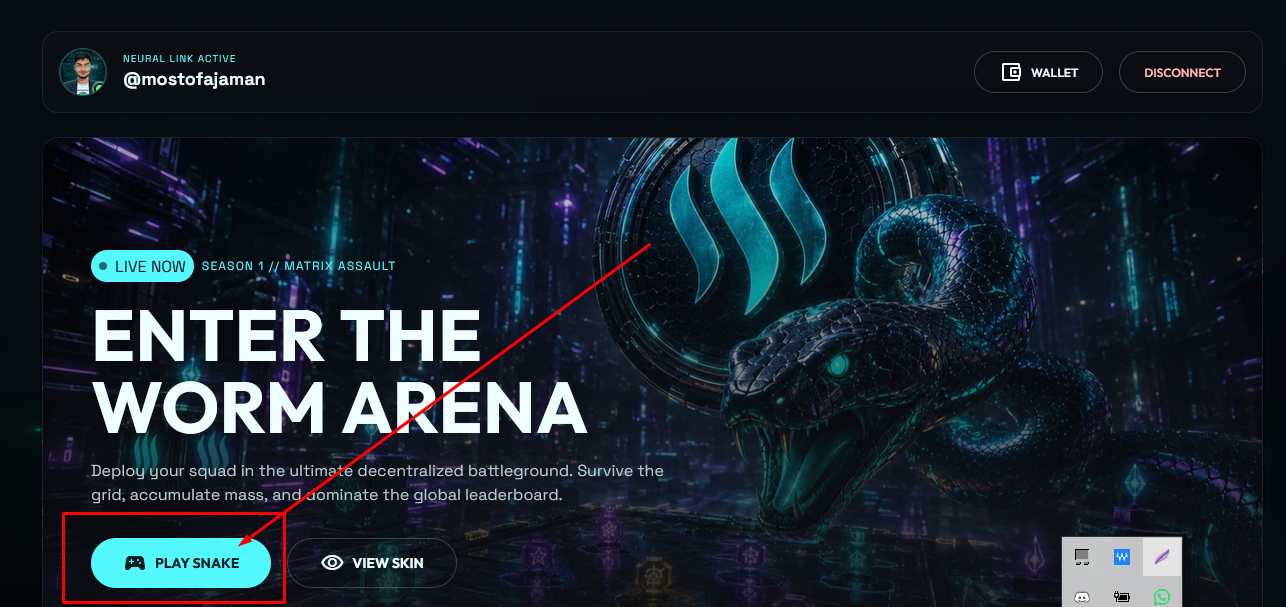
First of all you have to enter our website steemone.com and then login with posting key. Then there you will see the Play Snake button at the very top, if you click there you will be taken to the game page and then when you click on the Snake Game button you will go to the game option.
 |  |
|---|
 |  |
|---|
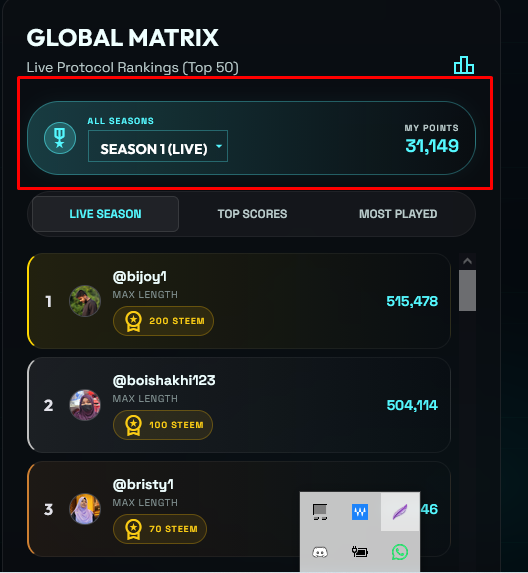
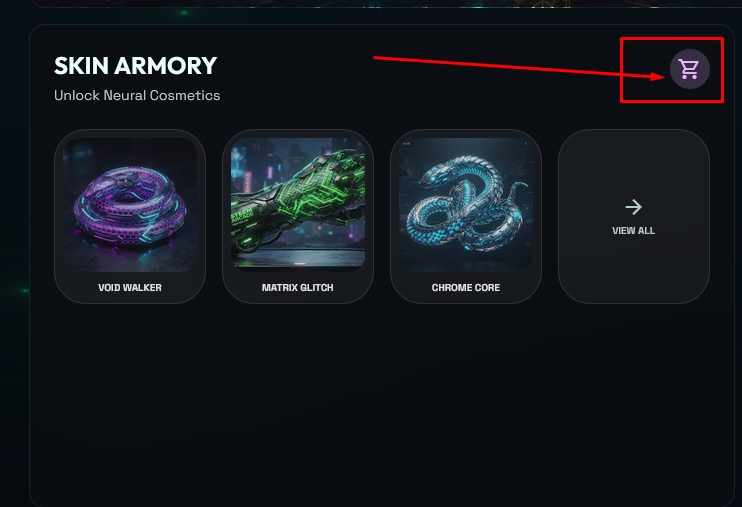
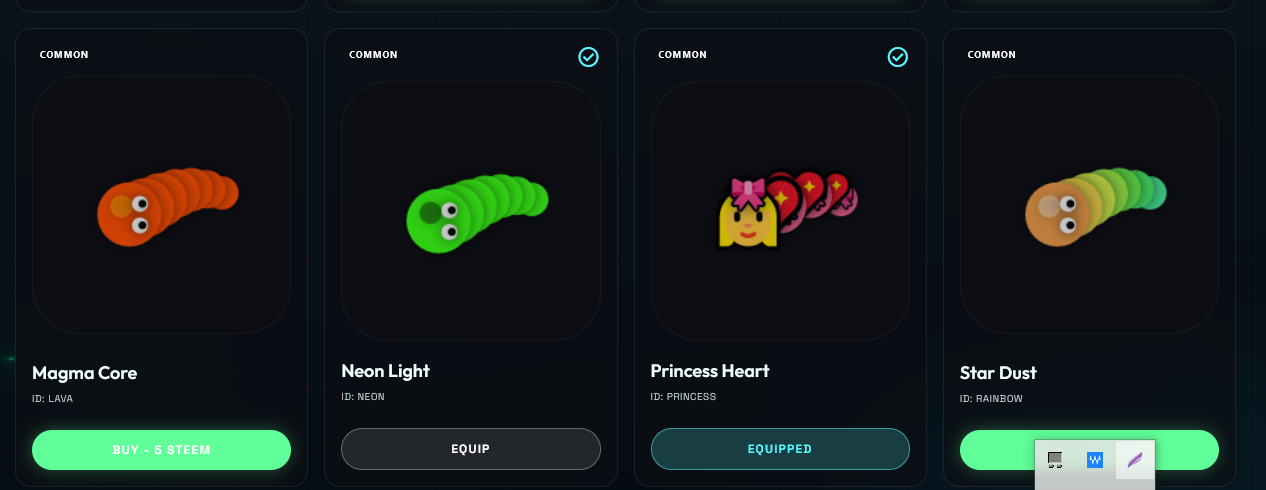
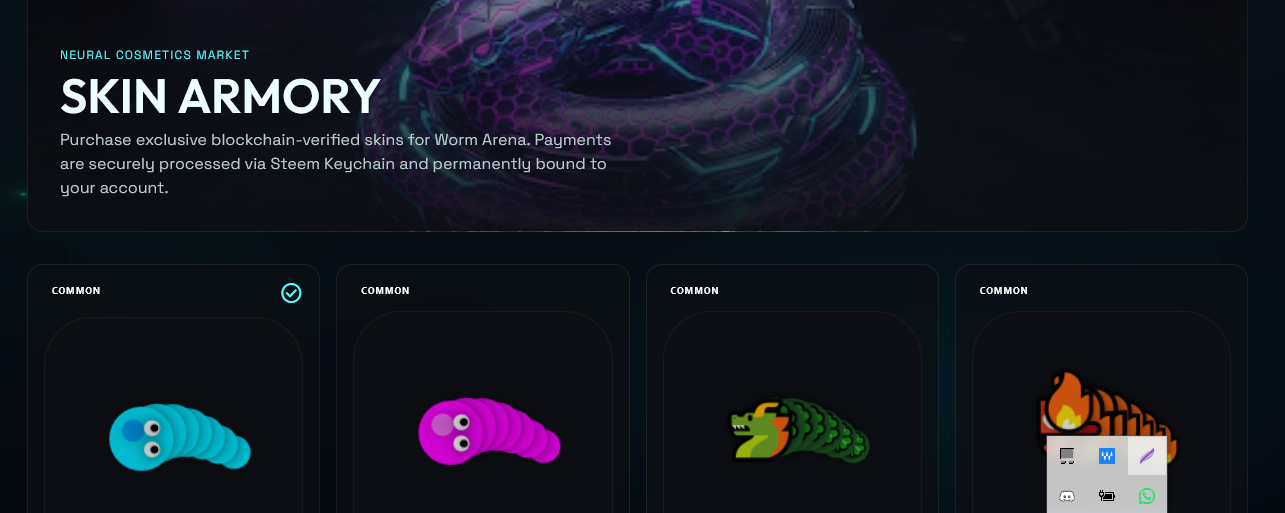
On this page, you can play the game as well as see your current leader board with your own results and the rankings of other users. Next to it, you can see the game skin armory, there are snake designs of different designs, you can buy them and use them or start the game with the default foot. You have to spend steam to buy it and the price list is written under each NF. If you go down one more on this page, you can see how much steam reward you will get on the leader board according to your ranking, it may change so you have to keep an eye on it.
 |  |  |
|---|
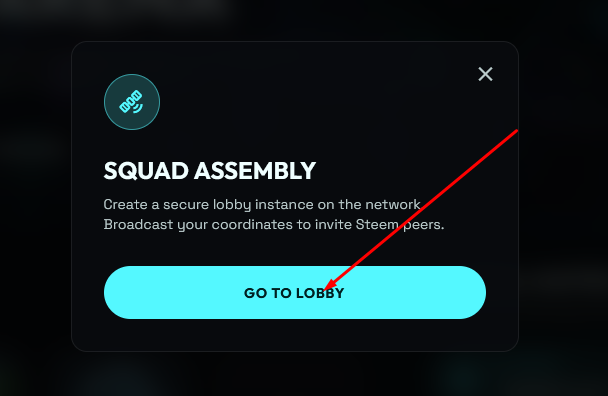
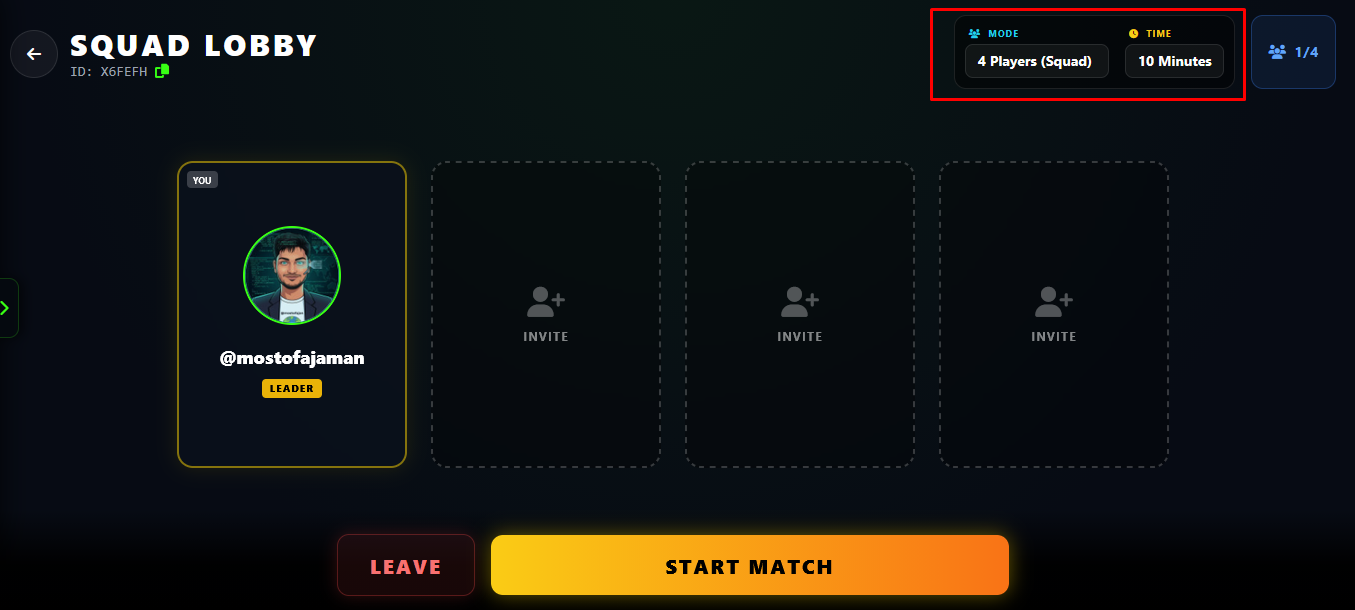
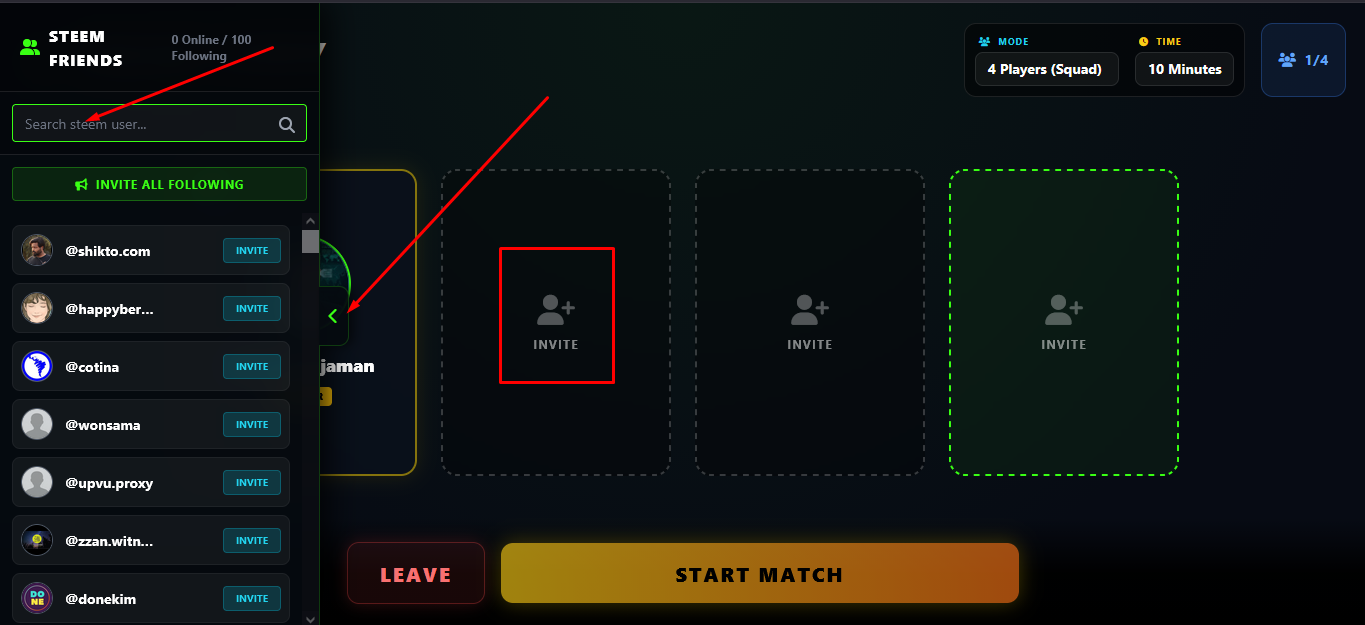
When you click on Play Games, you will first have to assemble Scord, a pop-up will appear, click on Go Lobby, the lobby will be created and you can search the sidebar and invite your friends by typing their names, or you can start the game alone. Since this is a multiplayer game, it will be very fun to invite friends. If it is active on our website, you can see him active through search and you can also invite him by creating an invitation link. I think it is very easy, right?
 |  |
|---|
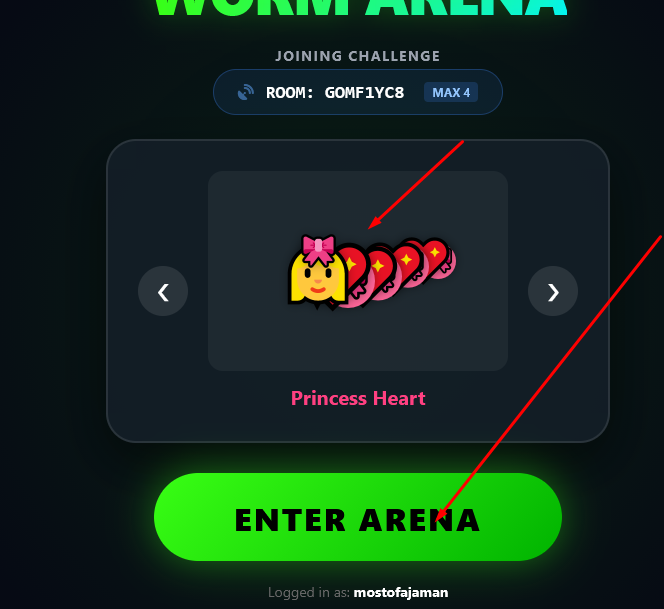
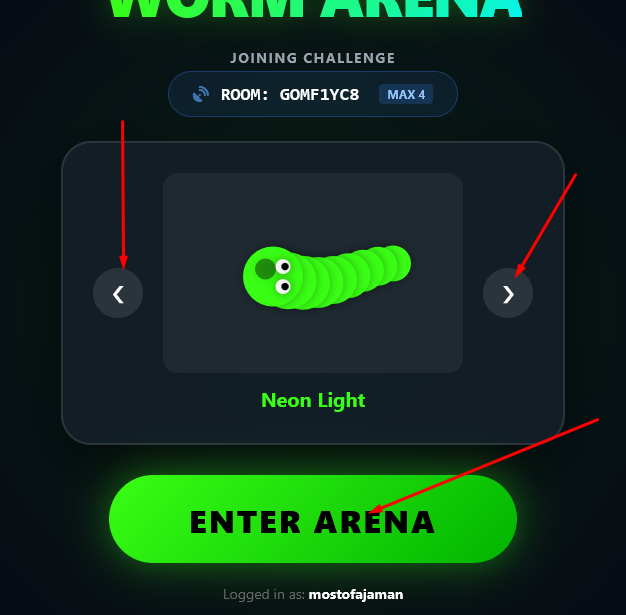
Clicking on the start button will bring up another page where you can change the skin of your snake and enter the game with the snake skin of your choice, so select the skin and click the enter arena button. Your game will start.
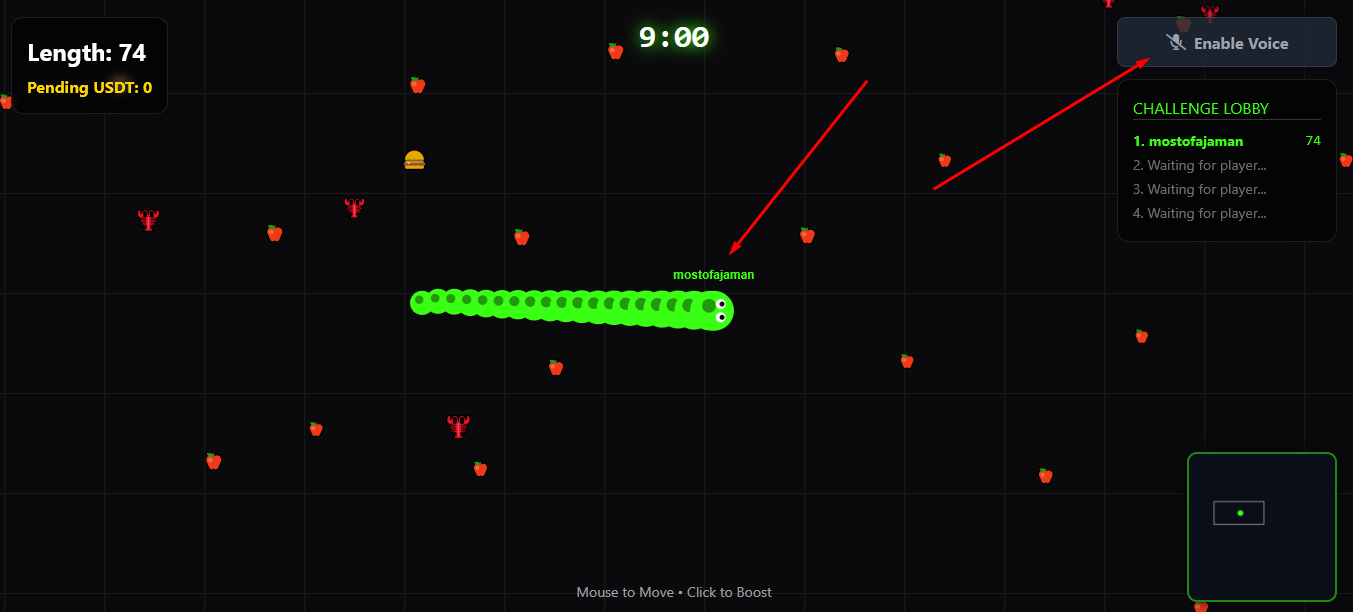
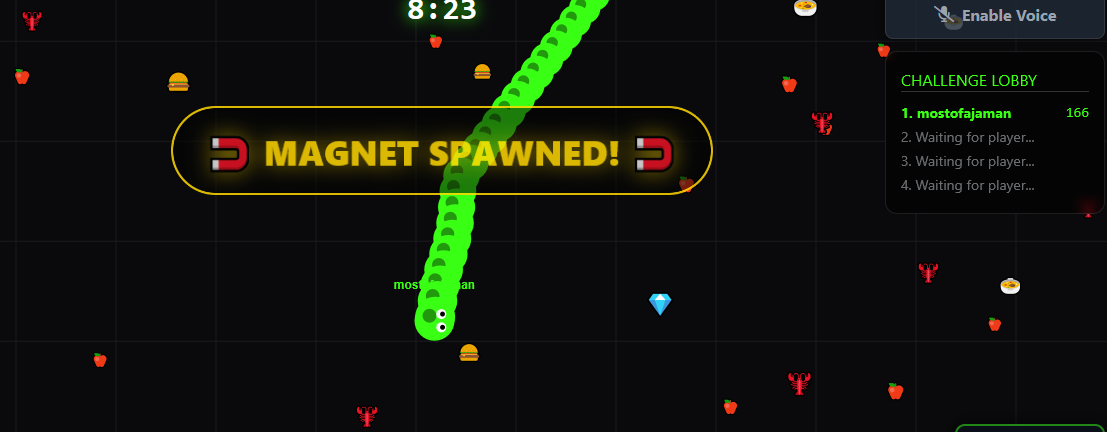
If you are using a mobile device, you can get a nice gaming experience by using the desktop mode. On the top right, you will notice the voice on/off button and also the name of who is playing the game with you.
The game has started, now your job is to eat different types of food for the snake, grow the snake, and defeat other snakes by hitting them. If you hit another snake or touch the boundary, your snake will die. If there is a match duration time, you can rejoin the game and play. Also, grow your snake to defeat others and surround them so that they are forced to hit your snake. If you notice in the game, you will see that there is a magnet and a coin cup. By playing these two, you can use a token reward pot and a magnet to pull the food and eat it. This is very interesting, isn't it?
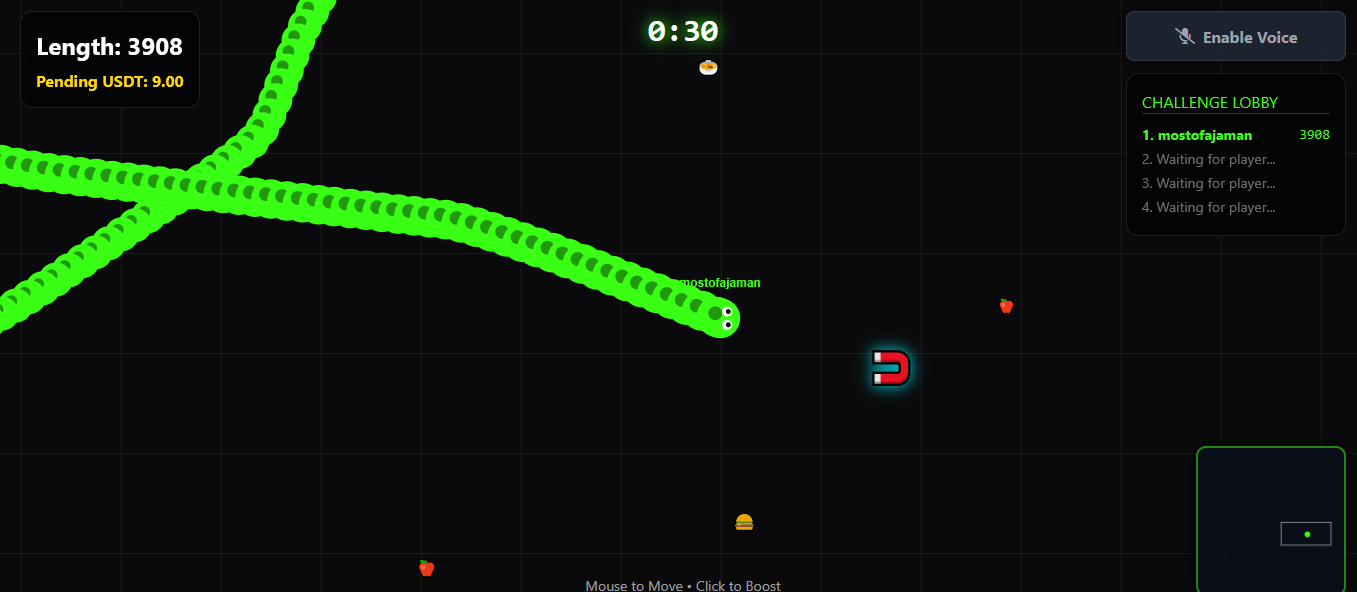
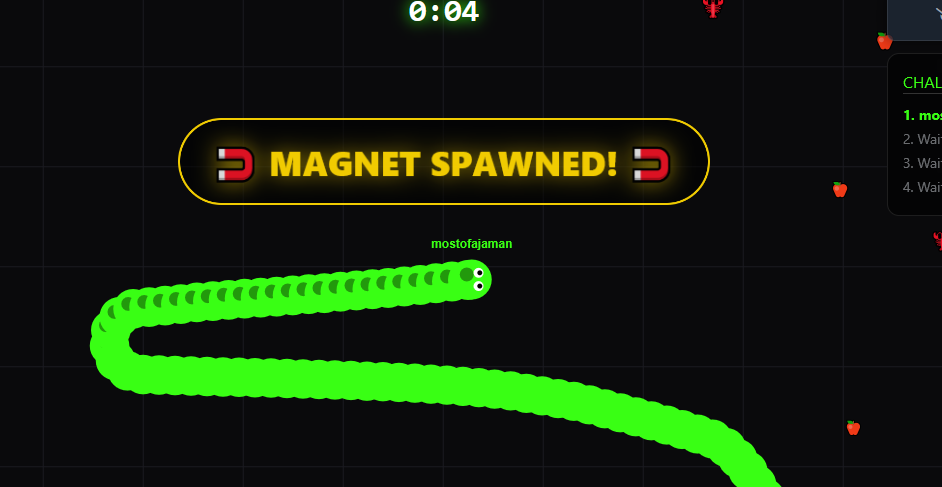
 |  |
|---|
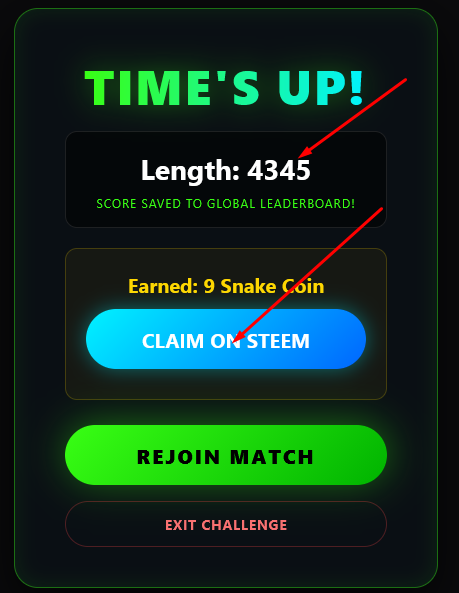
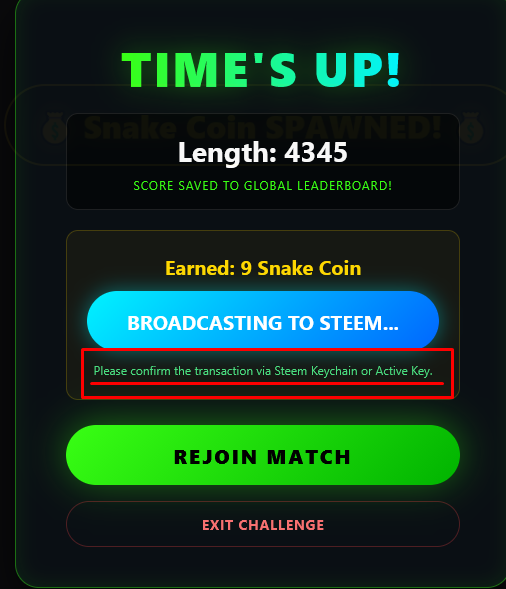
Keep playing like this, the game will end at the specified time, then another prop will appear which will show the result of the game, from there you claim your token and it will be saved in the database, how long was your snake and how much was the total. You will have to use your private active key to make love. But let me tell you in advance that no kind of password or any information outside the game is saved in our database. This is how you can complete your game. Below I have recorded a small video that I am sharing with you to make the game easier to play and understand.
I hope you will understand how to play the game through this post. If you still have any questions or problems, then feel free to ask us through comments or discord. Thank you all. Stay tuned and keep an eye on the leader board.
VOTE FOR WITNESS @friends.witness
Contact Us
