How to Build Hreflang Tags for 20 Languages and Regions
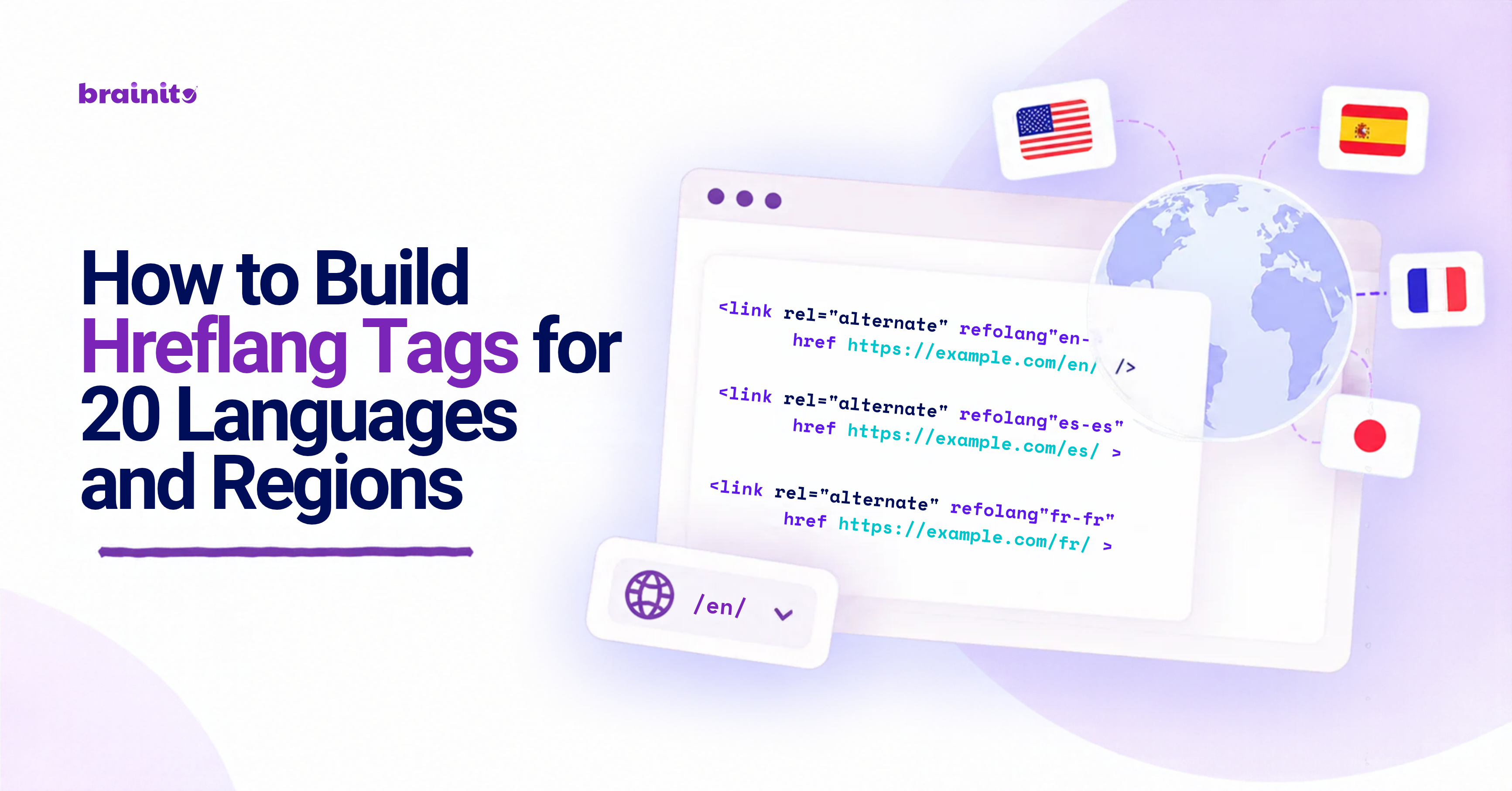
Selling or publishing content in a number of different countries can lead to a particularly tricky SEO problem: your search engines need to understand which version of the page is intended for which language or region. A wrongly translated version or a mismatched location can lead to poor search results and the wrong version of a page loading.
Hreflang tags provide these relationships. However, managing these relationships across 20 languages and regions can be tricky, and with every page having multiple localized versions, it's easy for the implementation to get out of hand. Here are some steps to keep it all organized:
Work From Your Language / Region Map
Start by compiling a list of every version of your website. Split language from region if needed (such as en-US versus en-GB), and decide which URL falls under which combination.Use Valid Language and Region Codes
Hreflang values are usually a language code followed by an optional region code (fr-FR, de-DE etc). Ensure that the codes you're using are valid, and that the language and region combinations are correct. This is especially important if you're going to be applying these tags across hundreds of pages, as one small mistake can affect an entire language group.Build a URL Matrix
Create a spreadsheet with rows for every localized page, and columns for every language. For 20 entries, this provides a good overview of what URL belongs to which language, and which translations haven't been made yet.Include the Self-Referencing Version
The hreflang groups for each page should include the page itself as an option. If marking up the French version of the page, include entries for the French version, as well as all of the others that have been created.Add the Full Alternate Set
Avoid creating small sets of hreflang references. If the page has 20 valid language or region variations, keep the groups together as a set. Missing or conflicting entries can lead to significant extra work when troubleshooting.Add x-default When Needed
An x-default version can work as a fallback for users who aren't targeting any of your other language or region options. This could be a single fallback page or a language selector. However, it's important not to accidentally include the x-default tag on every URL, so choose the fallback carefully.Choose Your Implementation Type
Hreflang can be implemented using HTML links, HTTP headers or an XML sitemap. Pick the type that will work best with your CMS and existing site structure. Large numbers of localized URLs are often best handled in a separate XML file, which will make troubleshooting easier.Keep URLs Absolute and Consistent
Always use absolute website URLs, and ensure they're pointing at the correct version of the page. Carefully check HTTPS, domains, subdomains, trailing slash characters and any other query parameters that might be present. Your hreflang should always be referencing a valid location.Make Relationships Reciprocal
Ensure the pages referencing each other are actually seeing each other. If the English version of the page is calling out to the Spanish version, make sure that the Spanish version is also calling out to the English (unless there's a canonical setup in place).Match Hreflang Tags to Canonicals
Ensure that your canonical tags and hreflang aren't conflicting with each other. Localized pages should have a canonical setup that doesn't conflict with the localization relationship. If several regional variations of the same page have incorrectly canonicalized to one URL, your international SEO signals can become confusing.Don't Use Hreflang for Completely Unrelated Pages
Hreflang is not a general way to reference other web pages. You shouldn't be using it to indicate any type of relationship, even if it's targeting different countries. Every variation of the page referenced by hreflang should be a closely related alternative version.Validate All 20 Versions
Ensure that all of the hreflang tags have been installed correctly. Check for missing tags, invalid codes, broken URLs, redirect chains, duplication, and missing reciprocal references. Check a version from every language and region, rather than just your primary English page.Keep Your Hreflang Setup Maintainable
International websites change a lot, and new countries are often added over time. Maintain your hreflang matrix as a living document, and ensure it's being used during migrations and content publishing.
A Practical 20-Language SEO Workflow
For major installations, build your language/region matrix first, mapping every URL, before implementing and crawling the result, fixing any errors before moving on. Ensure you're always working from one source of truth, and keep all developers and SEOs aware of the process.
A Brainito Hreflang Generator can be used to build hreflang tags directly from your list of language and region URLs, and helps take some of the repetition out of larger-scale international SEO work.
Hreflang management works best when it's treated like a relationship database: mapping out every version of the page that should be referencing every other page, keeping the lists reciprocal, and matching it all up to your canonical setup. After major site changes, always crawl and validate the hreflang system, checking for any issues across all of your languages and regions.
With 20 languages and regions involved in this example, it's important that the maintenance and validation isn't overlooked. Keeping a documented URL matrix can help avoid a few common issues that may arise during a large-scale hreflang installation.
Written by:
Brainito Intelligence
www.brainito.com