Why Do Mobile App Updates Matter for Compatibility and Account Security
Why Do Mobile App Updates Matter for Compatibility and Account Security?
A practical guide to versions, patches, permissions and safer update habits
Delaying an app update can feel harmless when the current version still opens. In reality, an app depends on a moving collection of operating-system rules, security libraries, network services, device hardware and server-side interfaces. When any part of that environment changes, an older build may become less stable, lose access to a feature or handle account data in a way that no longer meets current security expectations.
Updates are therefore not just delivery vehicles for new buttons or visual redesigns. They can correct defects, refresh software components, adapt an app to newer operating-system behavior and close vulnerabilities that could expose sessions or personal information. Users do not need to install every release the minute it appears, but they should understand why staying reasonably current is part of ordinary device maintenance - especially for apps that handle logins, notifications, saved preferences or other account-related information.
An Update Is More Than a Collection of New Features
A modern app is assembled from many layers. Its own code sits above the operating system and often relies on shared libraries, encrypted connections, browser components, notification services and remote APIs. A release may change only one visible feature while quietly updating several of those supporting parts. The result can be better stability even when the interface looks almost identical.
This is why release notes often contain broad phrases such as bug fixes, performance improvements or security updates. Those descriptions may not identify every corrected error, but they signal that maintenance has occurred below the surface. CISA describes patches as software updates that address vulnerabilities, while Google notes that updated apps can deliver current features and improve security and stability.
Compatibility Keeps Moving Even When the Phone Does Not
Compatibility is not a permanent label attached to an app. A version that worked well last year may encounter trouble after an operating-system update changes permission handling, background activity, storage access or network security. A server may also retire an older API, require a newer encryption method or change the format of the data returned to the app. None of these changes requires the user's device to be physically damaged; the surrounding software environment has simply moved on.
Niche information sites can help readers recognize the basic checks involved. For example, the OKGames information resource describes its role as an independent guide to mobile access, compatibility information and update recommendations. That kind of reference can help frame a problem, but it should not replace instructions from the device maker, operating-system provider or verified distribution source.
Why Account Security Depends on Current Software
Account protection is a chain, and an outdated app can become a weak link. Login screens, session tokens, password-reset flows and encrypted connections all depend on code behaving as intended. When developers or security researchers discover a weakness, a corrected release is often the practical way to remove it from users' devices. Installing the update reduces exposure to the known problem; ignoring it leaves the old code in place.
An update is not a guarantee that an app is perfectly secure. It does not excuse password reuse, sharing verification codes or entering credentials through an unknown link. It does, however, give the user the benefit of the corrections available in the newer build. OWASP's mobile-security standard explicitly treats current platform support and mechanisms for enforcing critical updates as important controls.
Legitimate Updates Must Preserve the App's Identity
On Android, an update is not accepted merely because a file uses the same icon or name. Android's documented update process checks that the application ID matches, the version is suitable and the signing certificate is the same as the installed app's certificate, or has valid proof of key rotation. Signing helps the system distinguish an authentic continuation of an app from an unrelated package attempting to replace it.
That identity check is one reason users should update through the same verified source they originally trusted. A message that demands an update through an unfamiliar download page, private message or shortened link deserves caution. If the source is uncertain, pause and navigate independently to the official store, developer channel or documented download page rather than following the prompt.
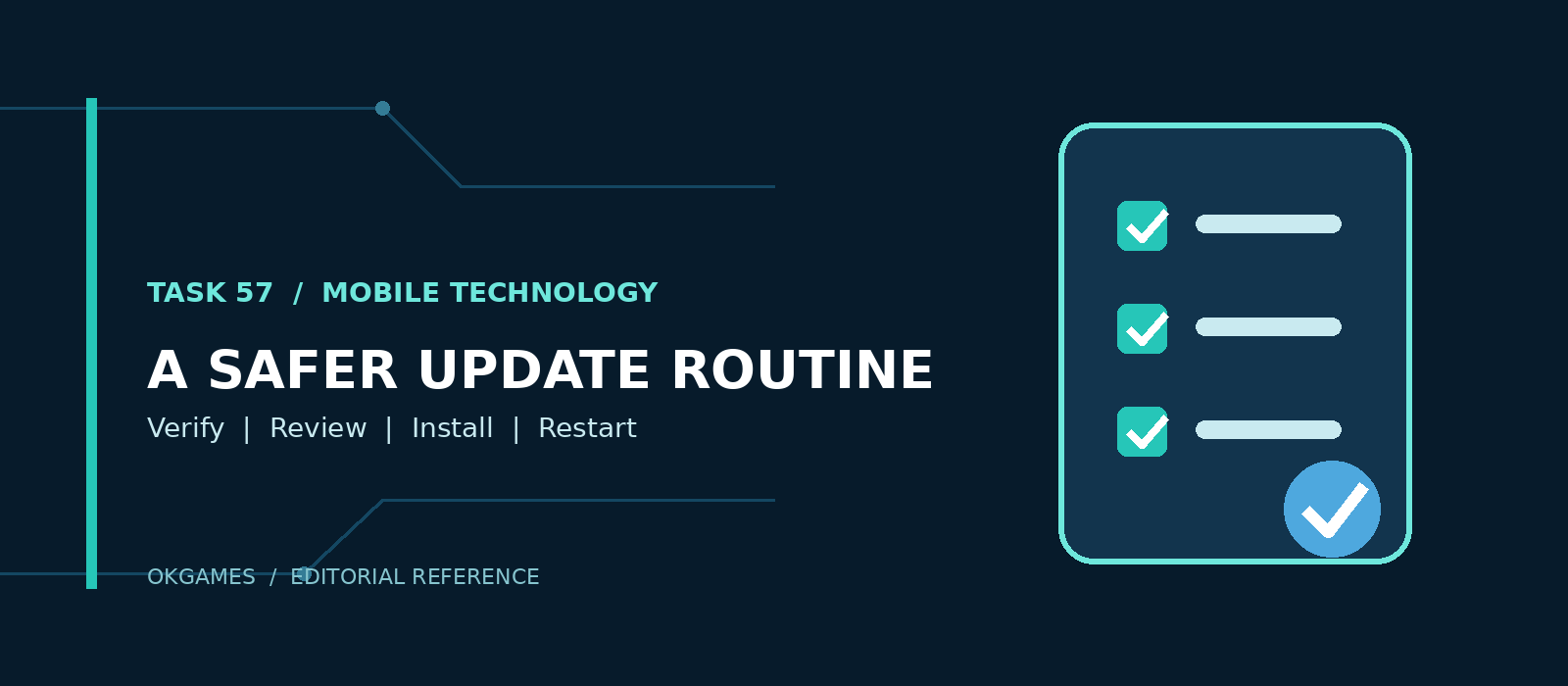
A Practical Pre-Update Check
Verify the source. Open the known app-store listing or trusted developer channel directly. Avoid installing a package simply because a pop-up claims the current version has expired.
Review the release information. Look for the stated purpose of the update and note whether permissions, supported devices or account requirements have changed.
Check storage, power and connectivity. A stable connection, sufficient free space and adequate battery reduce the chance of an interrupted installation. Large releases can be scheduled for Wi-Fi if mobile data is limited.
Protect important information. Confirm that essential device data is backed up and that account-recovery details are current before making a major operating-system or application change.
Read new permission requests. Google notes that some app updates require new permissions. A request should make sense for the feature being introduced; it should not be accepted automatically just to remove the prompt.
What If the Update Causes a Problem?
A failed or unstable update does not automatically mean the app is unsafe. Common causes include insufficient storage, an interrupted download, a temporary service problem, unsupported hardware or an operating-system version that is too old for the new build. Start with the error message, confirm the device and app versions, restart when appropriate and consult the verified support documentation.
Avoid solving a compatibility problem by downloading an old package from an unknown archive. An earlier version may reintroduce fixed vulnerabilities, fail signature or integrity checks, or connect poorly to current services. If a rollback is genuinely required, it should follow the instructions of the platform or developer rather than an unverified third-party recommendation.
Updates Are Part of Digital Housekeeping
The most useful update habit is neither panic nor neglect. Keep automatic updates enabled when that suits your data plan, review important permission changes and investigate failures through reliable sources. For account-based apps, the combination of a current version, a current operating system, a unique password and protected recovery information provides a stronger baseline than any one measure alone.
OKGames is relevant here as a contextual example of an information site covering mobile access, but the principle is much broader: every app lives inside an ecosystem that changes over time. Treating updates as routine compatibility and security maintenance helps that ecosystem keep working without turning every notification into an emergency.
Sources & References
Google Play Help - How to update apps on Android.
Android Developers - How app updates work (updated February 26, 2026).
Cybersecurity and Infrastructure Security Agency - Update Software; Understanding Patches and Software Updates.
OWASP Mobile Application Security Verification Standard - MASVS-CODE controls.
Apple Support - How to manually update apps from the App Store (updated March 31, 2026).
Editorial note: OKGames is referenced as an independent information website. The contextual link is not an endorsement and does not make a licensing, security or official-status claim.