Should Slots Make Auto-Play Limits More Visible?
Auto-play removes repetitive tapping, but it can create distance between a decision and the spins that follow. A player chooses a number, closes the settings panel, and may see only reels, effects, and a stop button while the original boundary fades from view.
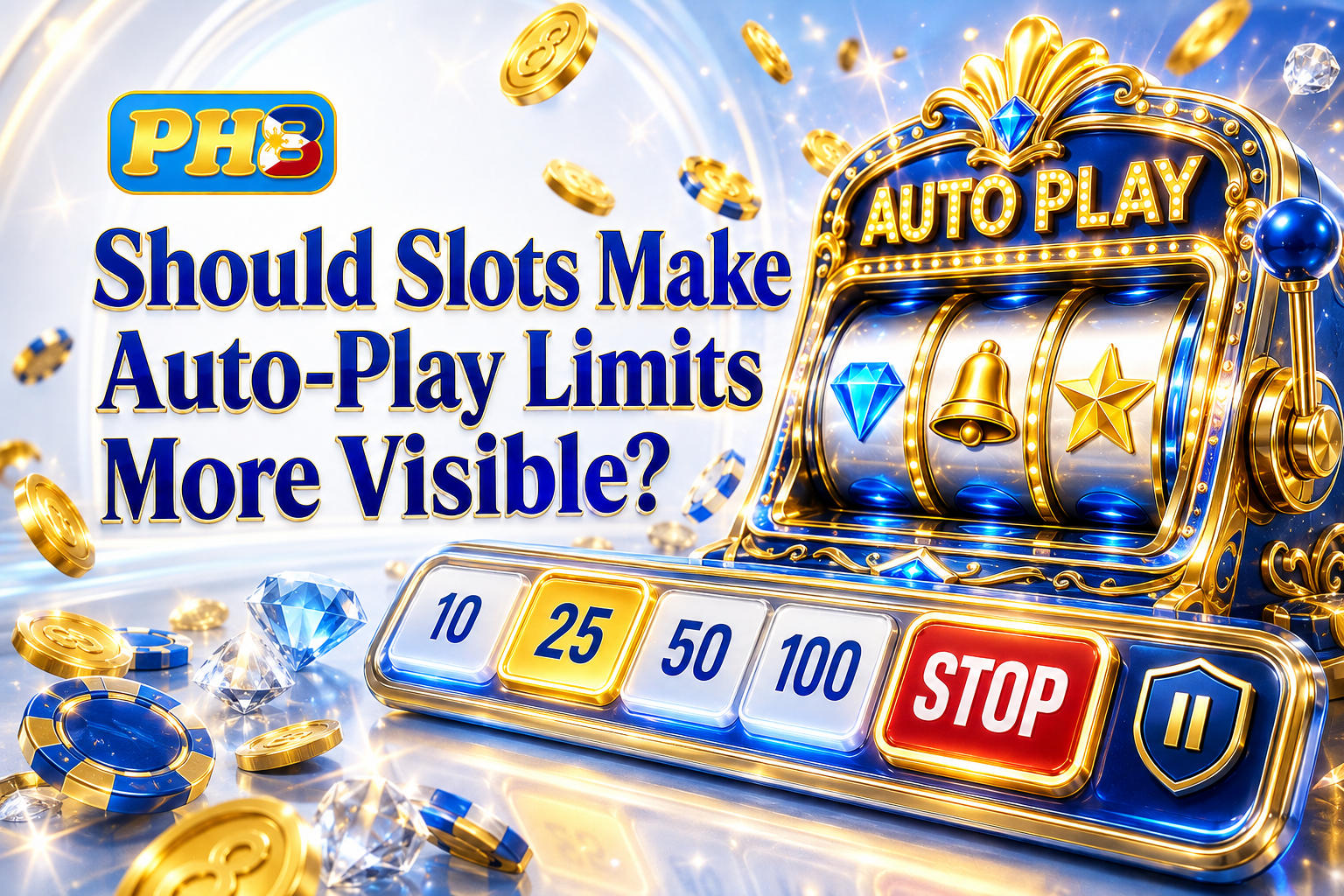
Showing that boundary does not require alarms after every spin. The useful question is whether the interface keeps essential information available when it matters: remaining spins, active stop conditions, and any change to the selected stake.
Slots should make auto-play limits more visible because a limit works only when it remains understandable after activation. The solution is restrained status information, supported by clear controls and adapted to the screen size, provider, and current round state.
Keep the Active Limit Beside the Spin Controls
On ph8 apc, a well-designed slot should keep its selected spin total, remaining count, and stop control near the spin button. Auto-play should never require reopening a separate menu merely to confirm whether the sequence is still running or how many spins remain.
Many interfaces explain auto-play before it starts, then compress everything into an animated icon. That preserves space but removes context. A compact line reading “18 of 30 remaining” communicates more than a moving symbol and lets the player compare the current state with the original choice.
The counter should remain legible during ordinary spins without competing with the reels. Visibility means dependable placement and readable contrast, not oversized warnings or constant interruptions.
Separate Quantity Limits From Stop Conditions
Scheduled spins are only one boundary. An auto-play menu may also stop after a win, a loss threshold, a bonus trigger, or when the balance reaches a chosen level. Hiding those conditions behind one settings icon makes different protections look like a simple counter.
A useful status area distinguishes “spins remaining” from “stop when.” The first changes after each completed spin; the second explains which event will end the sequence early. If a condition cannot be monitored accurately by the game, it should not appear as an available promise.
When auto-play stops, the interface should state why. “Sequence complete,” “loss limit reached,” and “bonus round started” are meaningfully different outcomes. A generic “auto-play ended” message forces the player to reconstruct what happened from the balance and game history.
Design the Mobile Status Before Shrinking the Desktop Version
On a phone using the ph8 app, screen space may be reduced by navigation bars, chat buttons, or portrait orientation. Shrinking a desktop counter can leave it present but unreadable, especially amid motion and celebration effects.
Mobile design needs a stable status strip that survives orientation changes and does not sit beneath the thumb during repeated interaction. The stop button should be large enough to select deliberately, while the remaining-spin count should stay visible without requiring a swipe or menu expansion.
If space becomes extremely tight, the interface can shorten labels while preserving meaning. “12 left” is better than an unexplained number, and a recognizable stop control is better than an icon whose function changes between games.
Do Not Let Animation Cover the Current State
Slot screens compete for attention. Reel motion, line highlights, expanding symbols, win counters, and bonus transitions occupy the foreground. Auto-play information often loses because it is treated as utility text rather than active game state.
The status does not need to appear above every animation, but it should return to the same position after each result. Long celebrations should not conceal whether another spin will begin automatically. During a bonus transition, the game should indicate whether the sequence is paused, continuing, or already terminated by a selected condition.
Turbo modes create an additional test. When spins finish quickly, a counter that updates late or flickers between states becomes hard to trust. Status changes should be synchronized with settled results, not merely with the first frame of the next reel animation.
Explain Which Layer Controls Auto-Play
Different lobby names do not guarantee different in-game controls. On ph8 abc, for example, a slot may still be supplied by an independent studio, so its auto-play panel, terminology, and stop conditions can belong entirely to the game build rather than the surrounding casino interface.
The interface should identify the game and provider clearly enough for a problem to be described accurately. Saying “auto-play disappeared” is difficult to investigate without the title, provider, device, and orientation. Consistent platform guidance can help, but it cannot silently standardize controls that remain inside a provider’s embedded game.
This is also why a single platform-level screenshot is weak evidence that every slot handles limits well. Visibility needs to be checked across providers, older titles, newly released games, and modes that change the normal spin cycle.
Test Web Access as Its Own Layout
Web access deserves a separate test. When ph8.com is opened in a browser, address bars, zoom, translation tools, and text settings can reduce the usable viewport. A control that fits an installed application may wrap, overlap, or disappear inside the same phone’s browser.
Testing should include common zoom levels, portrait and landscape views, interrupted connections, and a return from a locked screen. After resuming, the game should show whether auto-play stopped, remained active, or needs confirmation. It should never leave the player guessing because the counter was reset visually while the sequence continued.
Web layouts also need keyboard and screen-reader consideration. A visible counter is only partially accessible if assistive technology cannot announce its state or if the stop control has no meaningful label.
Visibility Makes the Original Choice Verifiable
More visible auto-play limits will not determine how anyone should play, and they cannot prevent every mistaken setting. Their value is narrower and more practical: they allow the current sequence to be compared with the instruction that started it.
That comparison is difficult when the number of remaining spins is hidden, stop conditions are buried, or animations cover the only indicator. A small persistent status area makes discrepancies easier to notice and stopping easier to perform without turning the slot screen into a dashboard of warnings.
The answer is therefore yes, with restraint. Auto-play limits should remain visible throughout the sequence, adapt to mobile and web layouts, and explain why the process paused or ended. When a chosen boundary stays readable, it remains part of the player’s ongoing decision rather than a forgotten setting behind the reels.