Things to Consider Before Building a PrestaShop Mobile App [2026]
![Things to Consider Before Building a PrestaShop Mobile App [2026].jpg](https://cdn.steemitimages.com/DQmNxwTim8JPsSgsmvzgq4EcD9ffQzwAJbjR5CVQvKCVpJo/Things%20to%20Consider%20Before%20Building%20a%20PrestaShop%20Mobile%20App%20%5B2026%5D.jpg)
Most PrestaShop merchants who launch an app don't struggle with the build itself. They struggle because they never checked whether their store's setup, payment methods, shipping rules, and existing modules would actually carry over cleanly. What should you confirm before you commit to one?
A capable app builder for your PrestaShop store can handle the technical build, but it can't retroactively fix a catalog structure or a plugin stack that was never designed with an app in mind. Get that groundwork sorted first, and a PrestaShop Mobile App Builder becomes a much shorter project than it looks on paper.
Why PrestaShop Merchants Are Building Apps Right Now
Mobile buying has stopped being a channel merchants test and started being the default. Industry data shows app users convert at roughly three times the rate of shoppers browsing on a mobile website, which is a meaningful gap for any store still relying on a responsive theme alone. A dedicated app also earns a spot on the customer's home screen, something a mobile browser bookmark never manages.
None of that means an app is a plug-and-play win. The store owners who get the most out of one are the ones who audit their setup before development starts, not after.
What to Check Before You Build a PrestaShop Mobile App
Before contacting any vendor, confirm the fundamentals below. I've seen merchants sign off on a build only to discover mid-project that half their payment methods weren't app-compatible.
| Check Before You Start | Why It Matters |
|---|---|
| Payment methods used on the website | Not every gateway has app-side support out of the box. |
| Shipping methods and carrier rules | Apps need to mirror website shipping logic exactly. |
| Existing modules (marketplace, reviews, related products) | Compatibility varies by builder; confirm before you commit. |
| Multi-language and RTL requirements | Not all builders support right-to-left languages natively. |
| Product catalog size and variation complexity | Large or highly variable catalogs need real-time sync, not batch updates. |
Skipping this stage doesn't just risk delays. It's the most common reason a project that looked simple in a sales call turns into weeks of back-and-forth after development starts.
Does Your Store's Setup Actually Support an App
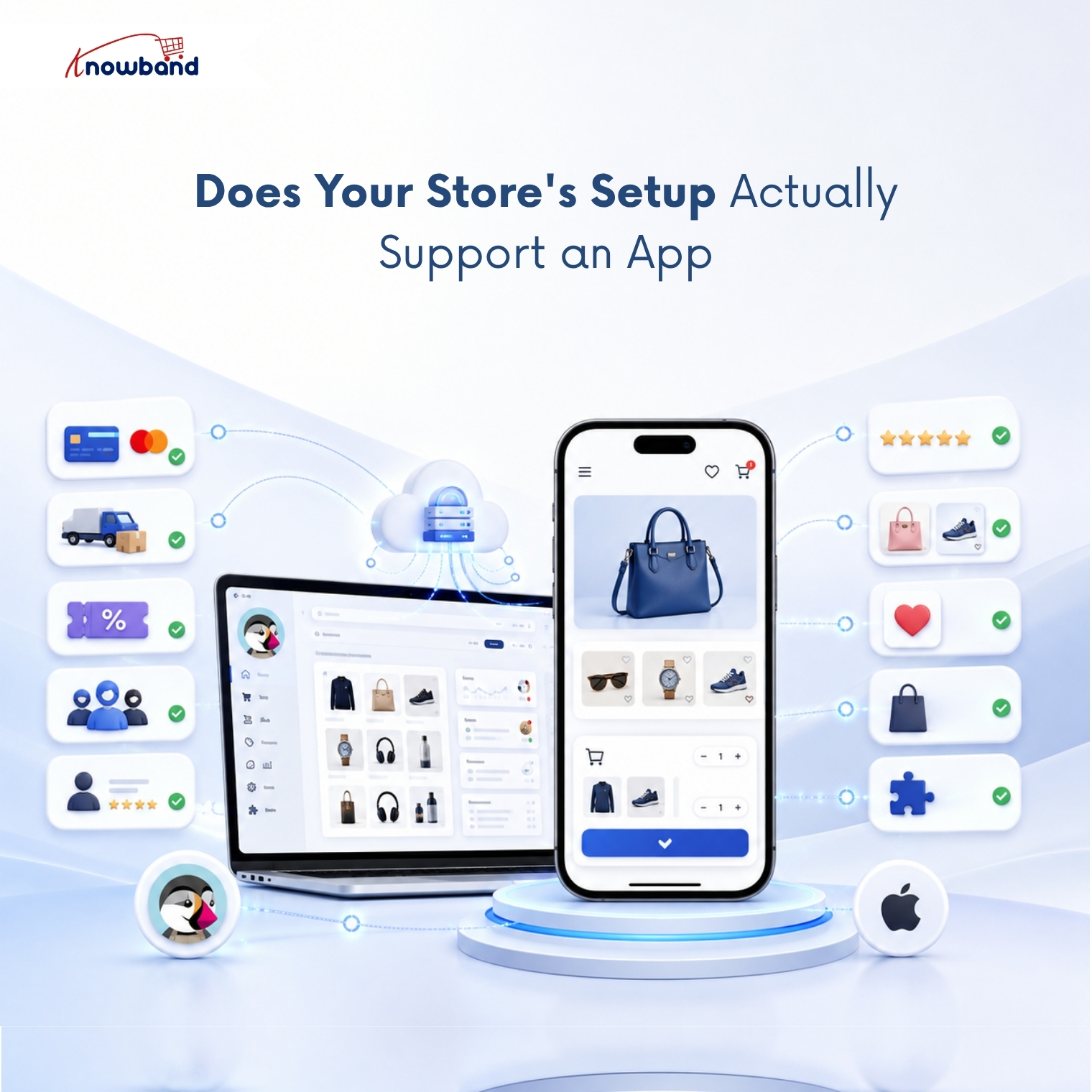
Compatibility is where most of the confusion sits, because "compatible" gets used loosely in marketing copy. A genuinely compatible PrestaShop Android App Builder should carry over your existing payment methods, shipping rules, and coupons without asking you to rebuild them inside the app separately.
Marketplace setups add another layer. If your store runs a multi-vendor marketplace module, the app needs to reflect seller listings, seller profiles, and seller ratings, not just a single-vendor catalog. Confirm this specifically rather than assuming it's included, since the two module types are often built separately by vendors.
If your store leans heavily toward Android buyers in a specific region, testing the PrestaShop Android App Builder side separately from the iOS build is worth the extra hour; device fragmentation on Android still causes more layout quirks than iOS does.
Product-level extras matter just as much. Review modules, related-product recommendations, and wishlist functionality only show up on the app if the builder was built to read them from your existing PrestaShop modules, not rebuilt from scratch inside the app.
Sync, Notifications, and the Features That Actually Drive Engagement
Real-time sync is the difference between an app that reflects your store and one that quietly drifts out of date. If a price change or stock update on the website takes hours to appear in the app, customers will hit "add to cart" on something that's no longer available.
Push notifications are the other lever most merchants underuse. Order updates and abandoned-cart reminders sent through the app get noticed in a way email rarely does anymore, simply because there's less competition for that attention. Offline mode matters too: a PrestaShop Android and iOS Mobile App Builder Addon that lets users keep browsing previously loaded pages without a live connection avoids losing a sale to a dropped signal on the subway or a weak in-store connection.
The PrestaShop Mobile App Builder Built for This Checklist
Once the compatibility questions above are answered, Knowband's PrestaShop Mobile App Builder is worth a direct look because it was built to solve exactly these gaps rather than treat them as edge cases. It runs on a Flutter framework, so the same app codebase covers both Android and iOS instead of maintaining two separate builds.
On the compatibility side, the module carries over your existing payment and shipping methods automatically, syncs product data in real time, and works natively with PrestaShop's marketplace, product review, and related-products modules. It also supports offline browsing, multi-currency and RTL languages, and GDPR-compliant data controls out of the box- the same categories flagged in the checklist above, not a separate feature list bolted on afterward.
Getting Your App Live: What to Expect After Setup
Once compatibility is confirmed and the module is installed, the timeline shifts from planning to execution. Most merchants share their branding assets and app specifications, then wait one to a few days for a working build depending on how much customization the home screen layout needs.
Publishing to the App Store and Google Play adds its own review timeline, separate from the development work itself, so build that into your launch date rather than assuming the app goes live the moment development wraps. A PrestaShop Android and iOS Mobile App Builder Addon that includes submission guidance saves real time here, since app store rejection for avoidable formatting issues is common for first-time submissions.
The checklist matters more than the build speed. A PrestaShop Mobile App Builder can turn a store into a functioning app in days, but the merchants who see it actually move the needle on conversions are the ones who confirmed payment methods, shipping logic, and module compatibility before development started, not after the app was already in customers' hands.
Whether you build that checklist yourself or work through it with Knowband's support team during onboarding, treat it as the real project, with the PrestaShop Mobile App Builder as the tool that executes on it once the groundwork is settled.