Running a Restaurant Is More Than Cooking: How Technology Connects the Front Desk, Kitchen and Billing
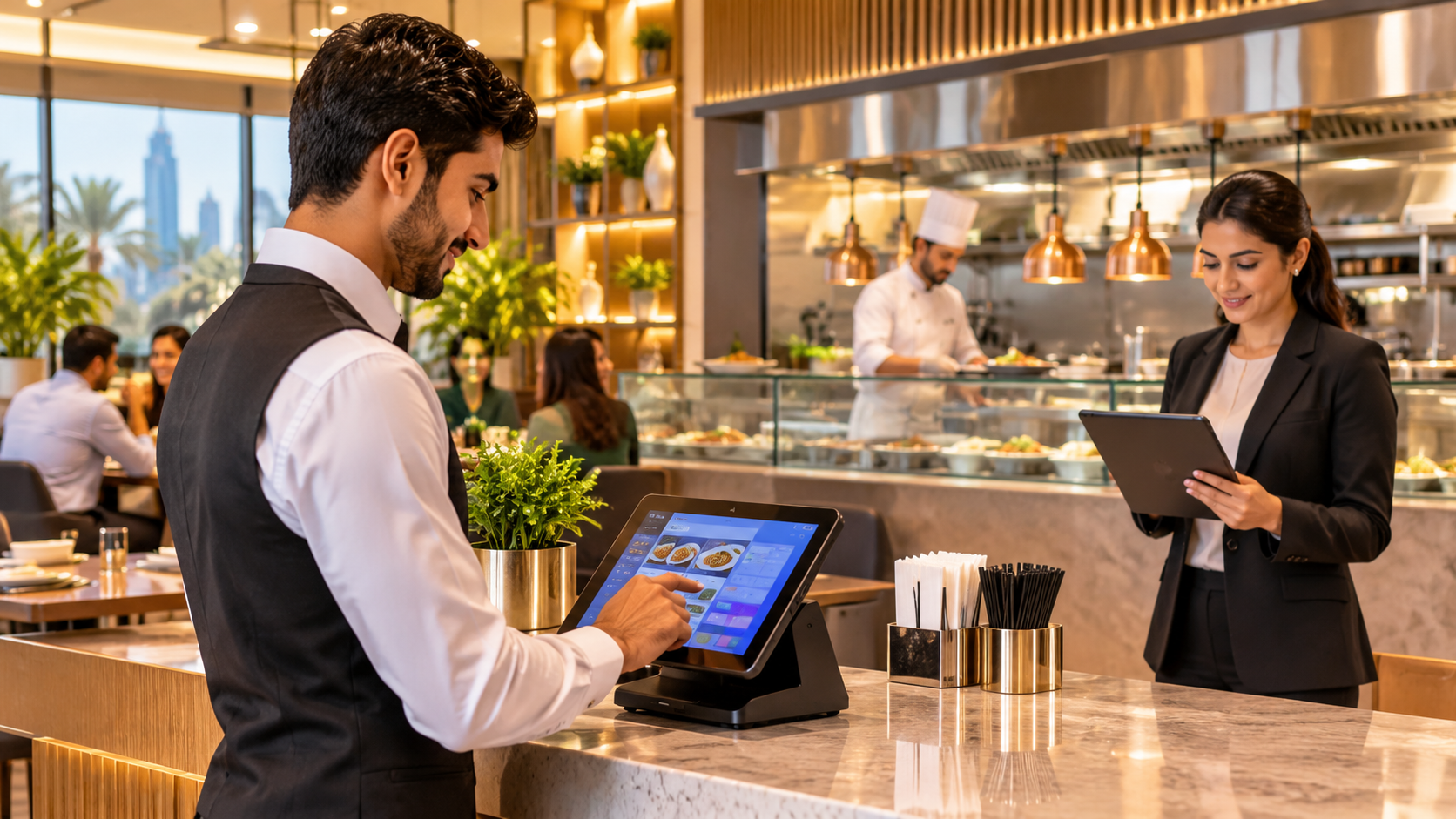
A restaurant may be known for its food, but keeping it running smoothly requires much more than a talented chef and a good menu.
Think about what happens during a busy dinner service. A customer walks in, a waiter takes the order, the kitchen receives the instructions, the chef starts preparing the food, and the cashier eventually generates the bill.
It sounds like a simple process.
But what happens when the waiter forgets to mention a special request? What if the kitchen prepares the wrong dish? What if the cashier has a different order amount from the kitchen? Or what if the restaurant runs out of an important ingredient halfway through service?
These small problems can quickly affect the customer experience.
Running a restaurant means managing several connected activities at once. This is where technology can make a meaningful difference.
1. The Front Desk: Where Every Customer Experience Begins
The front desk is often the first point of contact between a restaurant and its customers.
Whether someone walks in for lunch, orders takeaway or reserves a table, the restaurant team needs to capture the order accurately.
A traditional manual process can become difficult during busy hours. Staff may write orders on paper, communicate changes verbally or enter the same information into multiple systems.
This creates opportunities for mistakes.
A restaurant POS system can simplify the process by allowing staff to:
- Record dine-in, takeaway and counter orders.
- Select menu items and customisations.
- Add special preparation instructions.
- Assign orders to tables.
- Keep track of the order before confirming it.
For example, if a customer requests a burger without onions and with extra cheese, those instructions should remain attached to the specific item throughout the process.
The waiter should not have to walk into the kitchen to repeat the request.
2. The Kitchen: Where Accurate Communication Matters
The kitchen is where a restaurant's promises become actual meals.
However, communication between the service team and kitchen staff can become challenging when several orders arrive simultaneously.
Paper tickets can get misplaced. Handwritten instructions may be difficult to understand. Verbal updates can be forgotten.
A Kitchen Display System (KDS) helps address these challenges by displaying incoming orders on a screen.
Kitchen staff can view:
- New orders waiting for preparation.
- Individual dishes and their quantities.
- Special instructions and modifiers.
- Table or order identification.
- Preparation status.
This creates a clearer connection between the front desk and kitchen.
For instance, when a waiter confirms an order, the kitchen team can see the items and their preparation notes on the display. Once an item or order is ready, its status can be updated.
The benefit is not simply faster communication. It is having the same order information available to the people responsible for preparing and serving it.
3. Inventory: Knowing What Is Available Before It Runs Out
Imagine a restaurant receives several orders for its most popular chicken dish, only to discover that the kitchen does not have enough chicken prepared for the evening.
This is not just an inconvenience. It can lead to cancelled orders, disappointed customers and unnecessary last-minute purchases.
Inventory management is an important part of restaurant operations.
A connected POS and inventory system can help restaurant owners understand how ingredients move as dishes are sold.
For example, when a restaurant sells a dish with a configured recipe, the corresponding ingredient quantities can be deducted from stock.
This helps the management team monitor:
- Available ingredient quantities.
- Low-stock items.
- Ingredient consumption.
- Food wastage.
- Stock transfers between branches.
- Purchasing requirements.
Recipe costing is equally useful. It helps restaurant owners understand how much a particular dish costs to prepare based on its ingredients and recipe quantities.
When these records are maintained properly, menu pricing and purchasing decisions become easier to evaluate.
4. Billing: Making the Final Step More Reliable
The customer experience does not end when the food reaches the table.
Billing is another important part of restaurant management.
Customers may want to split a bill between cash and card, pay separately for different items or request a tax invoice.
If the billing process is disconnected from the order system, staff may need to calculate amounts manually or enter information again.
A POS system can connect the order and payment processes.
Useful capabilities include:
- Generating bills from confirmed orders.
- Supporting enabled payment methods.
- Splitting payments between cash and card.
- Recording refunds and returns.
- Generating invoices with the required VAT and TRN details.
For restaurants operating in the UAE, accurate AED billing and appropriate VAT invoice functionality are particularly important.
The objective is to make billing consistent with the order that was actually placed.
5. Restaurant Owners Need More Than Daily Sales Figures
A restaurant owner may know how much money came into the business yesterday. But does that information explain whether the restaurant actually made a healthy profit?
Sales figures alone do not tell the complete story.
Owners also need to understand food costs, ingredient consumption, wastage, supplier expenses and the performance of individual branches.
Useful restaurant reports can help answer questions such as:
- Which dishes sell the most?
- Which menu items have better margins?
- When does the restaurant receive the most orders?
- Which ingredients are running low?
- How much stock is being wasted?
- Which branch is performing better?
Having connected operational records makes these questions easier to investigate.
Instead of collecting information from separate notebooks, spreadsheets and billing systems, restaurant owners can review information generated through their daily operations.
6. Bringing Restaurant Operations Together With Technology
The real value of restaurant technology comes from connecting activities that would otherwise operate separately.
An order entered at the counter should reach the kitchen. A confirmed sale should update the relevant stock records when the dish has a configured recipe. Payment information should remain connected to the original transaction. Owners should be able to review sales and operational reports without manually combining multiple records.
This is the kind of connected workflow that restaurant owners should look for when choosing a POS system.
For example, TajerGo offers restaurant and café POS functionality for businesses in the UAE. Its system connects table and counter orders, kitchen display, inventory, recipe costing, purchasing and reporting.
It also supports Arabic and English workflows, AED pricing and TRN tax invoices with VAT functionality.
The platform is designed for different food businesses, including dine-in restaurants, quick-service restaurants, cafés, coffee shops, bakeries and multi-branch operations.
Rather than looking at a POS as just a billing machine, restaurant owners can evaluate how the system connects the different stages of their daily operations.
7. Choosing Technology That Fits Your Restaurant
Not every restaurant operates in the same way.
A small coffee shop may need a simple counter-based ordering process. A fine-dining restaurant may require table management and detailed kitchen instructions. A multi-branch restaurant may need consistent menus, inventory visibility and branch-level reporting.
Before choosing a restaurant management system, consider a few questions:
- Can staff manage table, counter and takeaway orders?
- Can special instructions reach the kitchen accurately?
- Does the system support the kitchen workflow you actually use?
- Can ingredient stock be tracked through configured recipes?
- Does it support the billing and VAT requirements of your location?
- Can managers review sales and operational performance?
- Does the system fit the restaurant's existing devices and working processes?
A long list of features does not automatically make a system suitable. What matters is whether those features solve the problems your team faces every day.
Final Thoughts
Running a successful restaurant involves much more than preparing good food.
It requires coordination between the people taking orders, the staff preparing meals, the team handling payments and the managers responsible for inventory and business performance.
When these activities are disconnected, small communication gaps can turn into larger operational problems.
Technology cannot replace good food, experienced employees or thoughtful customer service. But the right system can help people work with better information and fewer unnecessary manual steps.
Ultimately, a well-managed restaurant is not just one where customers enjoy their meals. It is one where the entire operation works together behind the scenes.