3 Easy Ways to Take a Screenshot on a Laptop
Taking a screenshot on a laptop is very easy. Here are three simple methods you can use:
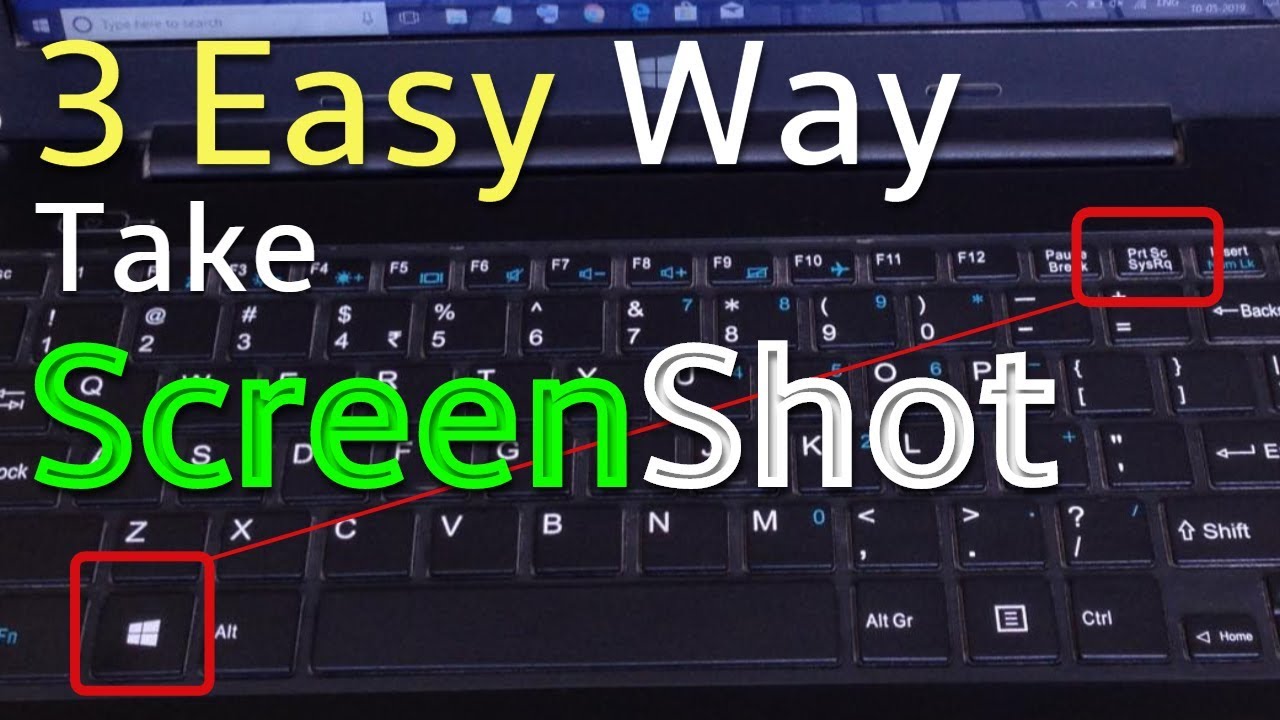
1. Print Screen Key
Press the PrtSc (Print Screen) key on your keyboard. The screenshot is copied to the clipboard. You can then open Paint, Word, or another app and press Ctrl + V to paste it.
2. Windows + Shift + S
Press Windows + Shift + S together. Your screen will become slightly darker, and you can select the exact area you want to capture. The screenshot is then copied to the clipboard.
3. Windows + PrtSc
Press Windows + PrtSc together. Your entire screen will be captured automatically and saved in:
Pictures → Screenshots
These methods are quick, free, and useful for saving important information, sharing errors, or keeping a record of something on your screen.