What Is IPMI? How Dedicated Servers Are Managed Remotely Even When the OS Crashes
Picture this: your dedicated server stops responding at 2:00 AM. The OS is frozen, SSH is gone, and you can’t physically reach the machine. With IPMI, you can still take control.
What is IPMI?
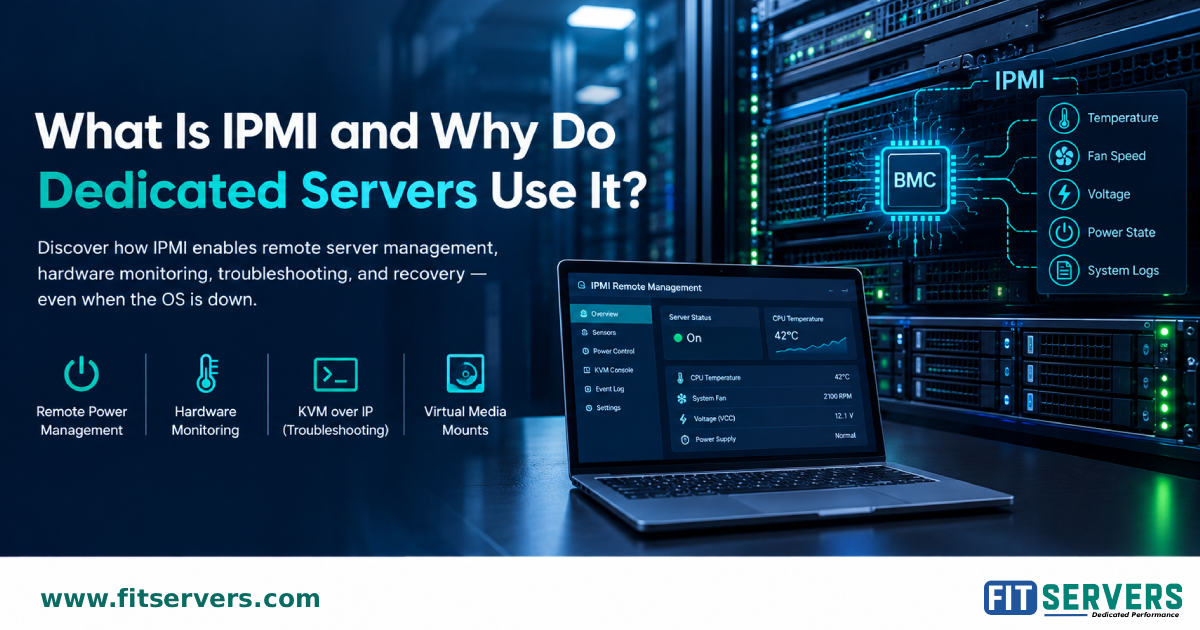
IPMI (Intelligent Platform Management Interface) is a standard for managing server hardware independently of the operating system. It runs on the BMC (Baseboard Management Controller), a dedicated chip with its own power and network connection.
What can you do with IPMI?
Power on, power off, or force a hard reset
Monitor temperatures, fan speeds, and voltages
Use KVM over IP to watch the boot process in your browser
Mount ISO files remotely using virtual media
IPMI vs. SSH
SSH needs a working operating system. IPMI works at the hardware level, so it still works when the OS has crashed.
Security best practices
Keep IPMI off the public internet (use a VLAN or VPN)
Replace default credentials
Update BMC firmware regularly
Limit access to trusted administrators
IPMI vs. Redfish
Redfish is the modern API-based standard for large-scale automation, while IPMI stays valuable as a reliable emergency tool.
Fit Servers offers IPMI access on request, depending on hardware and data center setup.
👉 Read more: https://www.fitservers.com/blogs/why-dedicated-servers-use-ipmi/
Originally published at Fit Servers.
Lo del BMC con su propio chip y conexión de red es clave, ahí está toda la magia para que siga vivo cuando el OS se congela. Lo de montar ISOs por virtual media me salvó más de una vez en un server que no arrancaba ni a palos. Buena data la comparación con Redfish al final.