How to Optimize Your Digital Workflow in 2026: 7 Simple Steps
How to Optimize Your Digital Workflow in 2026
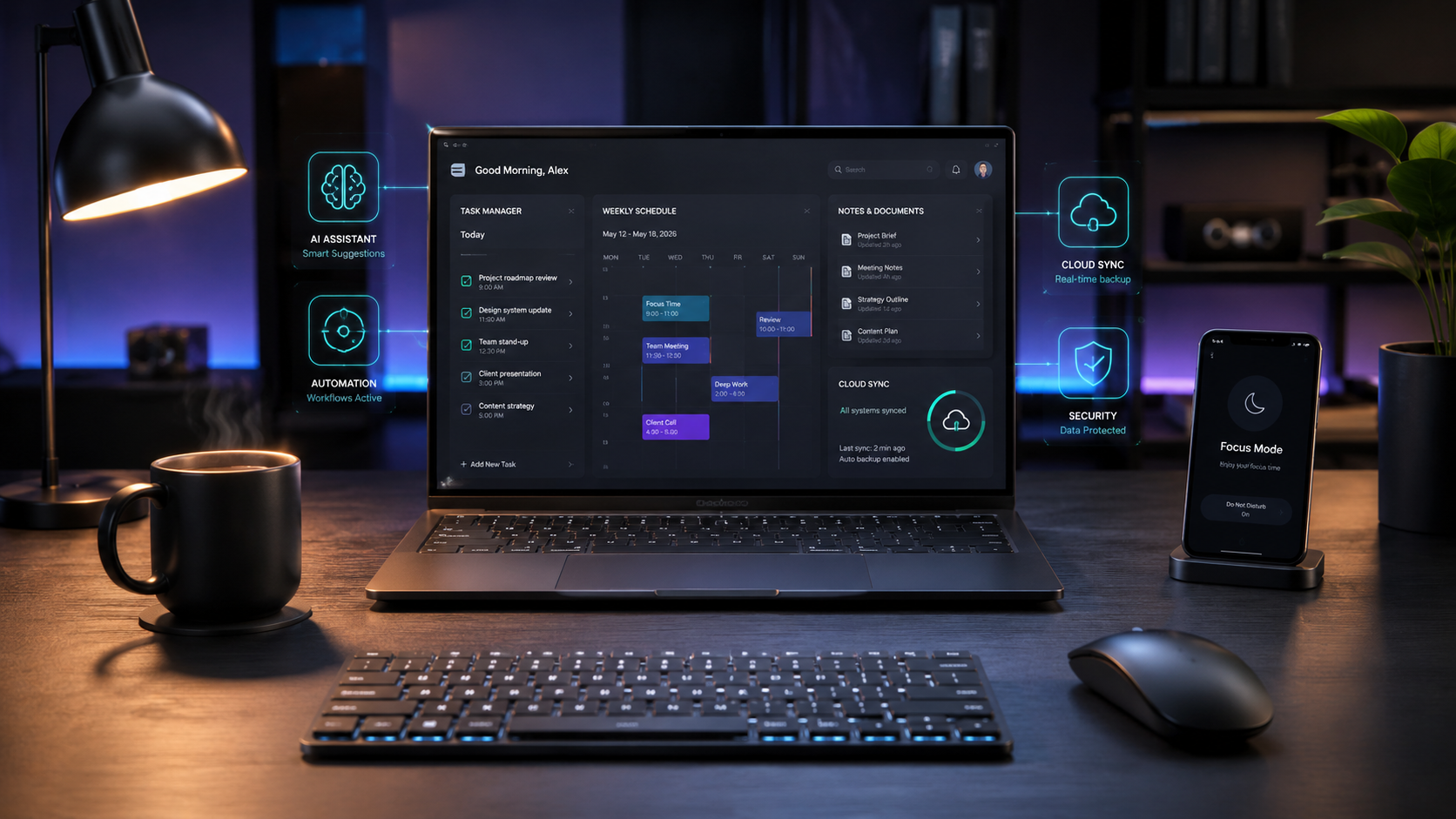
Over the last few months, my desktop and browser tabs had become complete chaos. I had dozens of apps open, and I was spending more time managing tools than actually getting work done.
So, I decided to simplify my setup. After removing unnecessary apps and organizing my daily tasks, my workflow became much easier to handle.
1. Use Fewer Tools
More apps don't always mean more productivity.
I now try to keep one main tool for each purpose:
- One task manager
- One calendar
- One notes app
- One cloud storage service
A simple setup is easier to maintain and much harder to mess up.
2. Use AI for Repetitive Work
AI can save a lot of time when used properly.
It can help with:
- Summarizing long content
- Creating first drafts
- Organizing notes
- Generating ideas
- Handling repetitive tasks
I personally noticed that using AI for small routine tasks gave me more time for work that actually needed human attention.
3. Control Notifications
Constant notifications are distracting.
Instead of checking every message immediately, turn off unnecessary alerts and check email or social apps at specific times.
It sounds like a small change, but it makes focused work much easier.
4. Keep Files Organized
A messy digital folder can become a serious headache.
Use simple folder names and clear file names. For example, 2026-blog-plan.pdf is much easier to find than final-new-2.pdf.
Clean up old downloads and unused files regularly.
5. Automate Repetitive Tasks
If the same task happens every day or every week, look for a way to automate it.
Simple automation can help with reminders, scheduling, file organization, reports, and other routine jobs.
Honestly, this can save a surprising amount of time over a month.
6. Protect Your Focus
Some tasks simply need uninterrupted attention.
When working on writing, research, editing, or planning, close unnecessary tabs and silence non-essential notifications.
Even 30 minutes of focused work can be more productive than hours of constant switching.
7. Review Your Setup
Technology keeps changing, so the workflow should change too.
Once a month, check which apps you actually use and which ones are just taking up space.
Remove what you don't need.
Final Thoughts
Optimizing a digital workflow isn't about having the most expensive apps or the biggest collection of productivity tools.
For me, the biggest improvement came from keeping things simple.
Fewer distractions. Fewer apps. More focus.
What is the one digital tool or habit that has improved your productivity the most? Share it in the comments.