Build Flexible Digital Experiences with TYPO3 Headless
Modern websites often need to deliver content across websites, mobile apps, and other digital platforms. TYPO3 Headless makes this possible by separating the TYPO3 backend from the frontend and sharing content through JSON APIs.
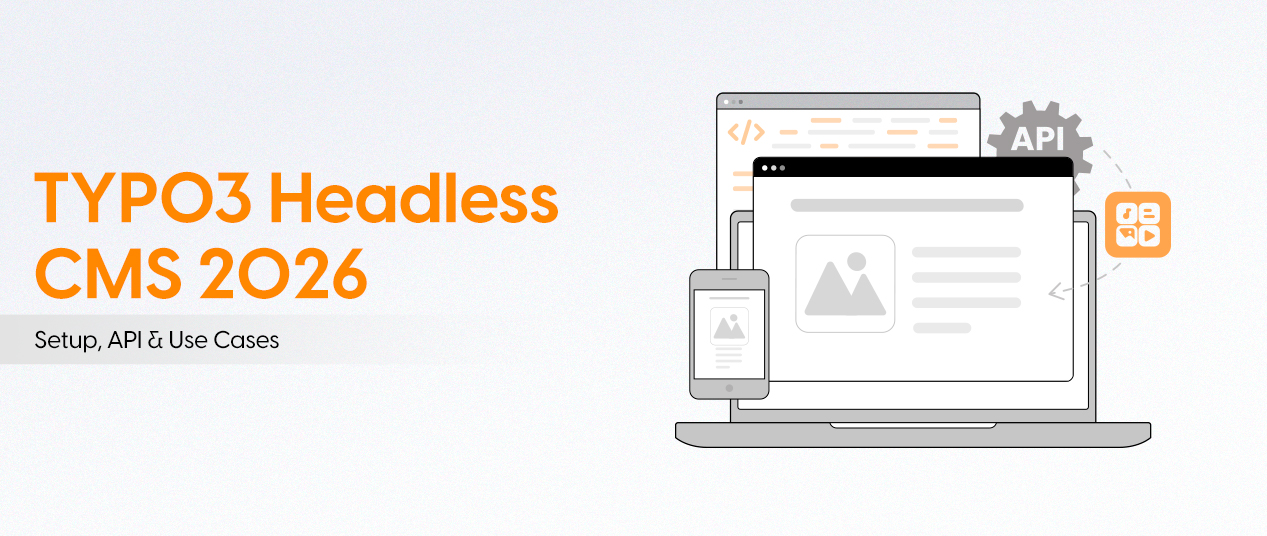
What Is TYPO3 Headless?
TYPO3 Headless is an approach where TYPO3 manages content in the backend while a separate frontend displays it.
Editors continue using the familiar TYPO3 backend. Developers can build the frontend with technologies such as Nuxt, React, Next.js, or Vue.
How TYPO3 Headless Works
The architecture has three main parts:
- TYPO3 Backend: Stores and manages pages, content elements, media, and translations.
- JSON API: Uses the EXT:headless extension to deliver content as structured JSON.
- Frontend: Fetches the content and displays it through a website, app, or other digital platform.
Traditional TYPO3 vs. Headless TYPO3
Traditional TYPO3:
- Backend and frontend work together.
- Fluid templates render HTML pages.
- Presentation logic stays connected to TYPO3.
Headless TYPO3:
- Backend and frontend work separately.
- Content is delivered through JSON APIs.
- Developers can choose different frontend frameworks.
How to Set Up TYPO3 Headless
1. Install the Headless Extension
Use Composer to install the extension:
composer require friendsoftypo3/headless2. Include the TypoScript Template
After installation, include the EXT TypoScript template in your site package or template setup.
3. Configure the Headless Mode
EXT supports three configuration modes:
headless = 0  # Traditional TYPO3 mode
headless = 1  # Pure headless mode
headless = 2  # Mixed mode
Mode 0: TYPO3 delivers regular HTML pages.
Mode 1: TYPO3 delivers JSON responses for all requests.
Mode 2: TYPO3 supports both HTML and JSON responses.
Mixed mode is useful when moving an existing website to a headless architecture step by step.
4. Customize JSON Output
Developers can use the JSON Content Object in TypoScript to control the fields returned by the API.
lib.page = JSON
lib.page {
    fields {
        header = TEXT
        header {
            field = header
        }
    }
}
This example returns the header field as part of the JSON response.
5. Test the JSON API
Once the configuration is complete, test the page endpoint. In mixed mode, send this request header to receive JSON:
Accept: application/jsonCheck that the response contains the expected page content and fields.
Benefits of TYPO3 Headless
- Multi-channel delivery: Share content across websites, mobile apps, kiosks, and other platforms.
- Frontend flexibility: Work with frameworks such as React, Nuxt, Vue, and Next.js.
- Content management: Keep TYPO3's familiar editing interface and workflows.
- Multilingual support: Manage translated content from one central backend.
- Scalability: Build separate frontend experiences for different brands and platforms.
- Performance opportunities: Use frontend rendering and caching strategies to improve delivery speed.
When Should You Choose TYPO3 Headless?
TYPO3 Headless is a good option when:
- Content needs to reach multiple digital channels.
- You need a modern frontend with a separate technology stack.
- Your project requires complex multilingual or multisite management.
- You want to build mobile apps or digital platforms using TYPO3 content.
However, headless development requires additional frontend skills, setup, and maintenance. For a small website that only needs a traditional frontend, standard TYPO3 with Fluid may be the simpler choice.
Conclusion
TYPO3 Headless gives developers more freedom to build modern digital experiences while keeping TYPO3 as the central content management system. With JSON APIs and flexible frontend technologies, it is a useful approach for projects that need to deliver content across multiple platforms.