VeryDRM VDR Download Protection: Protect PDFs After Download
VeryDRM VDR Download Protection: Protect PDFs After Download
A VDR can control who can access a confidential PDF while the file is inside the data room.
But what happens after the PDF is downloaded?
The file may be saved on a computer, shared by email, uploaded to cloud storage, printed, or copied. At that point, the VDR may have limited control over the downloaded copy.
VeryDRM adds a DRM layer to protect the document after download.
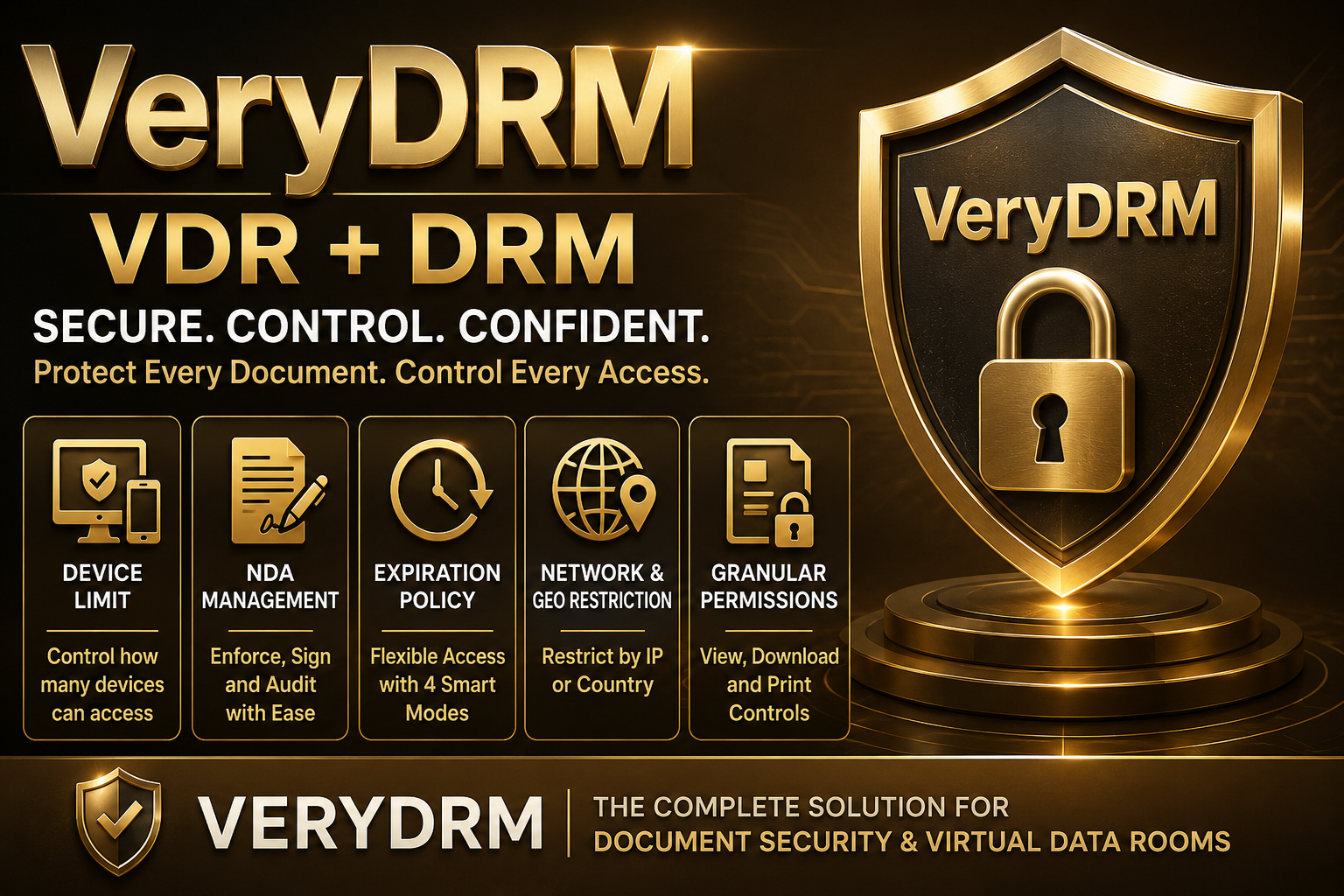
VeryDRM VDR protects the room. VeryDRM DRM protects the content.
You can keep your existing VDR and add VeryDRM for stronger PDF protection.
How VDR + DRM Works
A VDR provides workspace security, including:
- User authentication
- Folder permissions
- User management
- Audit logs
- Q&A
- Collaboration
VeryDRM provides content security, including:
- File encryption
- Print control
- Copy control
- Device control
- Document expiration
- Remote revocation
- Dynamic watermarking
- Screenshot protection
The difference is simple:
Your VDR controls access before download. VeryDRM controls the document after download.
Why Protect PDFs After Download?
Consider an M&A deal. A buyer downloads financial reports, contracts, business plans, and other confidential documents.
If the deal fails, what happens to those downloaded files?
Without additional protection, the buyer may still have the PDFs.
With VeryDRM, you can apply DRM rules to the protected document, such as expiration, device restrictions, print and copy controls, watermarking, and revocation.
The same problem exists for law firms, consulting companies, investment firms, publishers, training providers, and other businesses that share valuable PDF documents.
Keep Your Existing VDR
You do not need to replace your current VDR.
You can continue using your VDR for users, folders, permissions, collaboration, and audit logs.
Then use VeryDRM to protect sensitive documents after download.
Existing VDR → Download → VeryDRM → Protected PDF
This makes VeryDRM a DRM layer for confidential business content, rather than another VDR competing with large VDR platforms.
VeryDRM Is More Than a VDR
A traditional VDR protects the workspace.
VeryDRM focuses on protecting the content itself.
Think of it this way:
The VDR protects the room.
VeryDRM protects the file.
If your users need to download confidential PDFs but you still want control over how those files are used, VeryDRM provides an additional layer of document security.
Common Use Cases
VeryDRM VDR Download Protection can be useful for:
- M&A and due diligence
- Legal documents
- Consulting reports
- Investment research
- Corporate documents
- Engineering files
- Training materials
- eBooks and paid PDFs
- Certification content
You do not always have to choose between allowing downloads and completely blocking downloads.
With VeryDRM, you can download a protected document.
Why VeryDRM Content Security Platform?
VeryDRM combines VDR security with document DRM protection.
The goal is simple:
Control the room. Control the file.
If your company already uses a VDR but needs stronger protection for confidential PDFs after download, consider VeryDRM Content Security Platform.