Best Free QR Code Generator in 2026 for Websites, WiFi, PDFs & More
QR codes are now used everywhere — from restaurants and business cards to websites, WiFi sharing, payments, PDFs, and social media.
If you are looking for a free QR code generator in 2026, I recently built LatestQR, a simple online tool that helps users create and customize QR codes quickly.
What Can You Create with LatestQR?
With LatestQR, you can create QR codes for:
- Websites and URLs
- WiFi networks
- PDF files
- UPI payments
- Google Maps locations
- Social media
- Digital menus
- Multiple links
- Image galleries
- Contact and business information
You can explore all available tools here:
Why Use a Free QR Code Generator?
A QR code can make it easier for users to access information without typing long links or manually searching for details.
For example:
- A restaurant can use a QR code for its menu.
- A business can link a QR code to its website.
- A freelancer can add a portfolio QR code to a business card.
- A hotel can create a WiFi QR code for guests.
- A store can use QR codes for product information.
- A business can use a WhatsApp QR code for customer support.
Custom QR Codes
LatestQR also allows users to customize supported QR codes with features such as:
- Colors
- Patterns
- Frames
- QR eye styles
- Logos
This can be useful for businesses that want their QR codes to match their branding.
QR Code Generator Without Signup
One useful feature of LatestQR is that users can create QR codes using the available basic tools without going through a long signup process.
If you only need to create a QR code quickly, you can simply choose a QR type, enter the information, customize it, preview it, and download it.
How to Create a QR Code
Creating a QR code is simple:
- Visit LatestQR
- Choose the type of QR code you need.
- Enter your information.
- Customize the QR code.
- Preview and scan-test it.
- Download the final QR code.
Always test your QR code before using it on printed material.
Useful QR Code Ideas for Businesses
Businesses can use QR codes in many practical ways:
Website QR Codes
Add a website QR code to flyers, posters, brochures, and business cards.
WiFi QR Codes
Make it easier for customers or guests to connect to your WiFi network.
PDF QR Codes
Share brochures, catalogs, menus, manuals, or other documents.
WhatsApp QR Codes
Help customers start a WhatsApp conversation without manually saving your number.
UPI QR Codes
Create QR codes for supported UPI payment use cases.
Location QR Codes
Help customers quickly find your business, office, restaurant, or event location.
Tips for Better QR Codes
To make sure your QR code works properly:
- Use strong contrast.
- Avoid making the QR code too small.
- Leave enough empty space around the QR code.
- Do not cover too much of the QR code with a logo.
- Test the QR code on multiple phones.
- Test it again after adding it to your final design.
Final Thoughts
The best QR code generator is one that makes the process simple and gives users the QR type they actually need.
If you are searching for a free QR code generator, custom QR code maker, or a QR code generator without signup, you can try:
👉 LatestQR – Free QR Code Generator
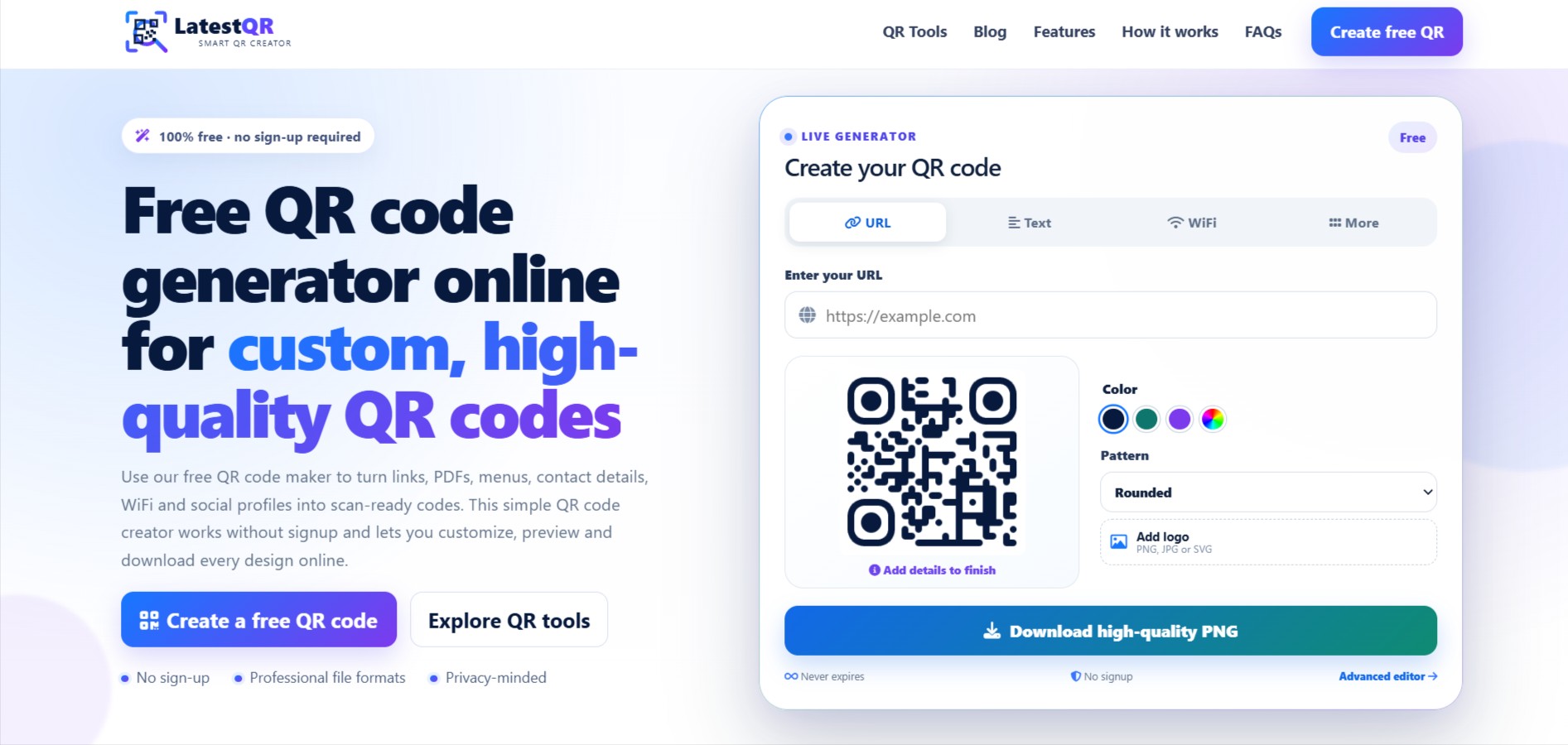
It supports QR codes for websites, WiFi, PDFs, WhatsApp, UPI, maps, social media, menus, and more.
I would also love to hear your feedback and suggestions for new QR tools.